
Run multiphysics simulations
Set up structural, thermal, electromagnetic, acoustic, fluid and coupled studies on your CAD by answering a few questions. RunMat meshes the part, solves fast on GPUs, CPUs and clusters, and checks each result against your limits.
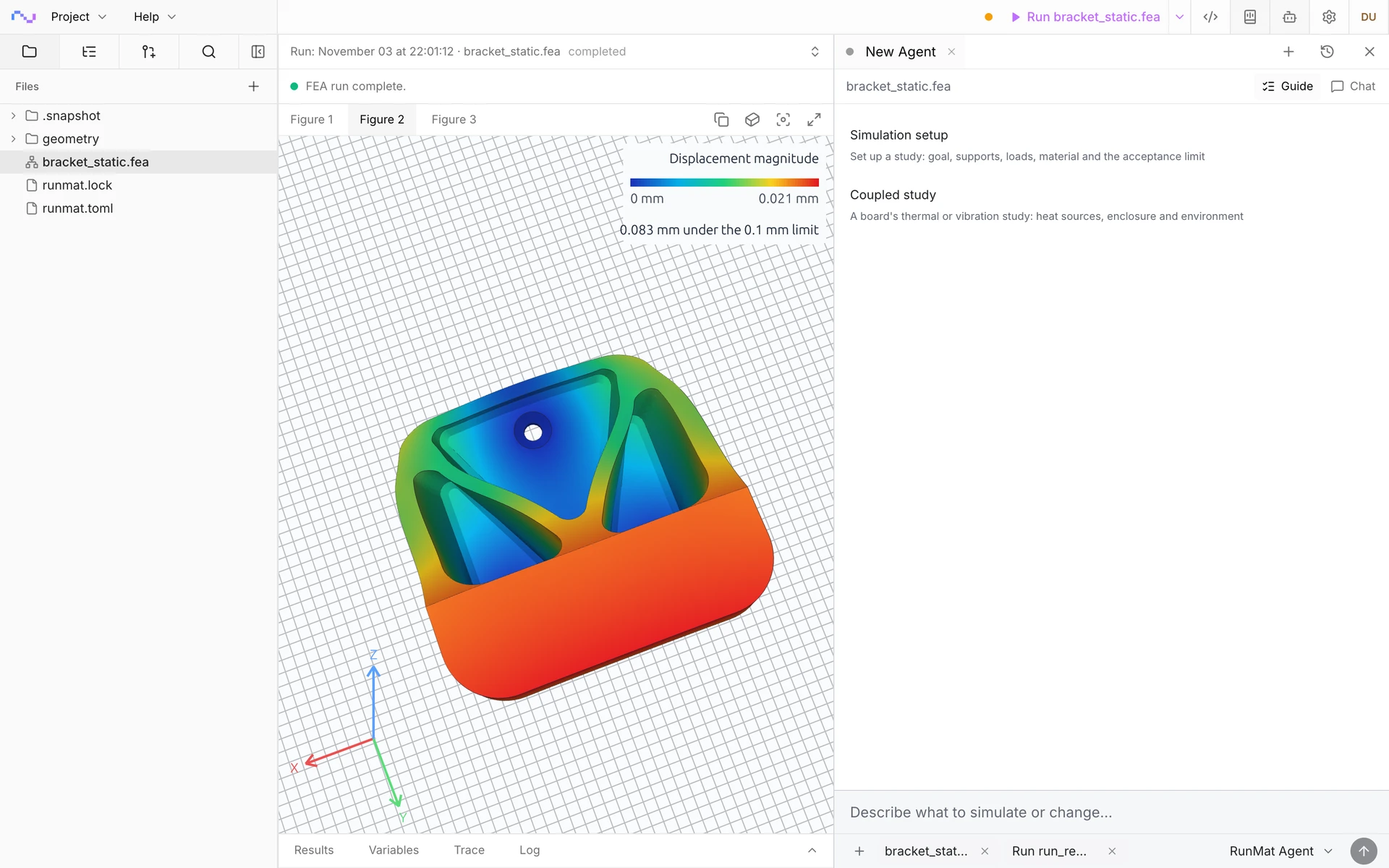
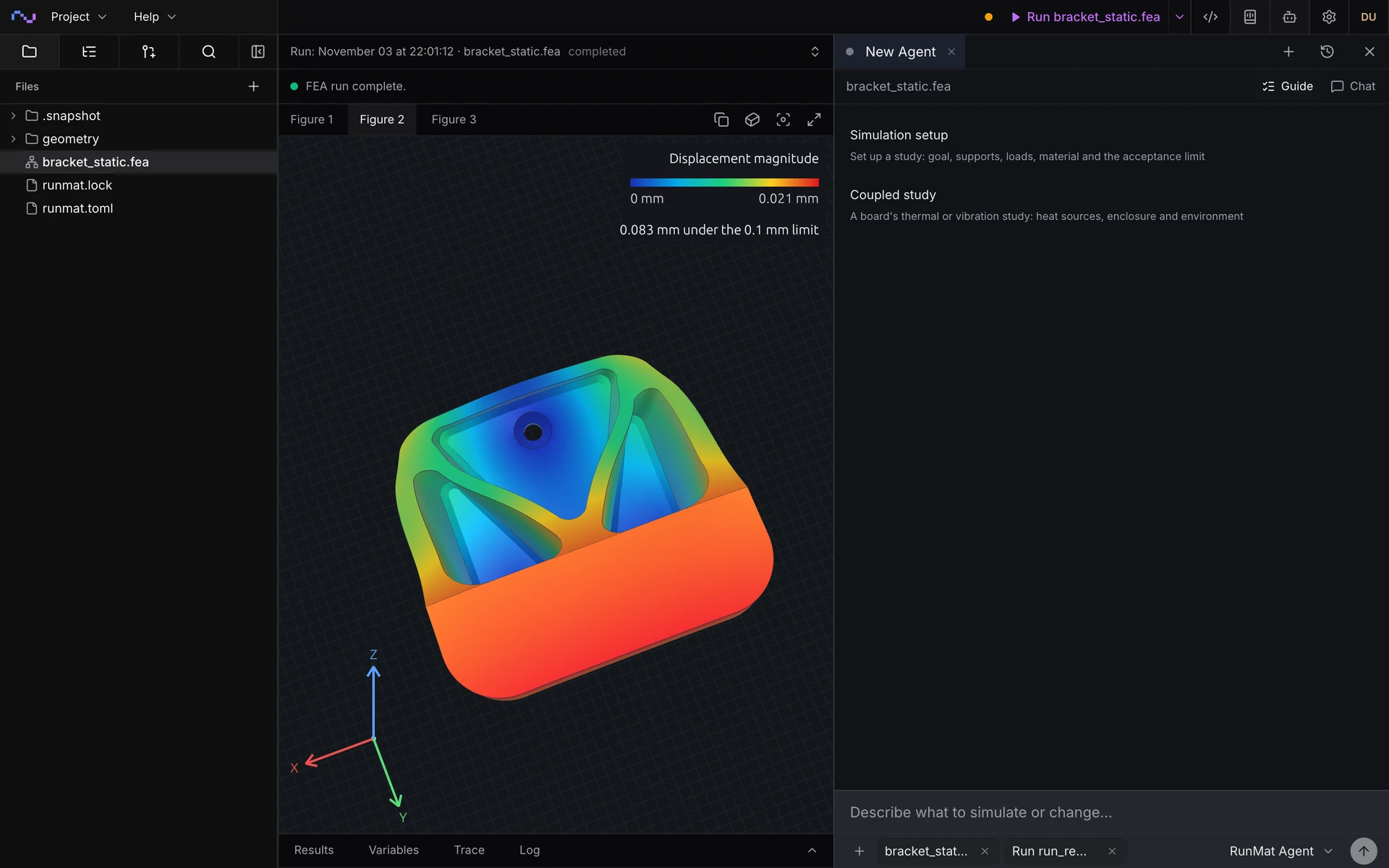
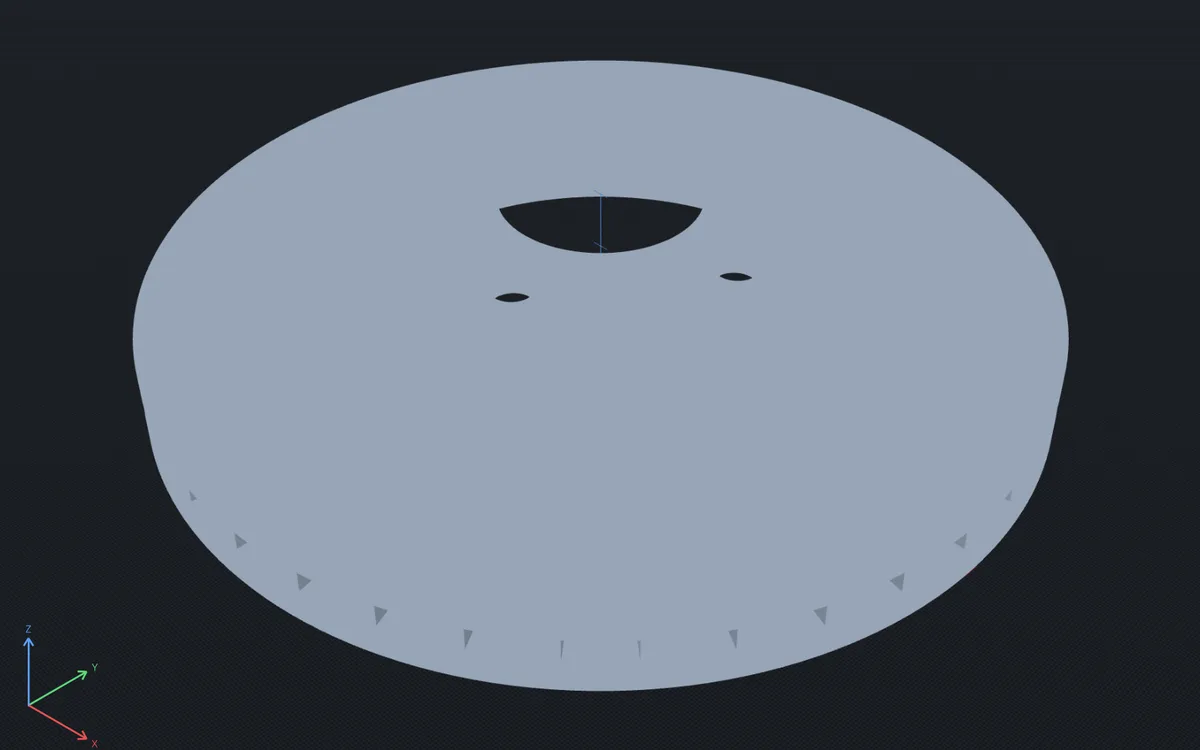
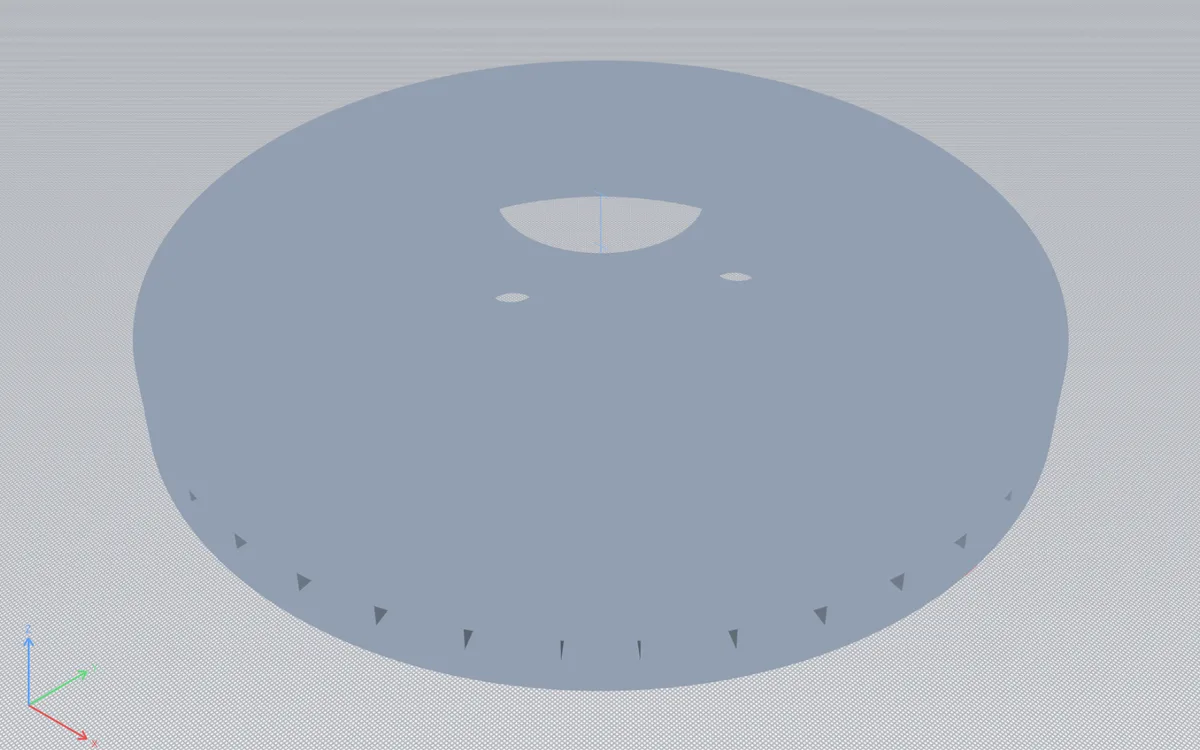
Guided setup on a steel wall hook: answer a few questions, click the mounting holes and the hook seat, and run the solve.
Choose your physics
Each page opens with a solved example, then the questions it answers and the study types it covers, each with an example you can open in your browser.
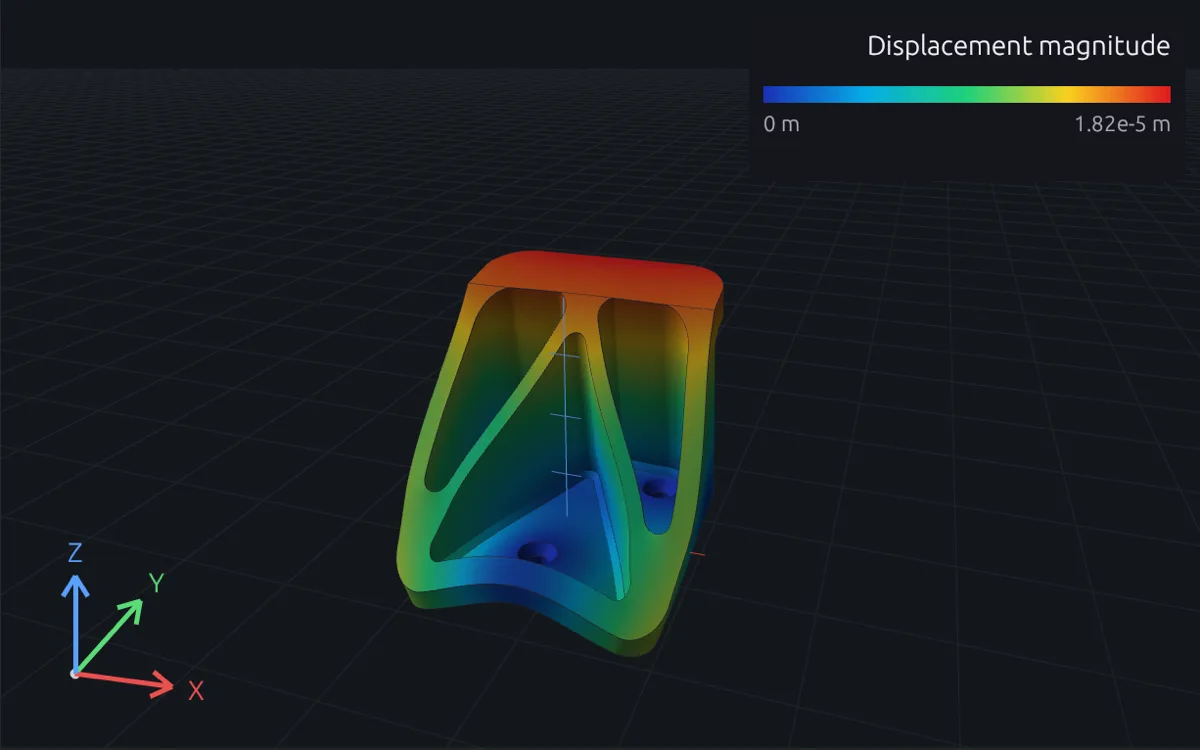
Structural
Stress, deflection, natural frequencies and buckling loads of parts and assemblies, under steady, dynamic and random loads.
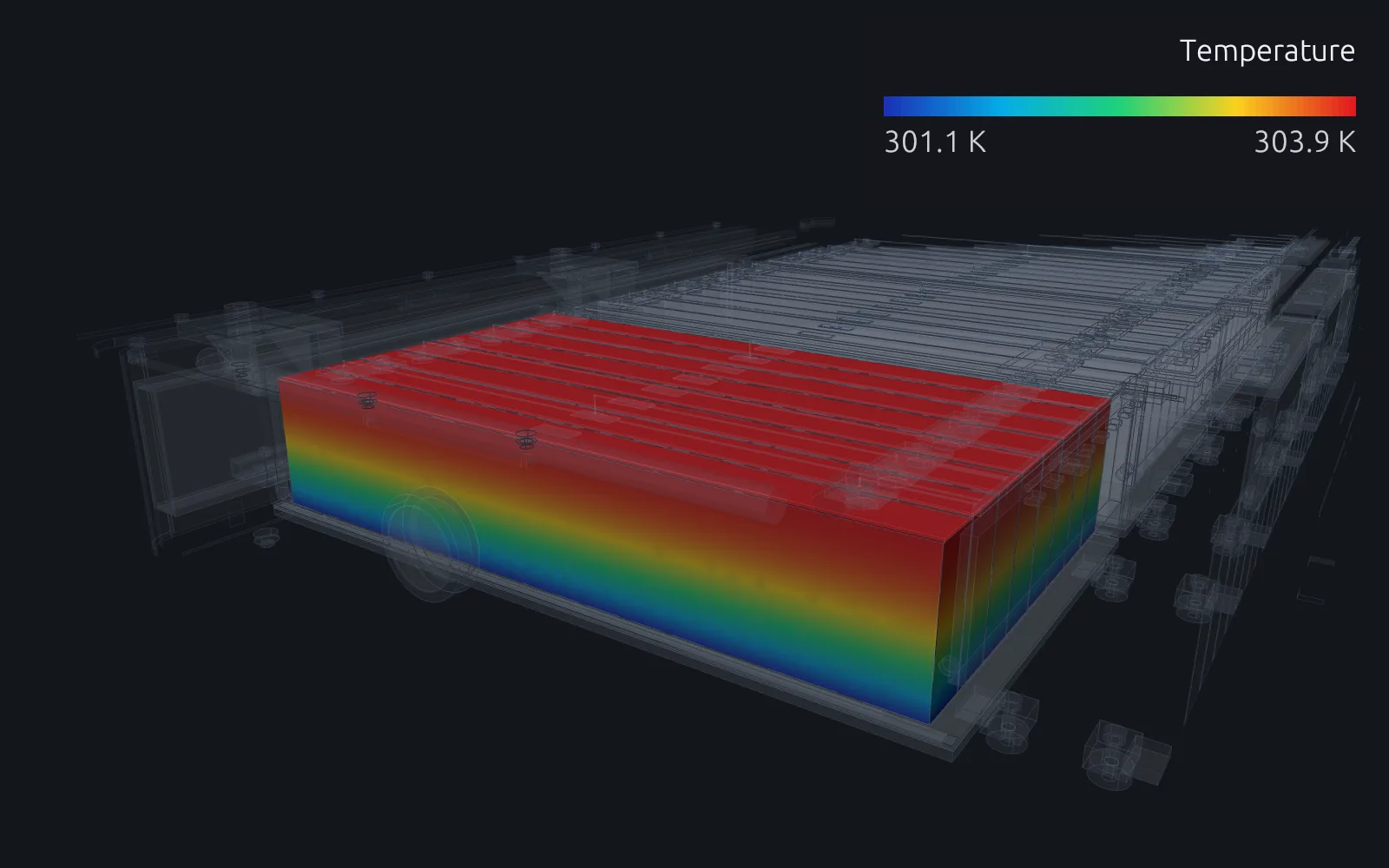
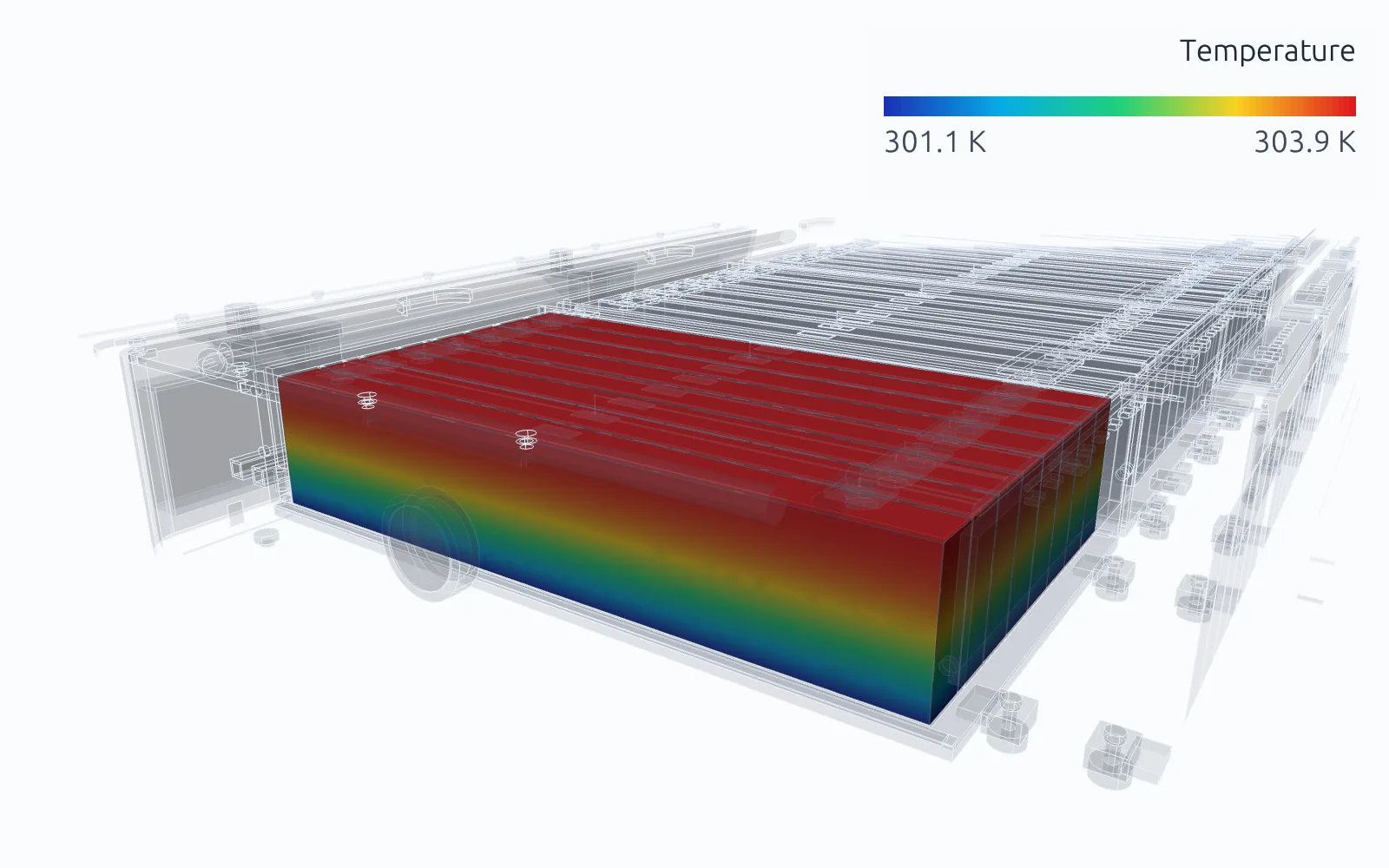
Thermal
Operating temperature, warm-up and cool-down of parts with heat sources, convection, radiation and contact.
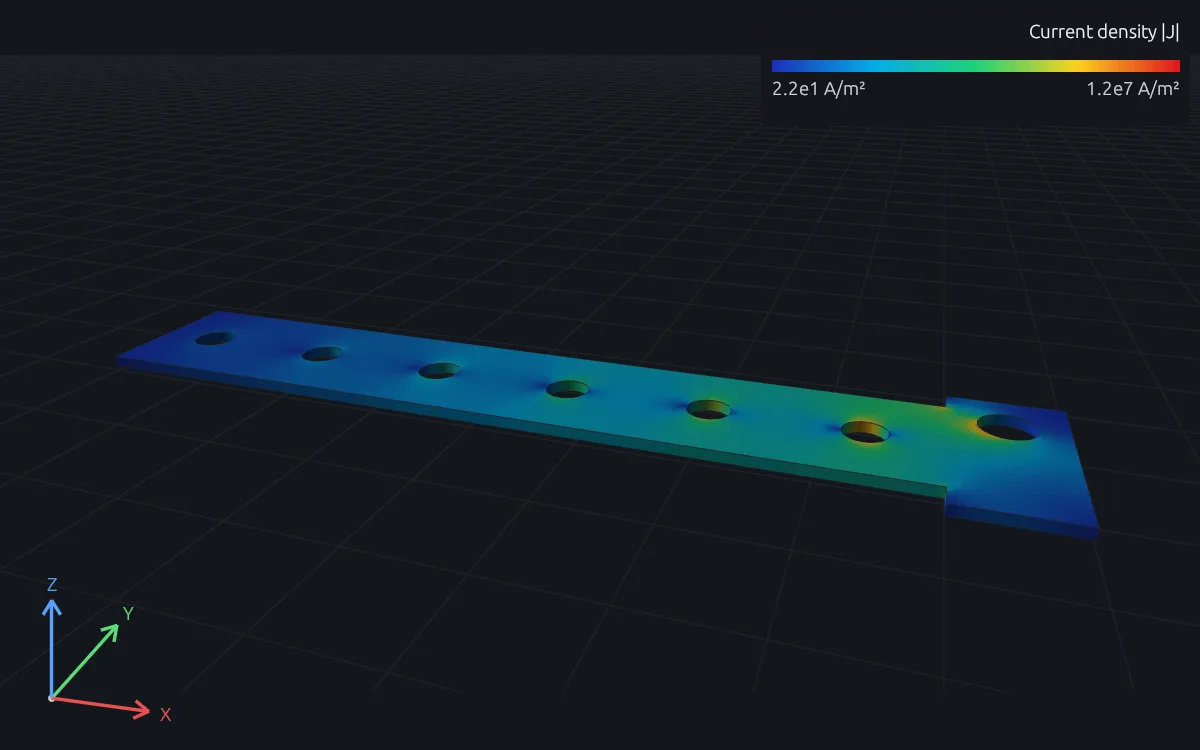
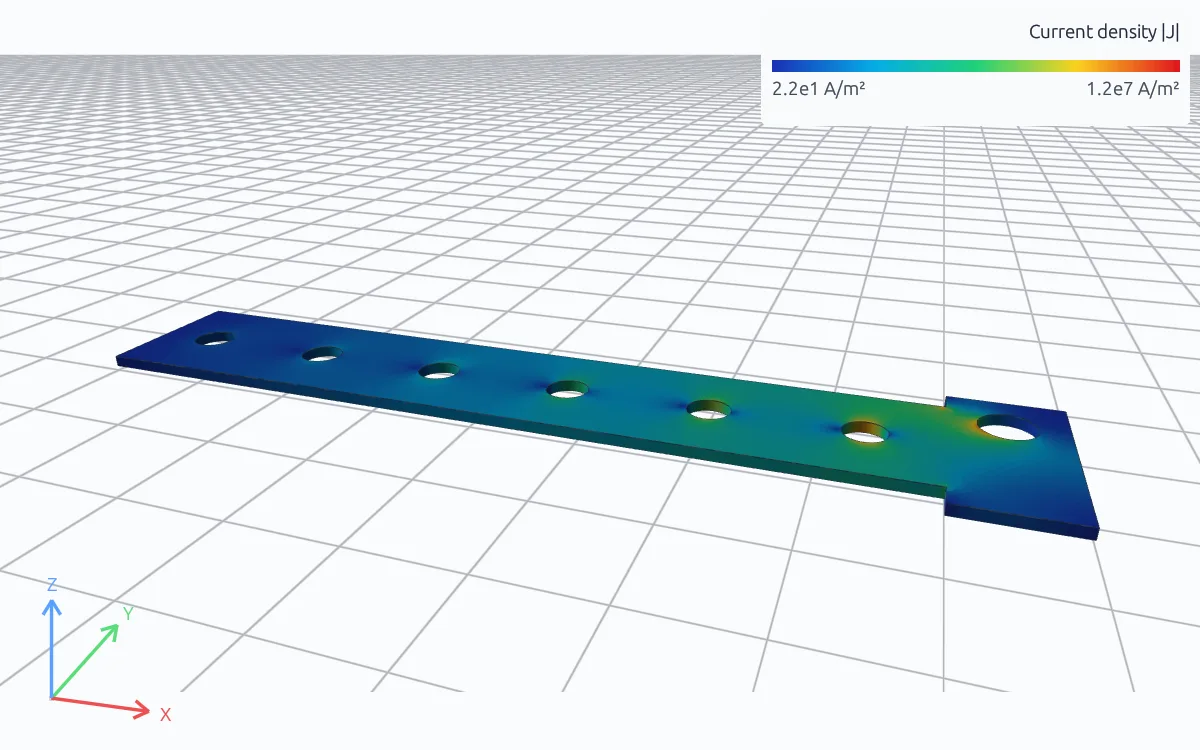
Electromagnetic
Current density, fields, forces and losses in conductors, sensors, magnets and coils.
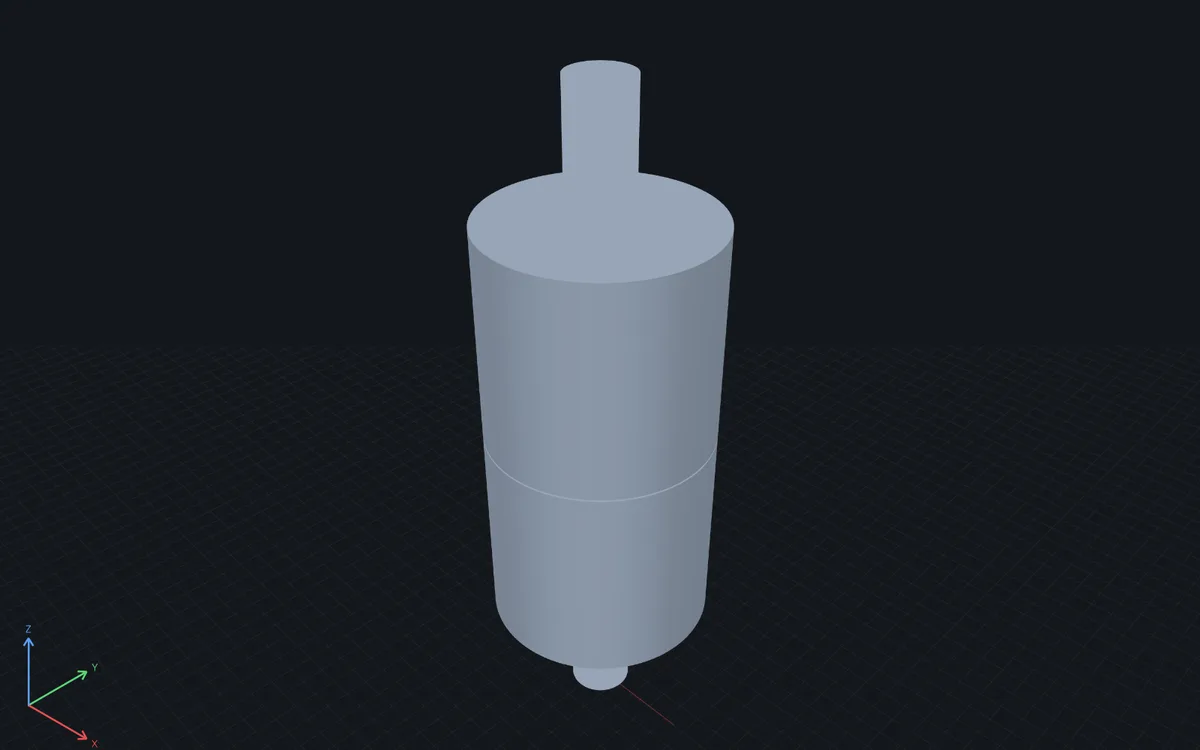
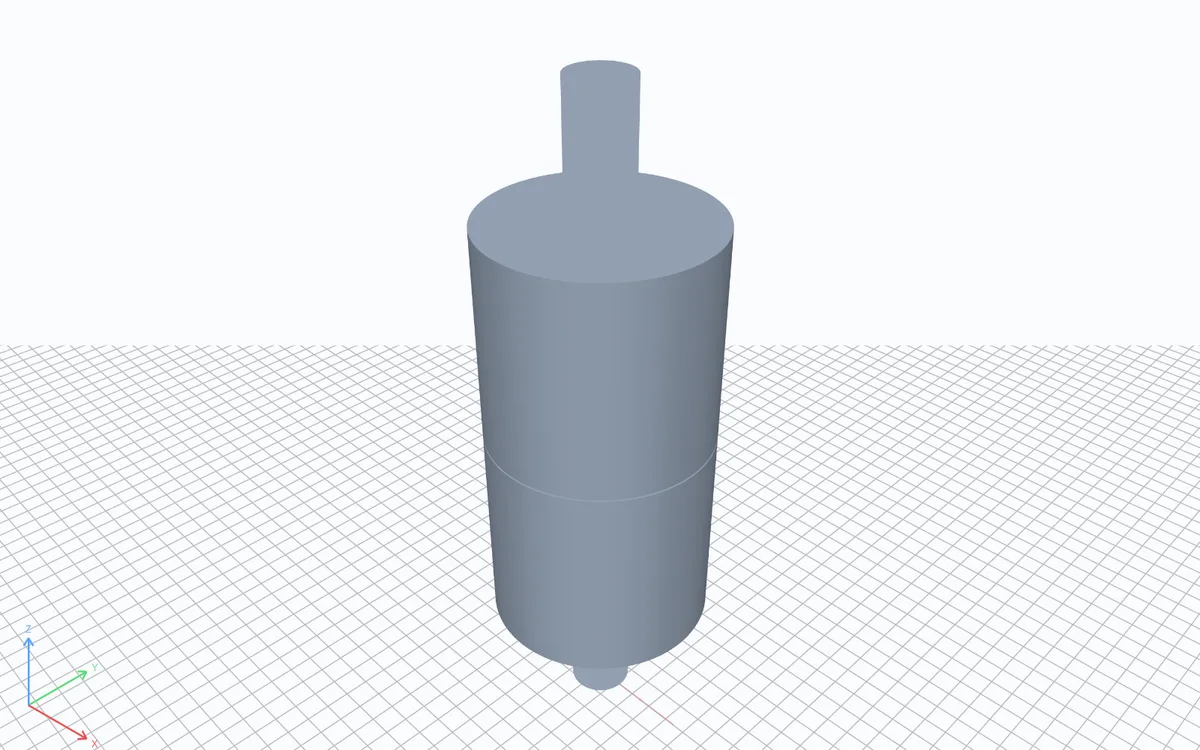
Acoustics
Transmission loss, cavity modes and sound pressure in mufflers, ducts, enclosures and rooms.
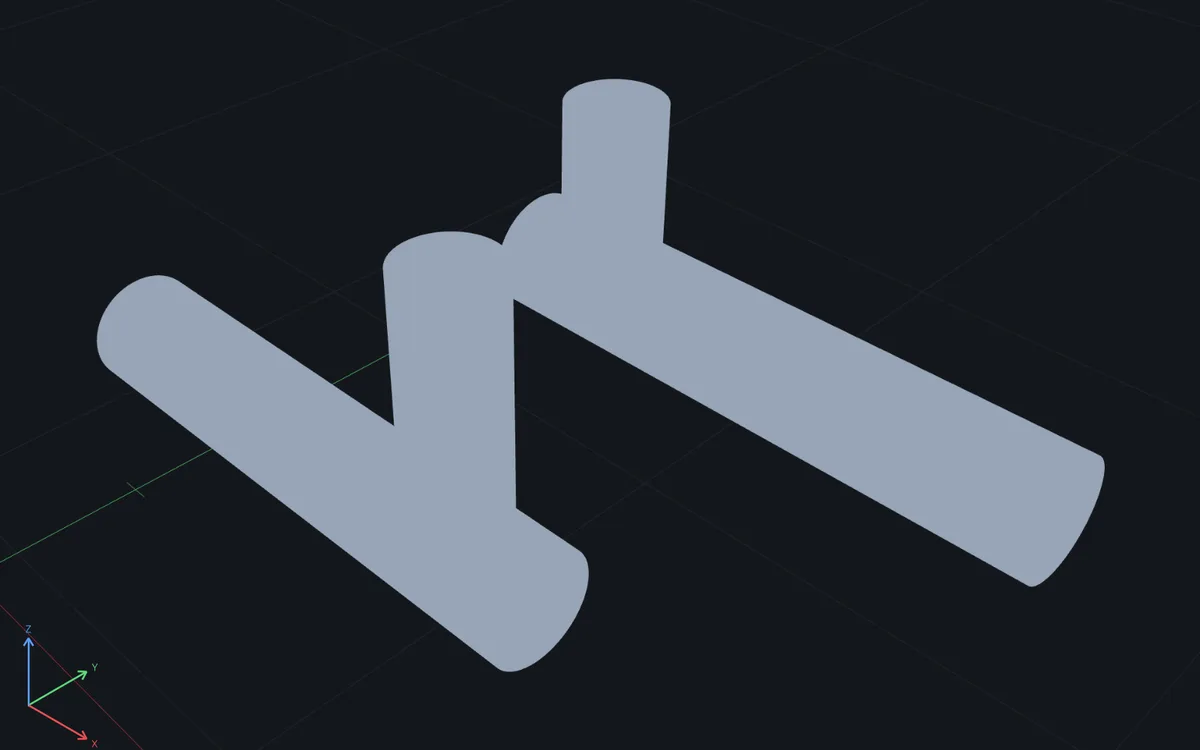
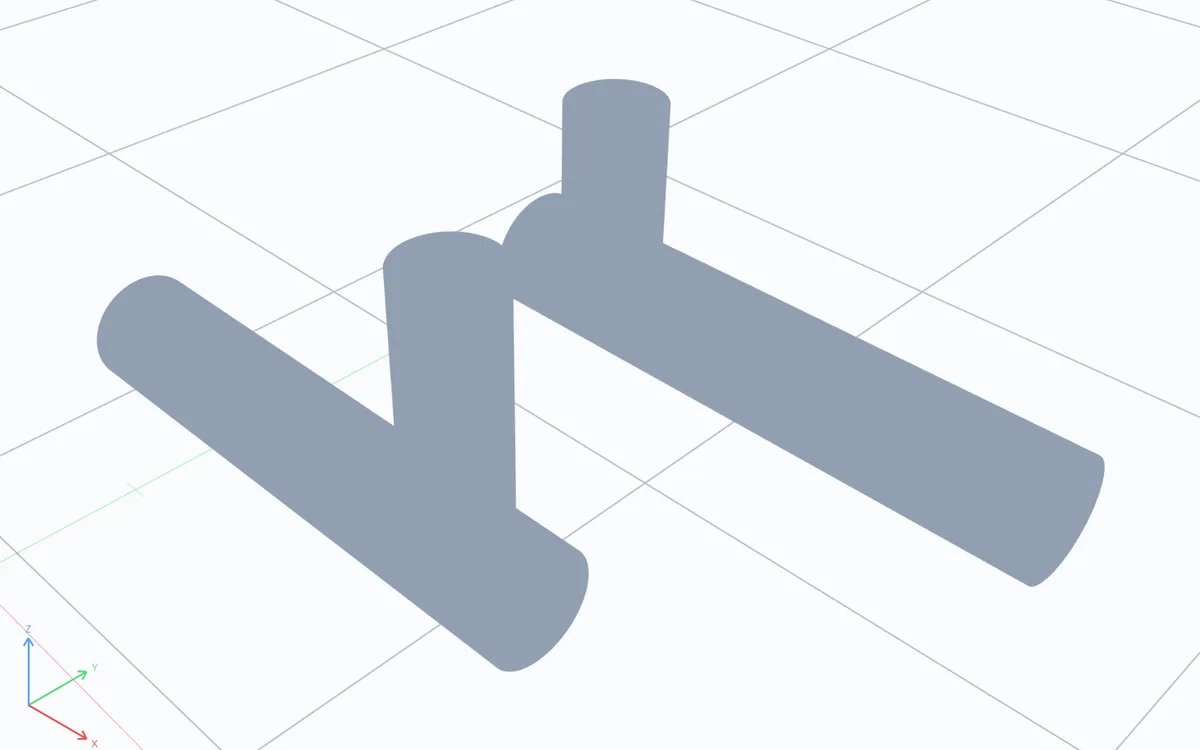
Fluid flow
Pressure drop, velocity and wall shear stress in manifolds, pipes, valves and passages.
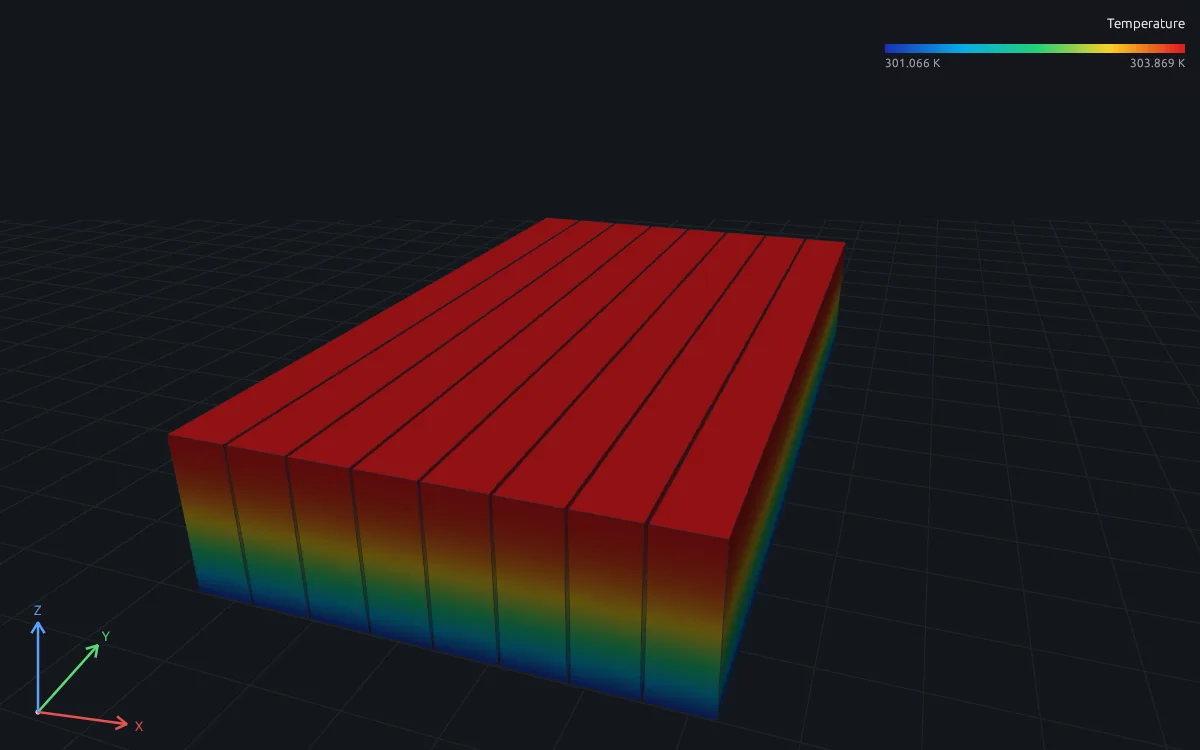
Conjugate heat transfer
Coolant temperature rise, pressure drop and part temperatures in cold plates and heat exchangers.
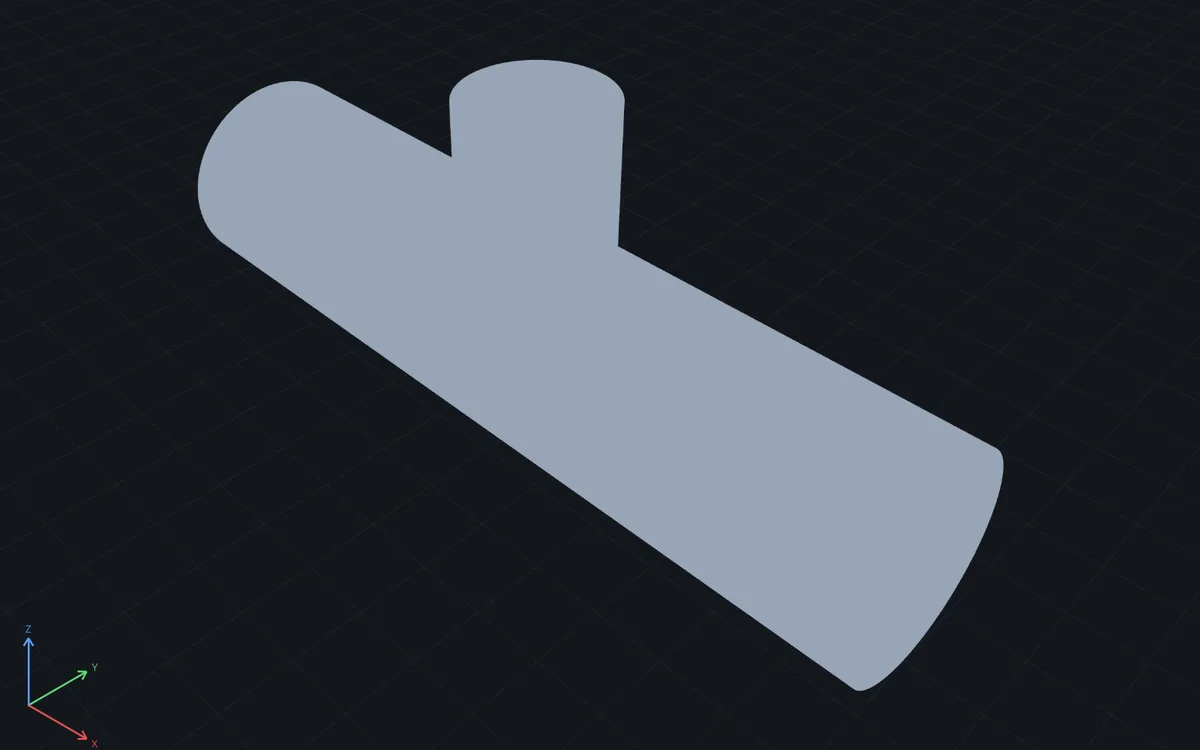
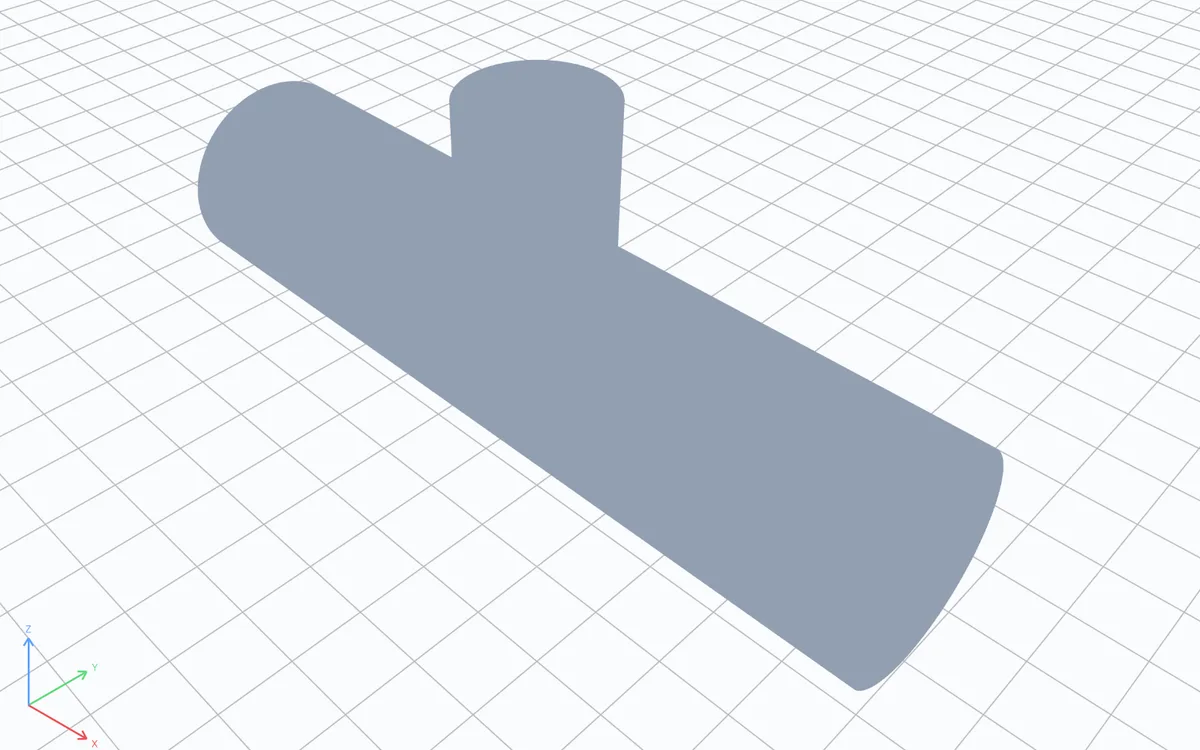
Fluid–structure interaction
Deflection and stress of flexible parts in a flow, steady or over time.
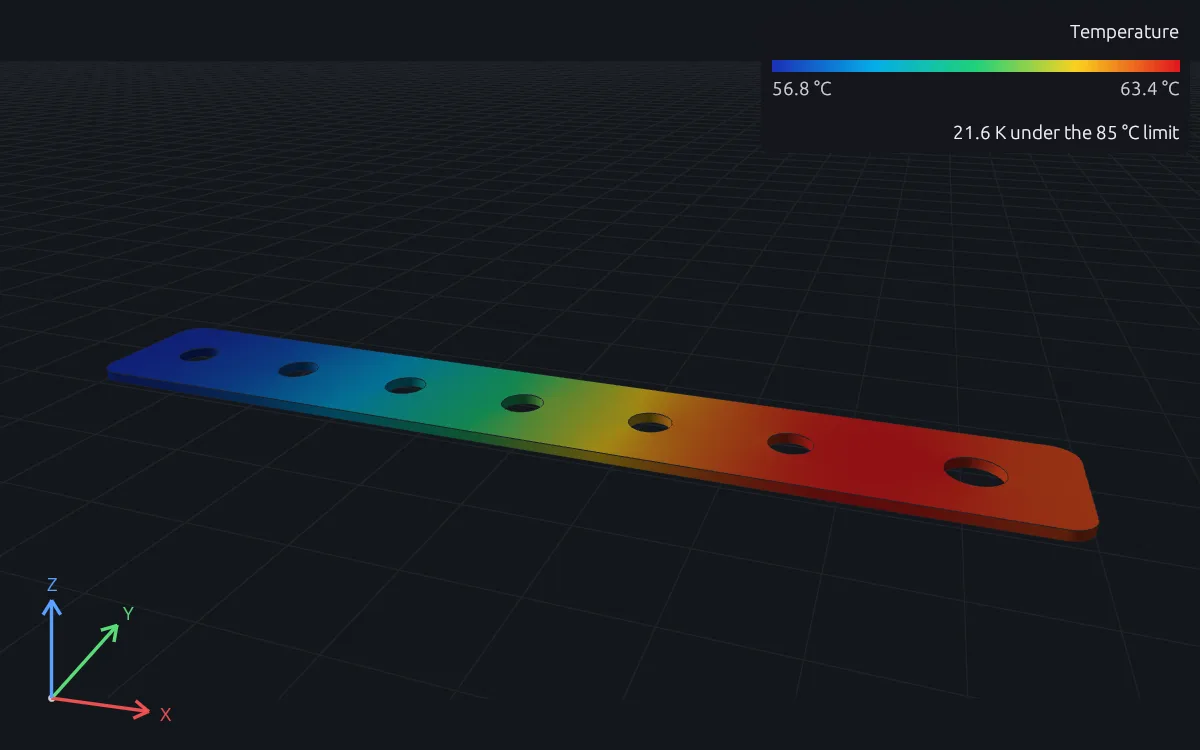
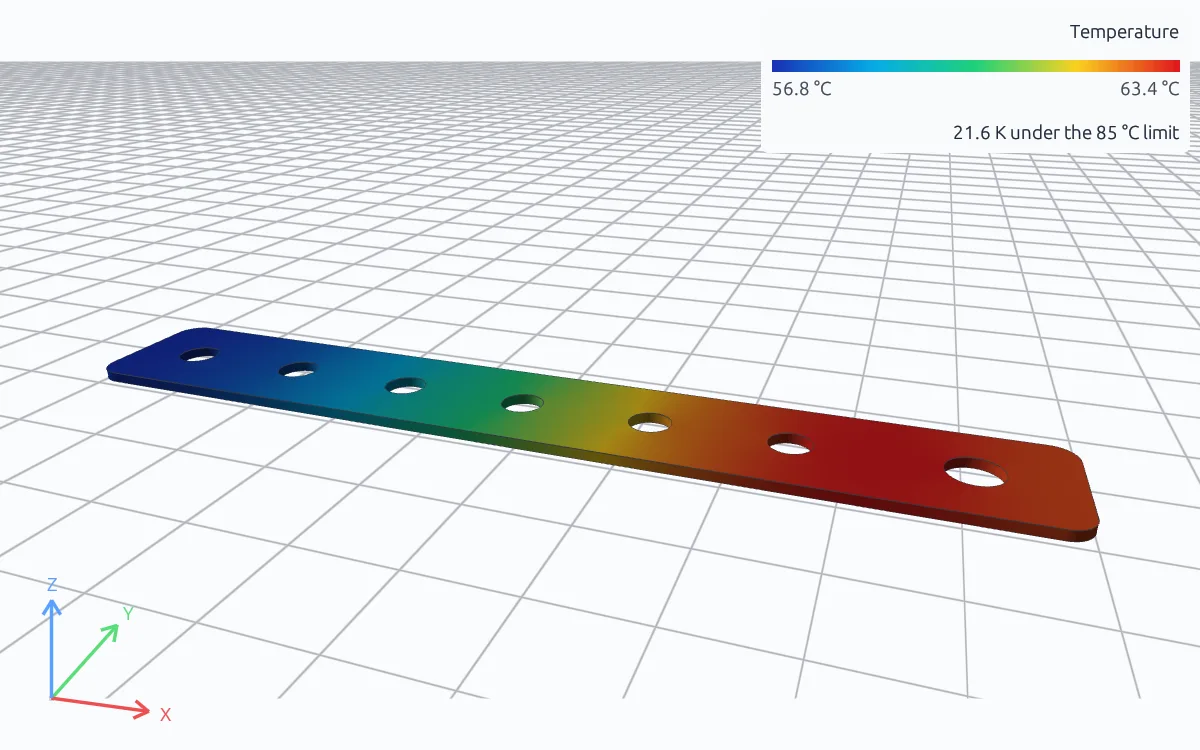
Joule heating
Temperature of busbars, conductors and heaters carrying current, steady or through a fault pulse.
Thermal stress
Stress, distortion, frequency shift and buckling of parts that heat up.
- Loads and boundaries
- Load cases, loads that vary over time or frequency, ties, couplings, connectors and contact
- Elements
- Linear and quadratic tetrahedra on exact curved geometry, beams, and shells with composite layups
- Geometry
- STEP, IGES and BREP import, or geometry built in the study or generated by MATLAB code
Set up a study by answering questions
Open a part and say what you need to know, such as how far it bends under load or how hot it runs. Guided setup asks how the part is held, loaded and made, lets you click the faces it means, and flags a missing support, terminal or inlet before anything runs.
It writes the study as it goes, checks it and solves it, and the answer comes back as a number with the result on the part. The file it leaves behind is short enough to review line by line.
cantilever.step is a 1 m steel beam. Fix one end, push 1 kN down on the other, and check the tip deflection stays under 1 mm.
 Writing and solving cantilever.fea
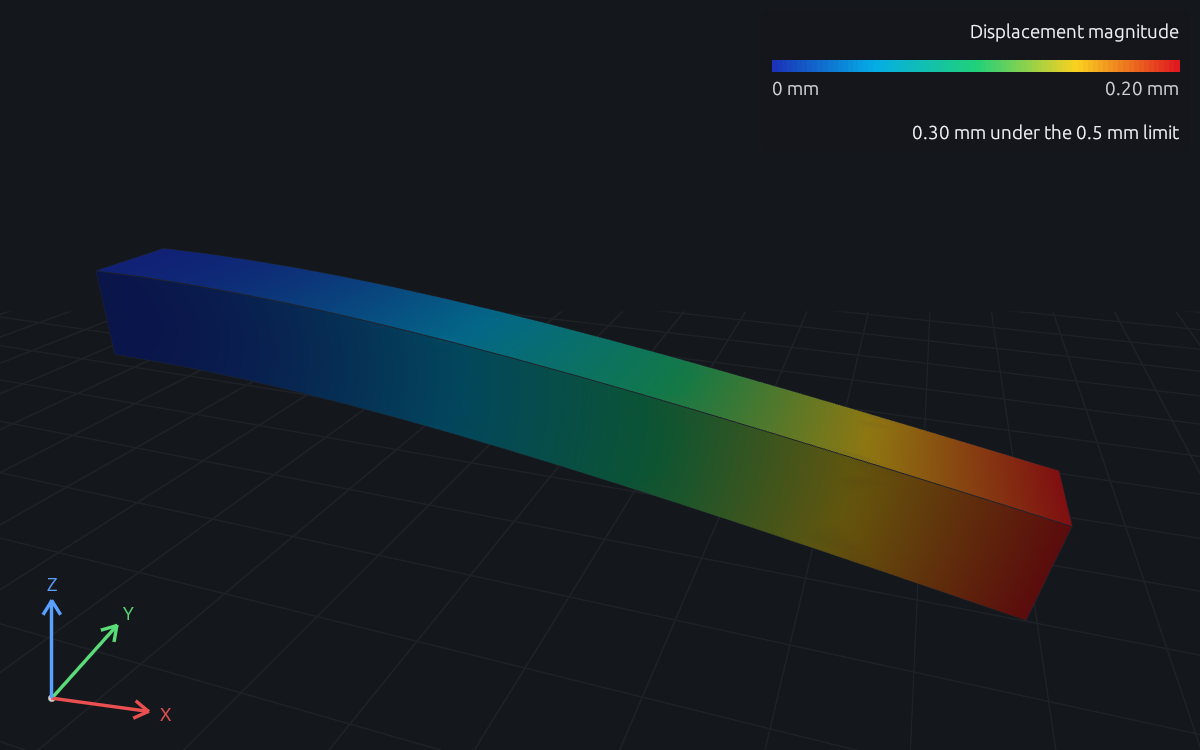
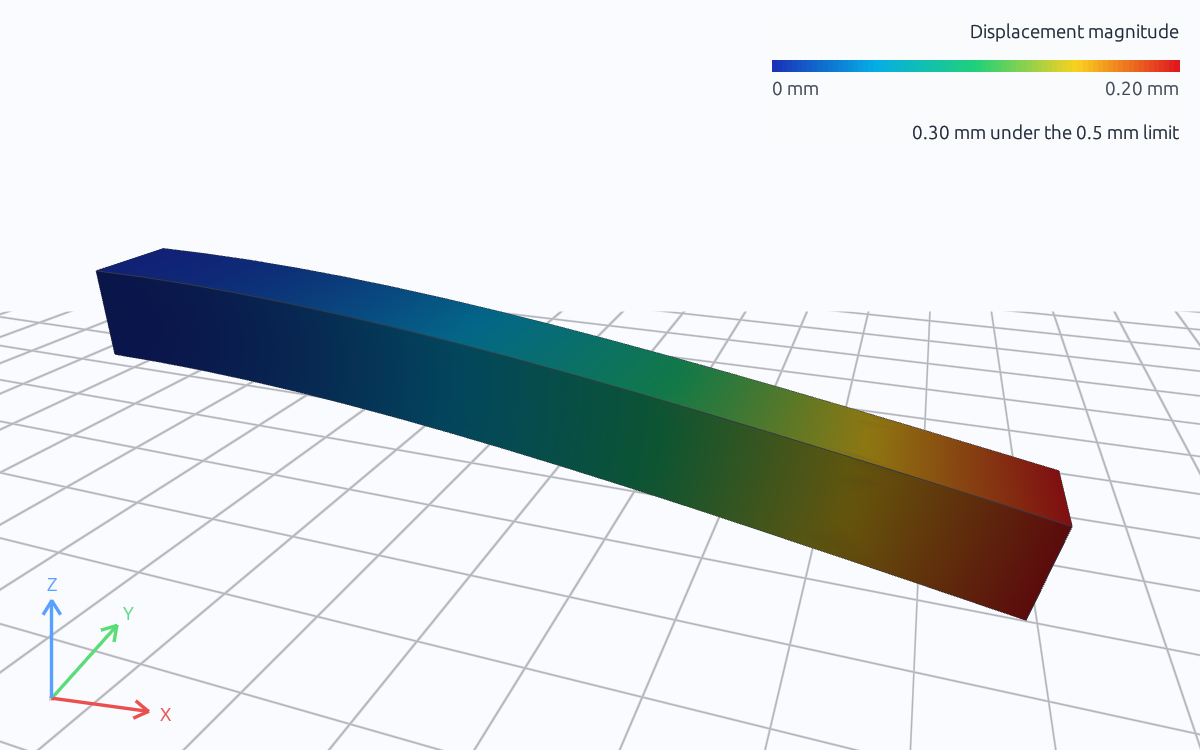
The tip deflects 0.200 mm, well inside the 1 mm limit and matching the 0.200 mm beam theory gives.
Mesh and solve your own CAD files
Import a STEP, IGES or BREP file and name the faces and bodies your study refers to. RunMat meshes the exact geometry with its own mesher and saves a mesh quality report next to it. The same file and settings always give the same mesh.
After the solve, open the result in RunMat Desktop or in a browser and turn it around, or read it from a script and compare it with your own hand calculation.
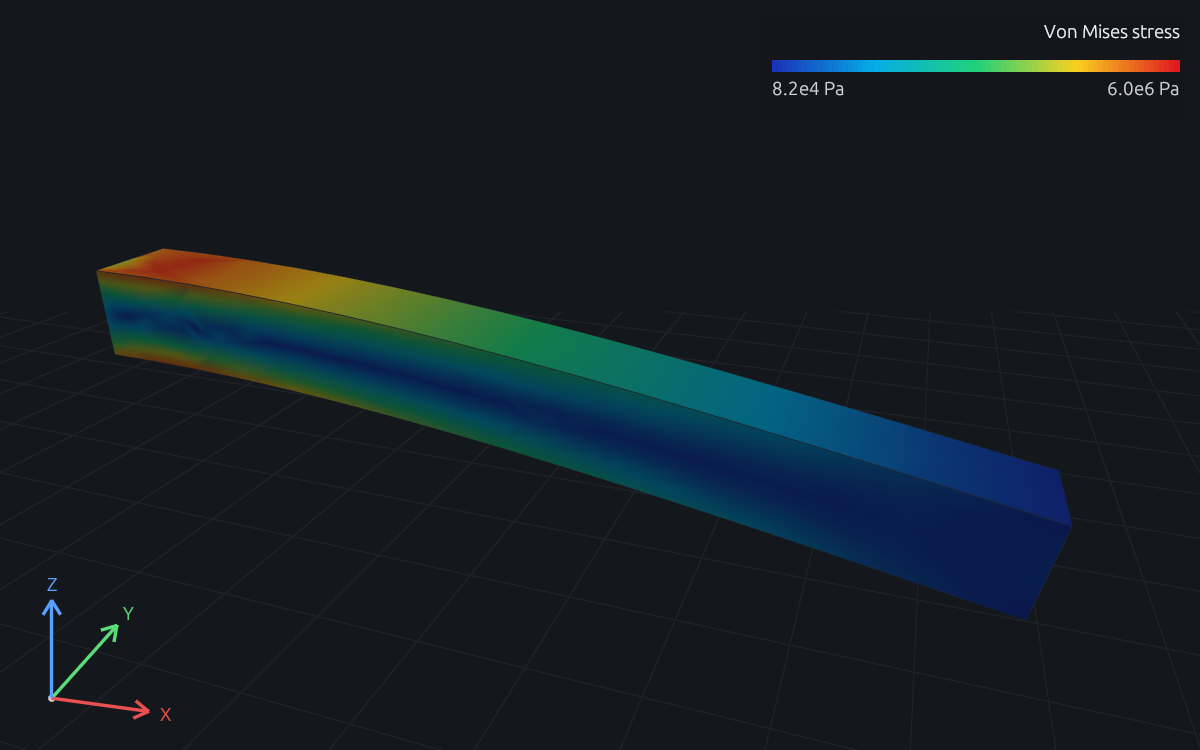
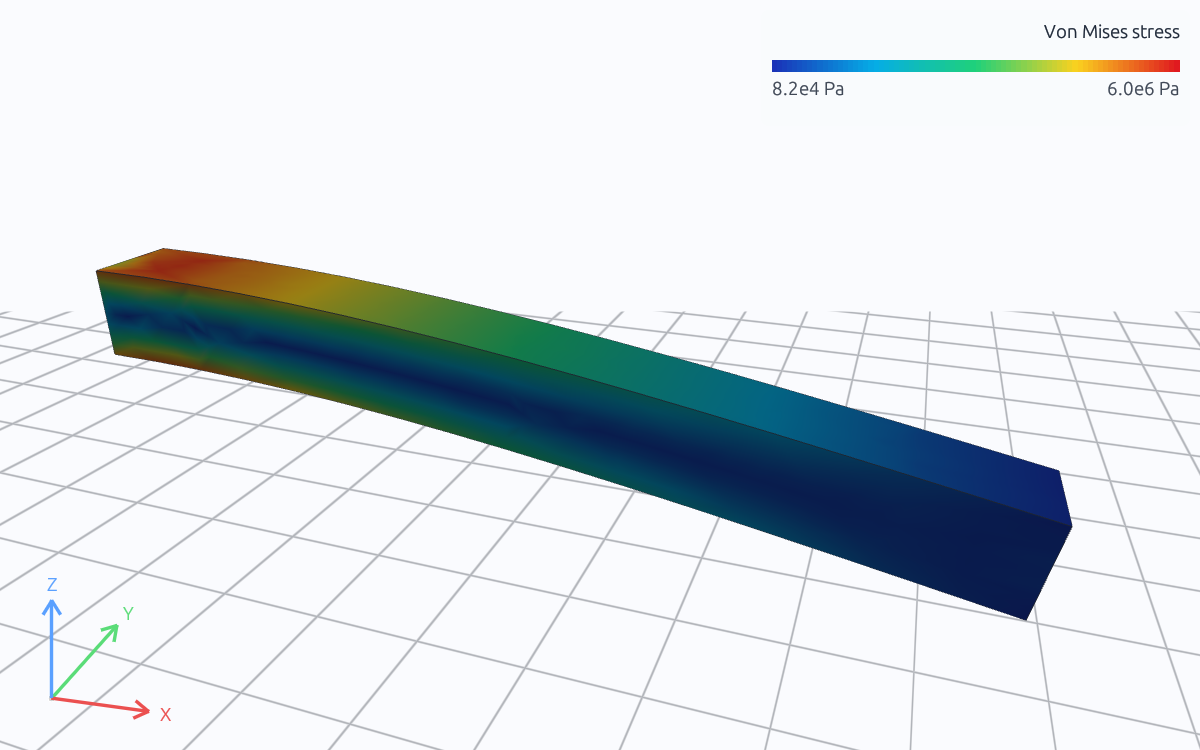
Von Mises stress in the same cantilever with the load in pascals (100 kPa on the end face, 1 kN in total), solved by RunMat. The tip deflects 0.200 mm; beam theory gives 0.200 mm.
Every study is a short text file you can read
Describe the part and what you need to know. An AI model writes the study: the geometry, materials, loads and analyses, each in a few lines with units. RunMat lists every input back to you, marked as something you stated, something it derived, or a proposal you still need to confirm. The model's changes arrive as a checked edit you accept or reject.
In most simulation tools that setup is hundreds of choices in menus and dialogs, saved in the tool's own project file. A RunMat study is a short text file, so you can read it line by line, see exactly what changed between two versions and copy it to the next part. The same study always gives the same mesh and the same result.
RunMat checks units and regions before it meshes anything, so a mistake, yours or the model's, is caught in about a second with the line and the reason.
geometry beam {file = "./geometry/cantilever.step"units = mmregion body : solid { select name "Beam" }region fixed_end : face { select name "Fixed End" }region loaded_end : face { select name "Loaded End" }}material steel {elastic {youngs_modulus = 200 GPapoisson_ratio = 0.3}}model loaded_beam {assign material.steel to geometry.beam.region.bodyconstraint fixed_end {structural.fixed { target = geometry.beam.region.fixed_end }}load end_traction {traction on geometry.beam.region.loaded_end = [0, 0, -100000] N}}study cantilever_static {geometry = geometry.beammesh = mesh.beammodel = model.loaded_beamanalysis static { structural static {} }}
$ runmat check cantilever.feaerror[fea.semantic.model]: traction must be force per area, found N--> cantilever.fea:22:55|22 | traction on geometry.beam.region.loaded_end = [0, 0, -100000] N| ^^^^^^^^^^^^^^^^^ expected Pachecked cantilever.fea: 1 error(s), 0 warning(s)
Check stress, deflection and temperature against your limits
Add an assessment to the study: the quantity to check, such as peak von Mises stress or tip deflection, and the limit, such as 250 MPa or 0.25 mm. After the solve, each assessment comes back passed or failed, with the governing value and where it occurs. In the cantilever above, the deflection check passes at 0.200 mm against 0.25 mm.
When the result can't support a decision, for example because the error estimate straddles the limit or a peak was only sampled at a few points, the assessment comes back indeterminate and says why. Change a limit later and RunMat checks the saved result again without re-solving.
For rules that don't fit a single limit, such as a margin of safety from your own method, write the check as a MATLAB function and import it. Every result also lists the mesh, solver and settings that produced it, and the analyst and the design engineer can open the same 3D result at once and see the same verdict.
output peak_stress = max(analysis.static.field.element.von_mises_stress,over = geometry.beam.region.body,)output tip_deflection = max(magnitude(analysis.static.field.node.displacement),over = geometry.beam.region.loaded_end,)assessment stress {value = output.peak_stressmaximum = 250 MPaevidence = authored_samples}assessment deflection {value = output.tip_deflectionmaximum = 0.25 mmevidence = authored_samples}
Sweep designs and chain analyses
Declare the inputs to vary and their values, such as a service load of 0.5, 1.0 and 1.5 kN or ten wall thicknesses. Each case is a full solve, the cases run in parallel, and the outputs you name come back in the order you listed the values. If a case fails, the rest still finish and the failed one is listed with its error.
Chain analyses in one study: solve the temperature field, apply it as a preload, then compute the natural frequencies of the heated part. RunMat checks each hand-off before anything runs, and the analyses share one mesh with no export and re-import between them.
sweep load_envelope over study.bracket_response {axis service_load {half = 0.5 kNnominal = 1.0 kNproof = 1.5 kN}output peaks = collect(case.output.peak_stress.value)}
study heated_modes {geometry = geometry.partmesh = mesh.volumemodel = model.structureanalysis heat { thermal steady {} retain heated }analysis preload after analysis.heat {thermomechanical preload { temperature = analysis.heat.state.heated }}analysis modes after analysis.preload {structural prestressed_modal {prestress = analysis.preload.state.geometric_stiffnessmodes = 1}}}
Use MATLAB functions for loads, geometry and checks
Some inputs are easier to compute than to type: a force pulse, a temperature profile from test data, a part shape built from a few parameters, a pass or fail rule. Write them as MATLAB functions and import them into the study. RunMat checks each function's arguments and units along with the rest of the study.
You can also run studies from a MATLAB script, change a parameter in a loop, and read the results back as arrays, next to the formula you would check them against.
function force = impactPulse(time, peak, duration)...phase = min(time ./ duration, 1);force = peak .* sin(pi .* phase) .* (time <= duration);end
import function impactPulse from "./impactPulse.m"...model struck_beam {...signal pulse : force over time {generated by function.impactPulse {arguments {peak = 1 kNduration = 6 ms}sample from 0 s to 50 ms at 4 kHzinterpolation = linear}}excitation impact {force {target = geometry.beam.region.loaded_endsignal = signal.pulsedirection = global([0, 0, -1])}}}
Solve on your GPU, every core or a cluster
RunMat solves a study on every core of one computer and on its GPU, and spreads large models and many sweep cases across machines: three computers per person on Professional, larger clusters under Enterprise.
Meshing and solving run locally with no internet connection, and the same study gives the same mesh and result on a laptop, a workstation or a server.
Use RunMat with Claude Code, Codex or its built-in agent
Connect Claude Code, Codex or any MCP client, or use RunMat Agent. Describe the part, how it is held, the loads and the result you need; the agent writes the study, RunMat checks and solves it, and each change arrives as an edit to accept or reject.
Compare RunMat
FAQ
01Do I need to be a simulation expert?
No. Guided setup asks how the part is held, loaded and made, and writes the study with you. If you know finite element analysis, write and edit studies directly.
02Can I set up a study from Claude Code or Codex?
Yes. Connect Claude Code, Codex or any MCP client to RunMat Desktop, describe the part and the question, and the study is written, checked and run in RunMat, where you review it.
03Which CAD formats can I import?
STEP, IGES and BREP files import as exact geometry. STL and OBJ files can be opened for viewing.
04Can I read the solver's source?
Yes. The solver is part of the RunMat runtime, and its source code is available at https://github.com/runmat-org/runmat. The runtime is free for individuals, including freelancers; students and faculty at an academic institution, for teaching or research there; contributors to an open-source project, for work on that project; organizations with 250 or fewer people and US$10M or less in annual revenue; and anyone, for non-production use. Organizations with more than 250 employees and contractors or more than $10M in annual revenue use it under a commercial license.
05Can it run without an internet connection?
Yes. Meshing and solving run on your computer with no internet connection, and so does plain .m code. A network connection may be required for security and permission checks.
06How do I know the results are right?
Each physics family has a validation page with the reference cases its solvers are checked against, such as beam deflection and steady heat conduction. The cantilever on this page deflects 0.200 mm at the tip under 1 kN, against 0.200 mm from beam theory.