
Analyze stress and vibration in your parts and assemblies
Check that a part holds its working load and that its natural frequencies clear the excitation. Import the STEP file, write the materials, supports and loads in a short text file, and RunMat solves it.
RunMat works with you to set up your studies
Go from a CAD file to a complete, runnable study in minutes.
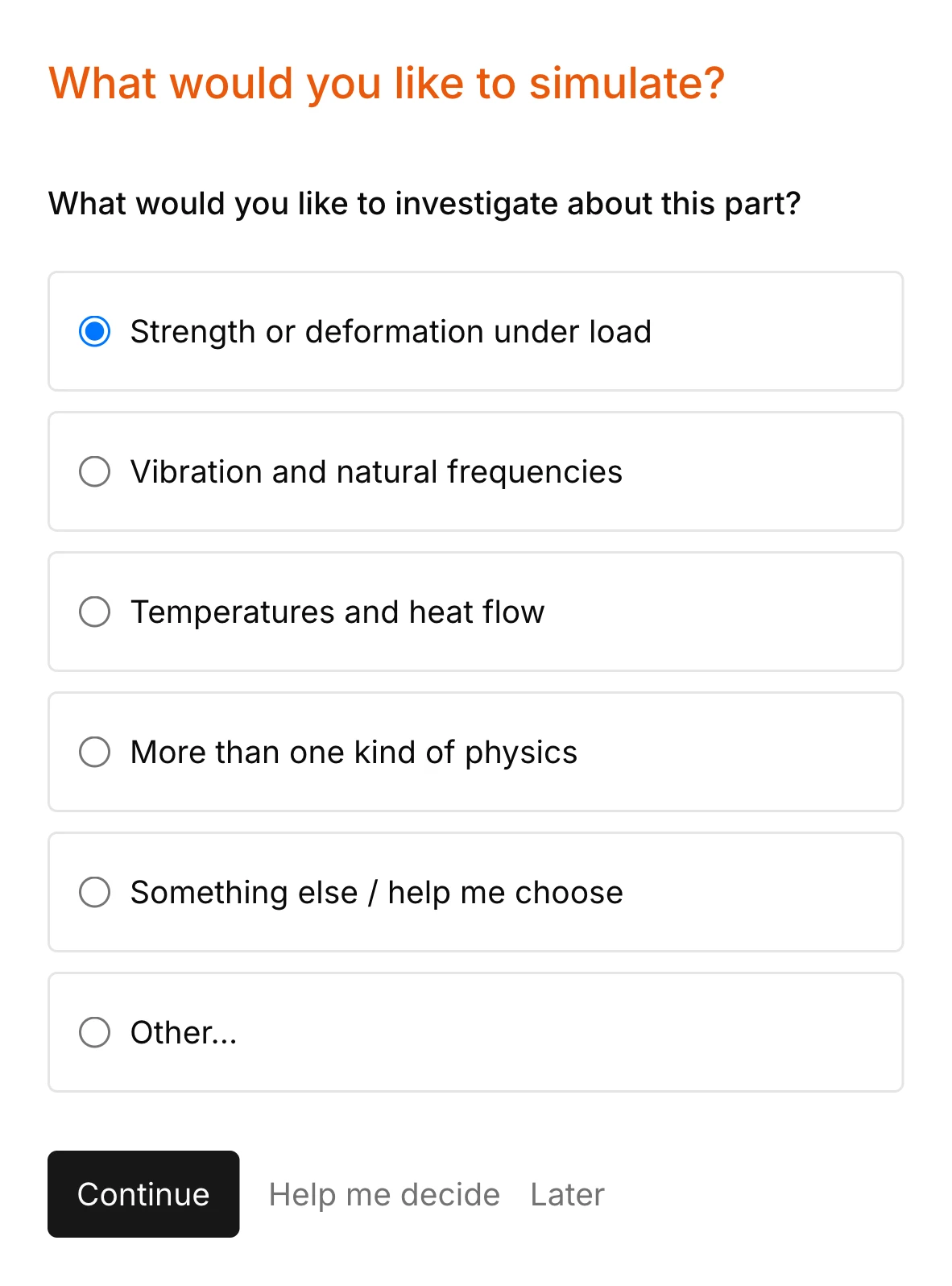
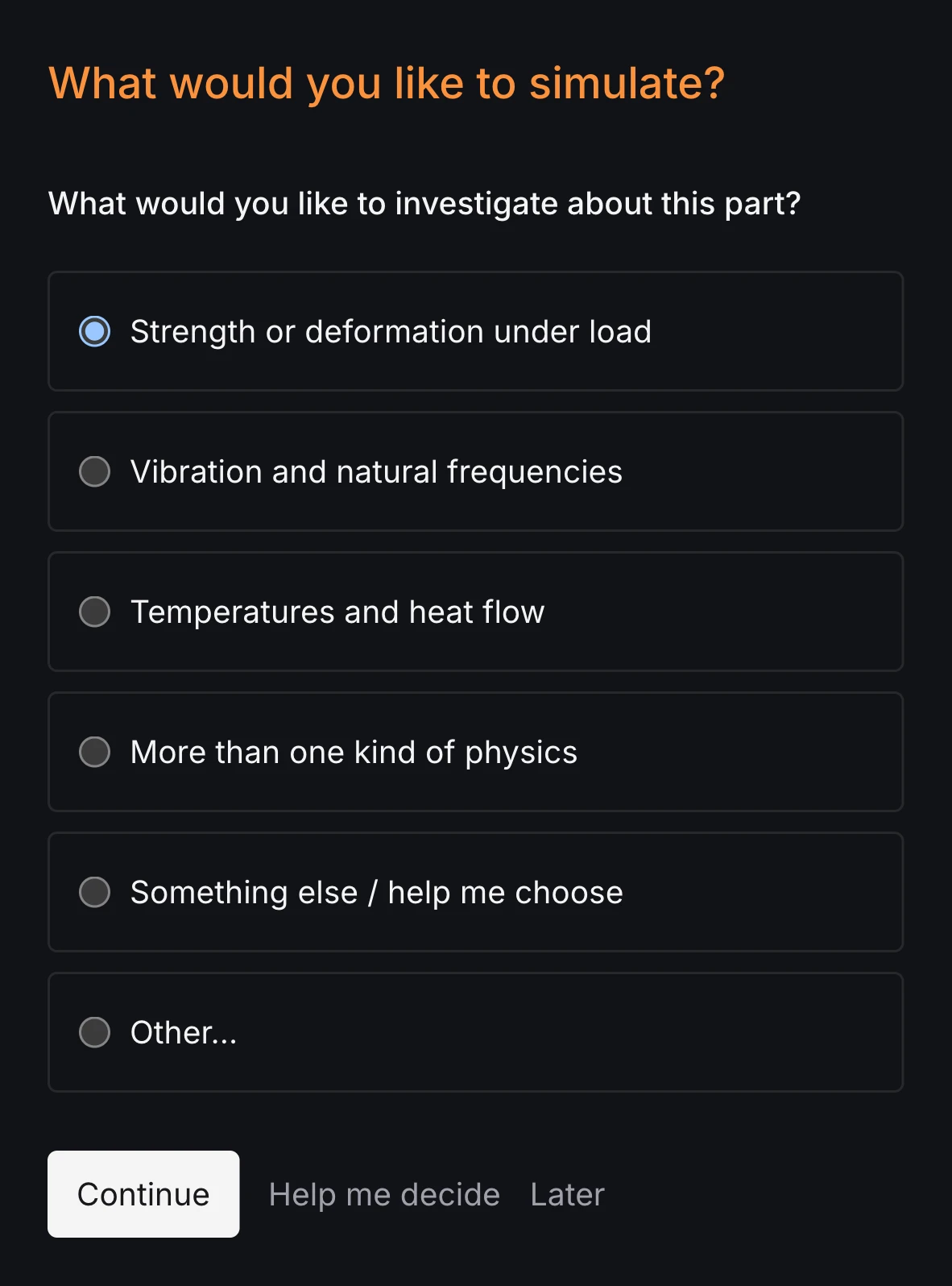
RunMat asks you guided questions to set up the study. It checks for missing supports and the rest of the simulation setup, so the study is ready before you run it.
You own the study file: run it, review it and check it into version control. Model anything from stress and strain in a simple bracket to a complex aircraft with multiphysics.
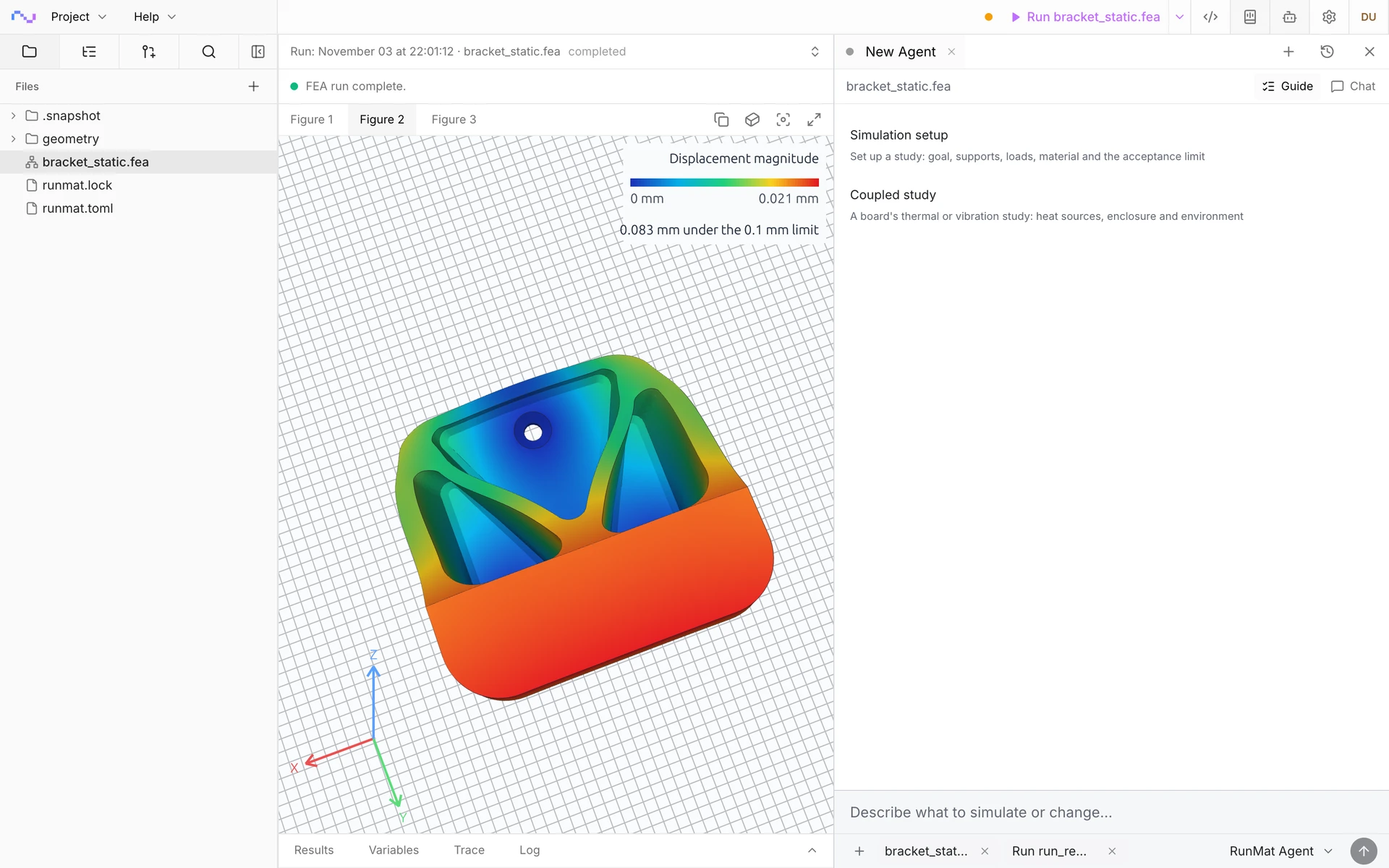
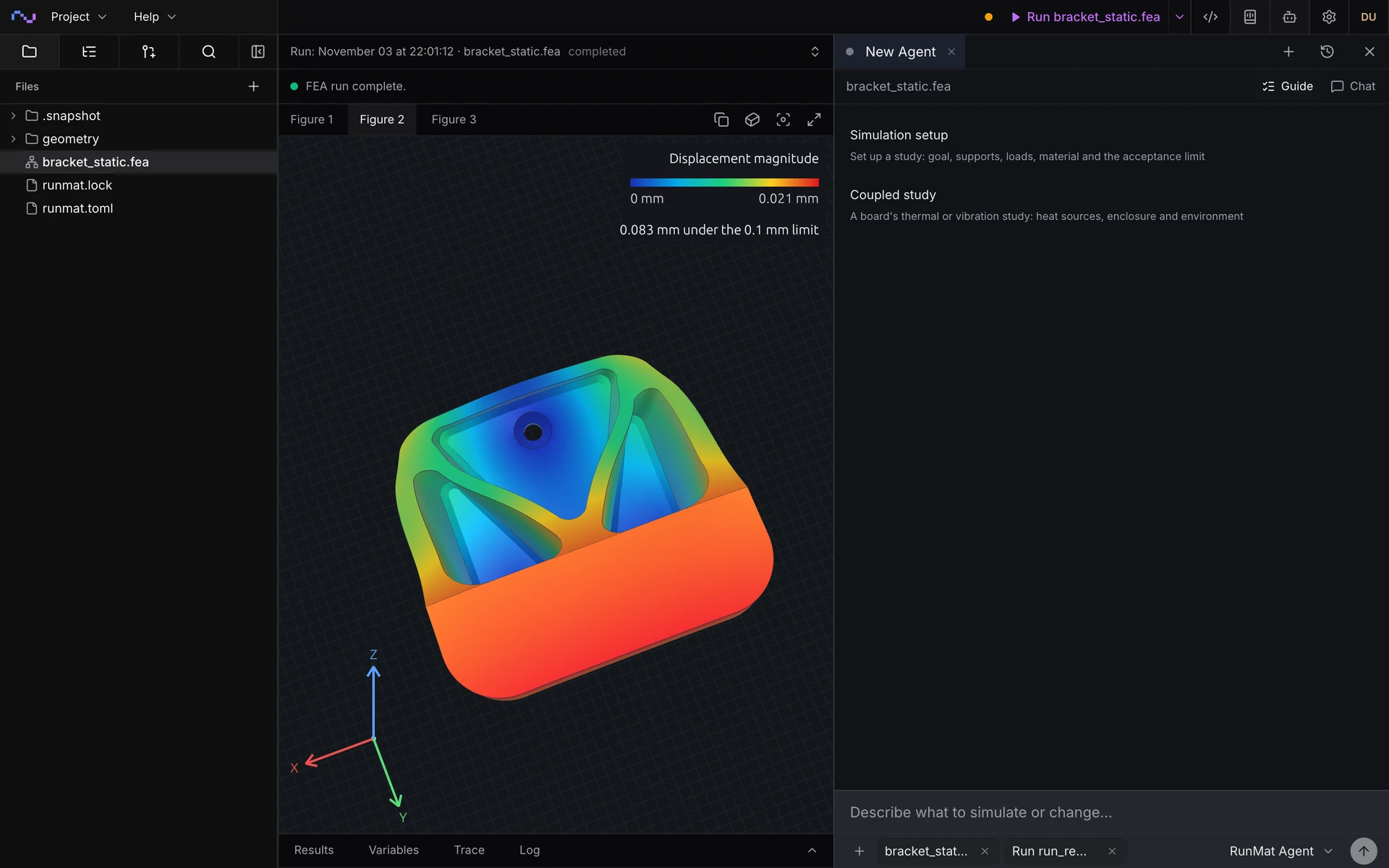
Studies are deterministic, typed documents
Guided setup writes and fills out a study document like the one shown here. The document is typed, with units, and static analysis underlines incorrect connections and definitions in red.
Studies are text files, so you can read, write, keep and rerun them at any time.
geometry bracket {file = "./geometry/bracket.step"region body : solid { select name "WallHook_30mm"; expect exactly_one }region mounting_holes : face { select name "Mounting holes"; expect one_or_more }region hook_seat : face { select name "Hook seat"; expect exactly_one }}mesh bracket on geometry.bracket {tetrahedra {order = lineartarget_size = 6 mmmaximum_deviation = 0.05 mmcells_across_gap = 3}}material s355 {name = "S355 (EN 10025-2), machined plate"mass_density = 7850 kg/m^3elastic { youngs_modulus = 210 GPa; poisson_ratio = 0.30 }}model loaded_bracket {input service_load : force = 2 kNassign material.s355 to geometry.bracket.region.bodyconstraint mounting {structural.fixed { target = geometry.bracket.region.mounting_holes }}load hanging {force on geometry.bracket.region.hook_seat = [0 N, -input.service_load, 0 N]}load_case service { include load.hanging }}study bracket_static {input service_load : force = 2 kNgeometry = geometry.bracketmesh = mesh.bracketmodel = model.loaded_bracket(service_load = input.service_load)analysis static { structural static {} }output displacement = analysis.static.field.node.displacementoutput von_mises = analysis.static.field.element.von_mises_stressoutput peak_hook_deflection = max(magnitude(output.displacement),over = geometry.bracket.region.hook_seat,)assessment hook_deflection {value = output.peak_hook_deflectionmaximum = 0.1 mmevidence = authored_samples}}sweep load_sweep over study.bracket_static {axis service_load {load_1_0 = 1 kNload_1_5 = 1.5 kNload_2_0 = 2 kNload_2_5 = 2.5 kNload_3_0 = 3 kNload_3_5 = 3.5 kNload_4_0 = 4 kN}combine = productoutput deflection_by_case = collect(case.output.peak_hook_deflection.value)output governing_deflection = max(case.output.peak_hook_deflection.value, over = cases)}
Run a simulation across your machines
The same study runs on every core of one computer, or spreads across several machines when the model is large or there are many cases to solve. On Professional, each person's three computers run together as a cluster, and larger clusters run under Enterprise.
RunMat helps you answer questions about your parts before expensive builds
Will it hold its working load?
Get peak stress, deflection and support reactions for every load case, each checked against your allowable and reported passed or failed with where it governs.
Will it resonate in service?
Find natural frequencies and mode shapes, and see which modes carry mass in the direction the part is shaken, before it meets a motor, a fan or a road.
Will it pass its vibration test?
Apply the test PSD or shock spectrum from the spec and get RMS and peak stress, so a redesign happens before the shaker table instead of after it.
Which design should we build?
Run thicknesses, materials and load levels side by side in parallel, and get the governing case and its margin for each variant.
The following structural simulation types are supported
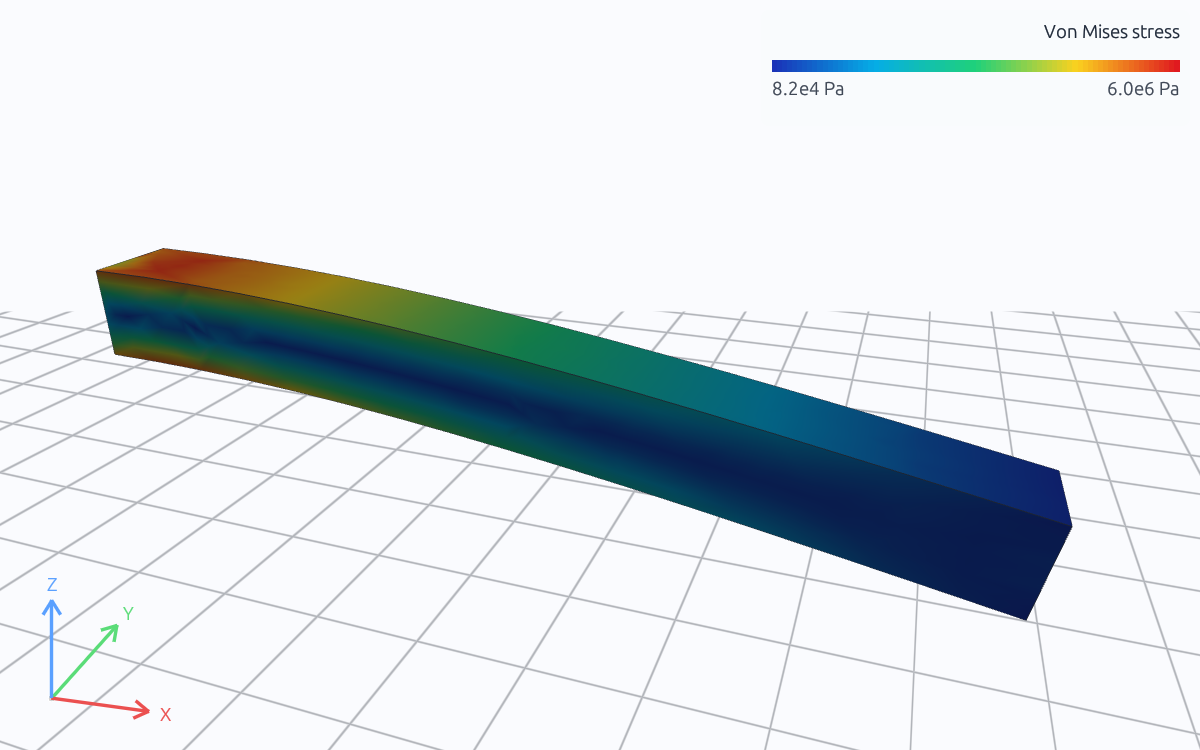
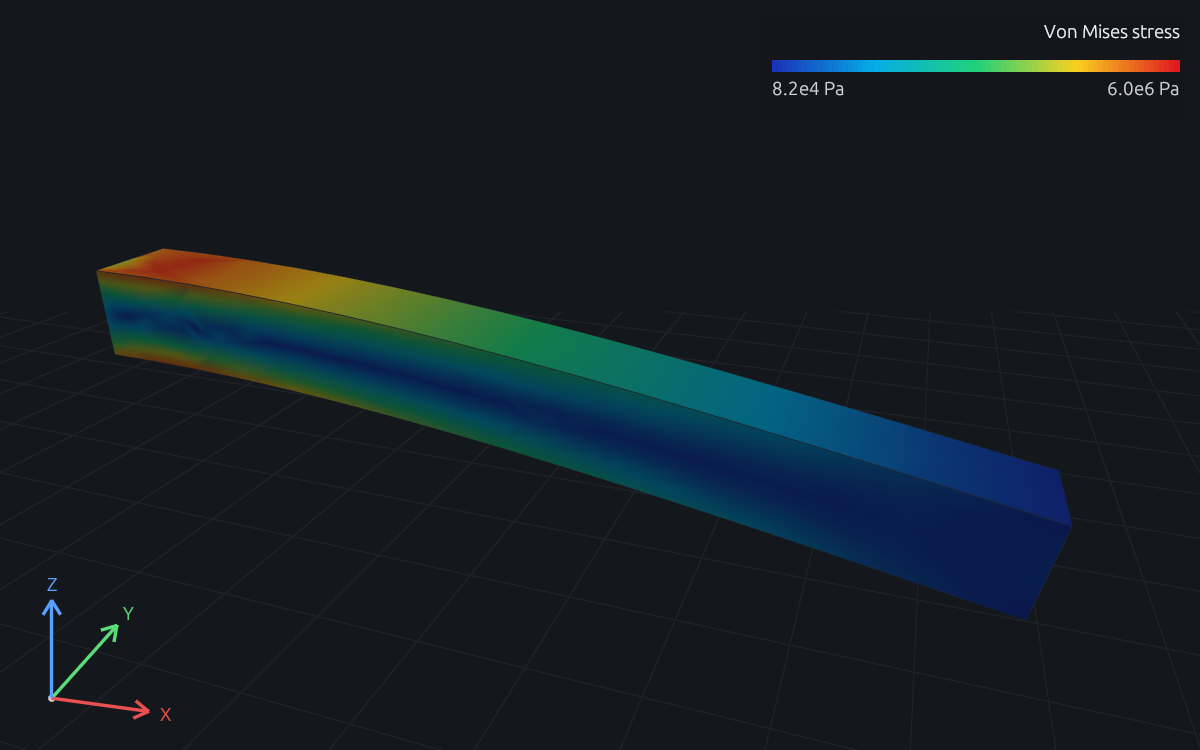
Linear static
Stress, deflection and support reactions under steady loads, for one load case or many.
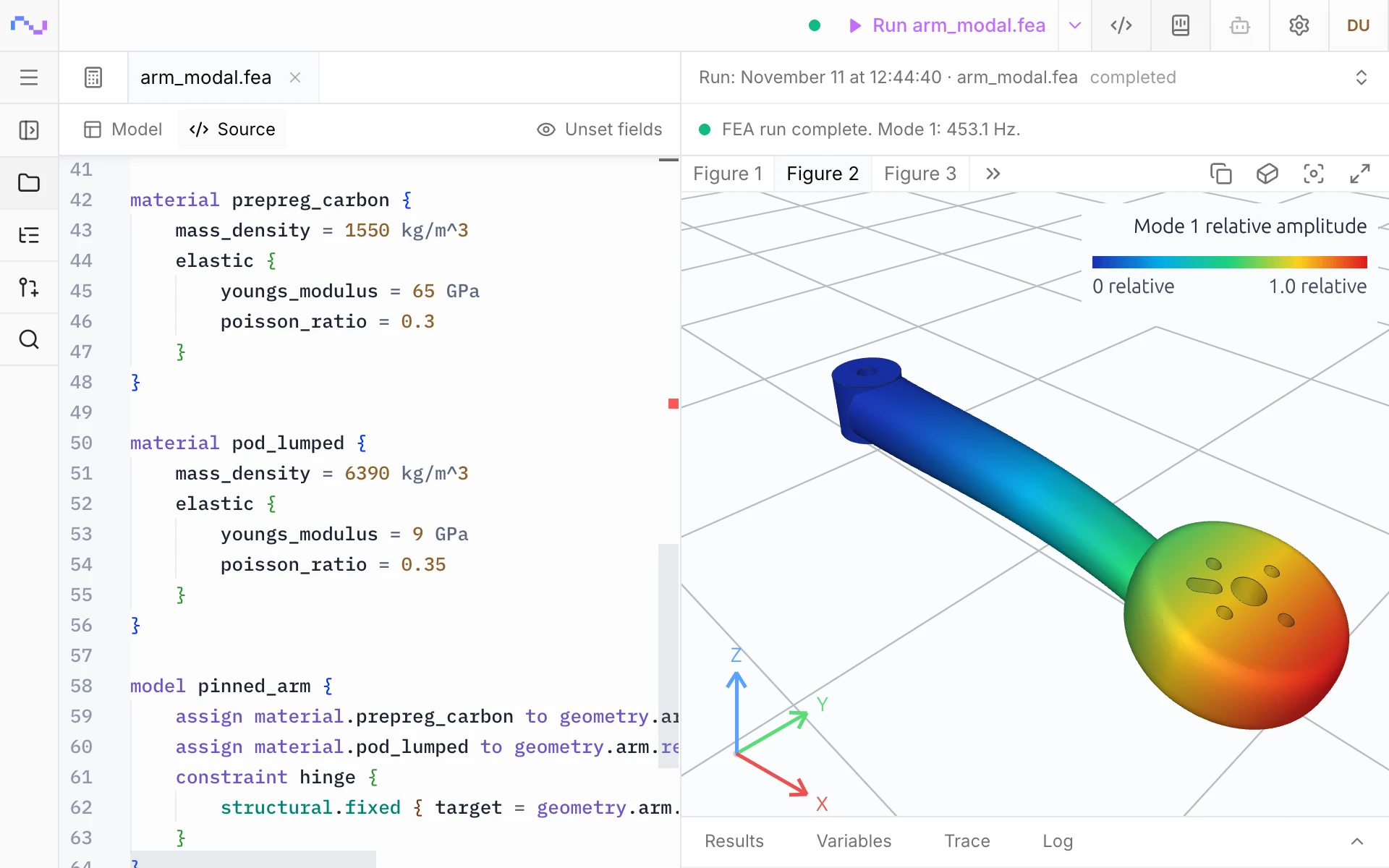
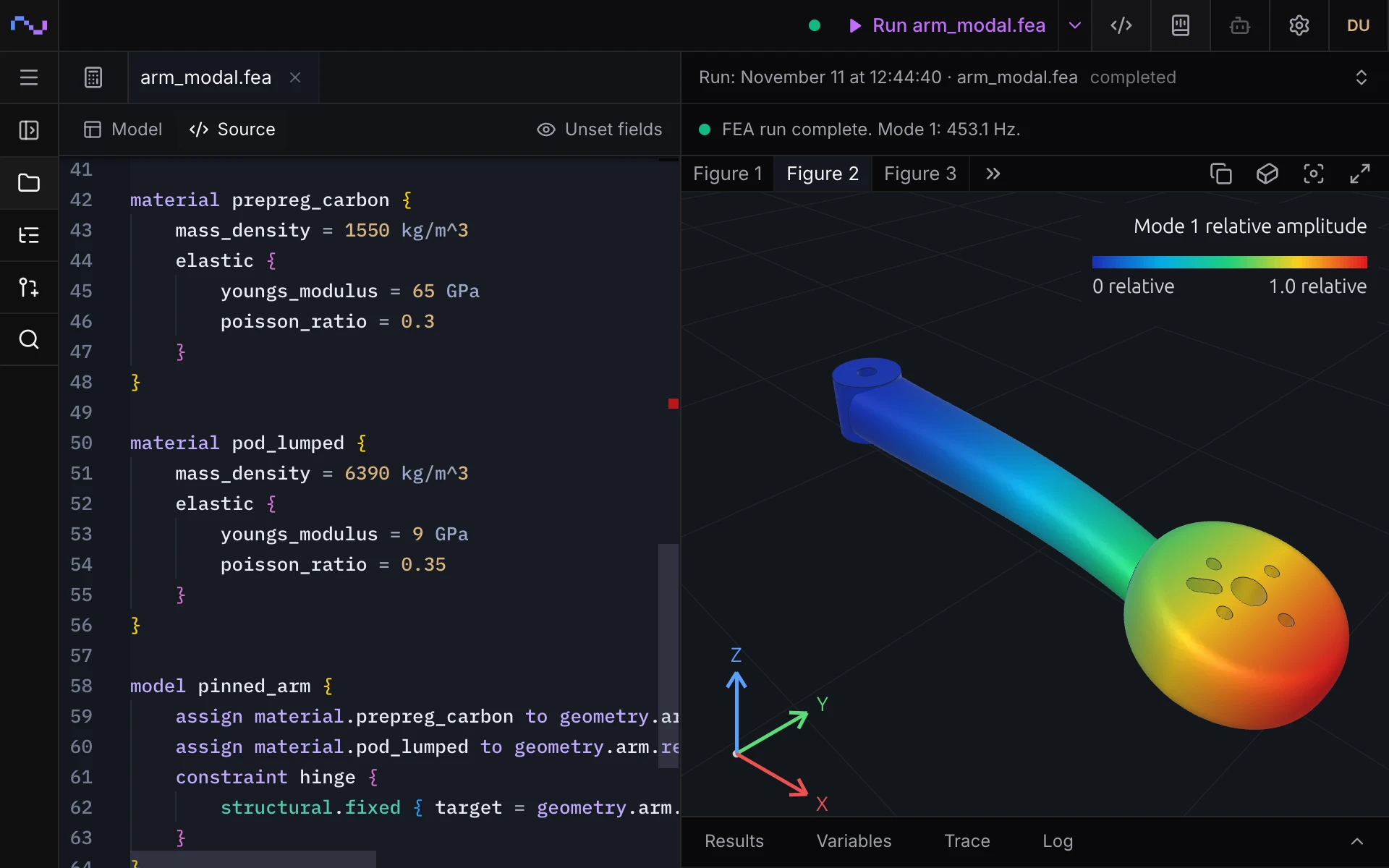
Modal
Natural frequencies and mode shapes, with modal mass and participation in each direction.
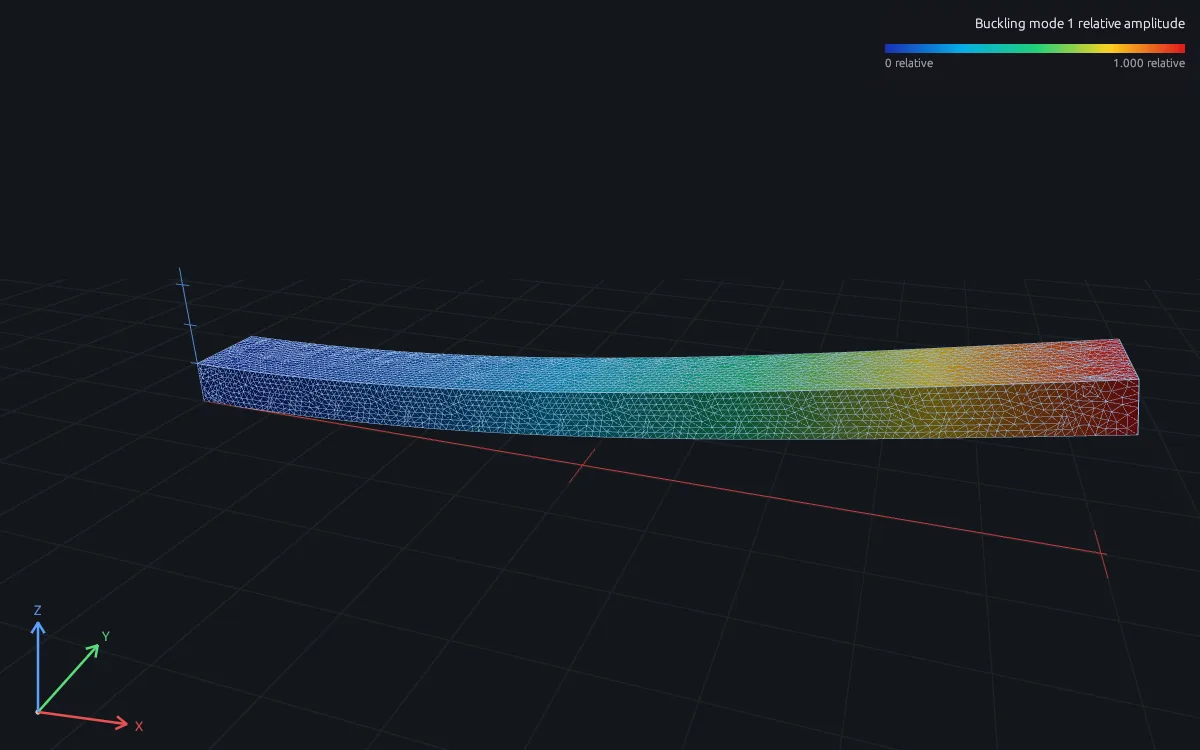
Buckling
The load factor at which a slender or thin-walled part buckles, and the buckled shape, from a preloaded state.
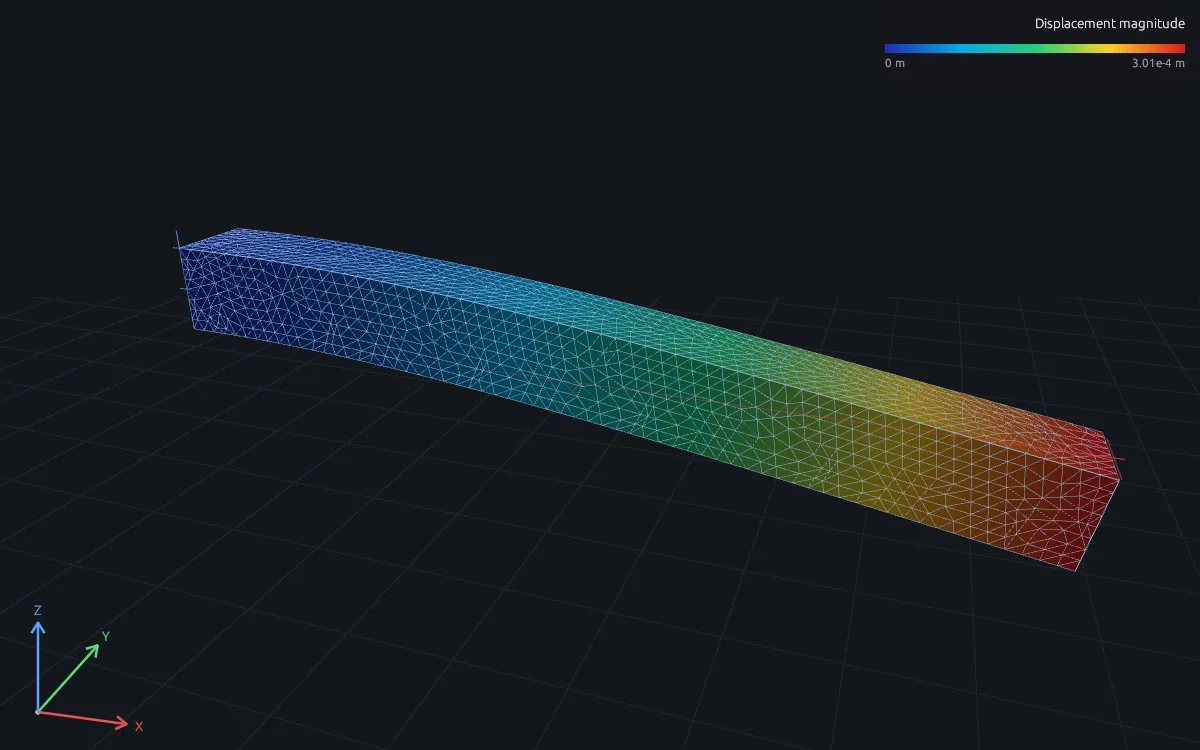
Transient
Response over time to an impact, a pulse or a measured time history, by direct integration or on a modal basis.
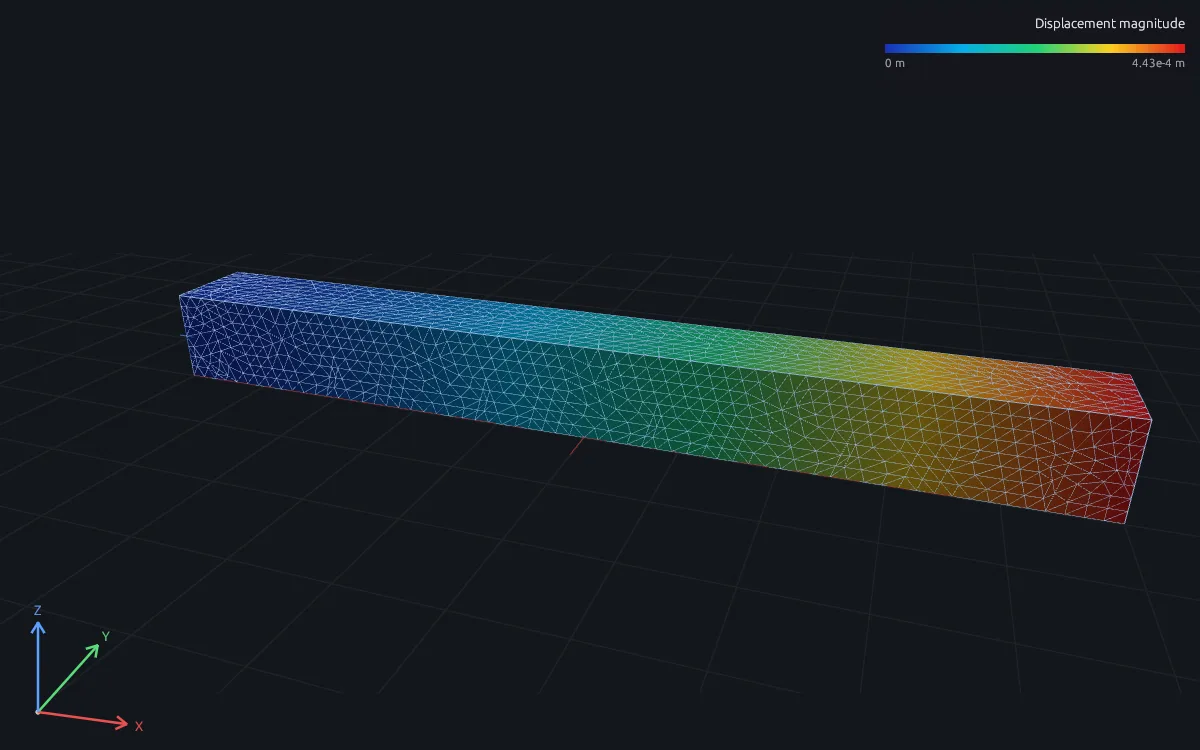
Harmonic
Steady response amplitude and phase at each excitation frequency, direct or on a modal basis, with or without prestress.
Random vibration
RMS displacement and stress under a base or force PSD, such as a launch or transport environment.
Response spectrum
Peak response to a shock or seismic spectrum, combining modes by SRSS or CQC.
Nonlinear
Load paths with plasticity, large deformation and follower loads, solved in load increments with Newton iteration.
Model loads, supports and materials
Define the loads, supports and materials of complex cases.
Loads
- Total force on a face, edge or point, and moments
- Traction, pressure and hydrostatic pressure
- Gravity, body force and inertial acceleration
- Centrifugal and unbalance loads
- Bolt preload and bearing loads on holes
- Base acceleration and earthquake motion
- Time and frequency signals, including from
.mfunctions - Load cases and combinations
Supports
- Fixed and prescribed displacement
- Constraints in one direction or a local frame
- Couplings, ties and multipoint equations
- Periodic and cyclic symmetry
Connections and contact
- Axial springs, dashpots and grounded springs
- Elastic foundations and six-axis bushings
- Bonded interfaces between parts
- Frictionless and Coulomb friction contact
Materials and elements
- Isotropic elastic and J2 plastic materials
- Orthotropic plies and laminate layups
- Tet4 and Tet10 solids on exact CAD
- Beams with general, rectangular, circular or tube sections
- Shells with homogeneous or layered sections
- Rayleigh damping
RunMat can be used directly by Claude Code, Codex and other MCP clients
Connect RunMat to Claude Code, Codex or another MCP client, and the AI tool you already use sets up and runs the same studies from your CAD file. Its agent writes and edits the .fea study, RunMat checks and solves it, and the results come back to the agent and appear in RunMat Desktop.
FAQ
01Is this for buildings or for mechanical parts?
Mechanical parts and assemblies from CAD: brackets, housings, shafts, frames and panels. For a steel or concrete building, model the frame with beam elements and write the design code's limits as checks on the results. Give RunMat Agent the code section and it writes those checks into the study.
02Which element types does RunMat use?
Linear (Tet4) and quadratic (Tet10) tetrahedra meshed from exact CAD geometry, beams with standard or general sections, and shells with homogeneous or layered sections.
03Can RunMat model contact between parts?
Yes. Declare bonded interfaces, frictionless contact or Coulomb friction contact between named faces. Contact is never created from faces that only look close; each pair is declared.
04Does RunMat handle nonlinear behavior?
Yes. A nonlinear analysis follows the load path in increments with Newton iteration, and covers J2 plasticity, large deformation, follower loads and contact.
05How do I know a result is right?
Check that the reactions balance the applied loads and refine the mesh until the quantity you design to stops changing. Every run records its solver residuals, mesh quality and the settings that produced it.
06Can an AI model write a structural study?
Yes. A study is plain text with units on every value, so an AI coding agent such as Claude Code or Codex can write it from a description of the part, and runmat check reports any mistake with its line before anything is meshed.