
Predict thermal stress and distortion in heated parts
Check that a part heated in service stays below its allowable stress and clear of its excitation frequencies. Import the STEP file, write the heat input, cooling, supports and materials in a short text file, and RunMat solves it.
RunMat works with you to set up your studies
Go from a CAD file to a complete, runnable study in minutes.
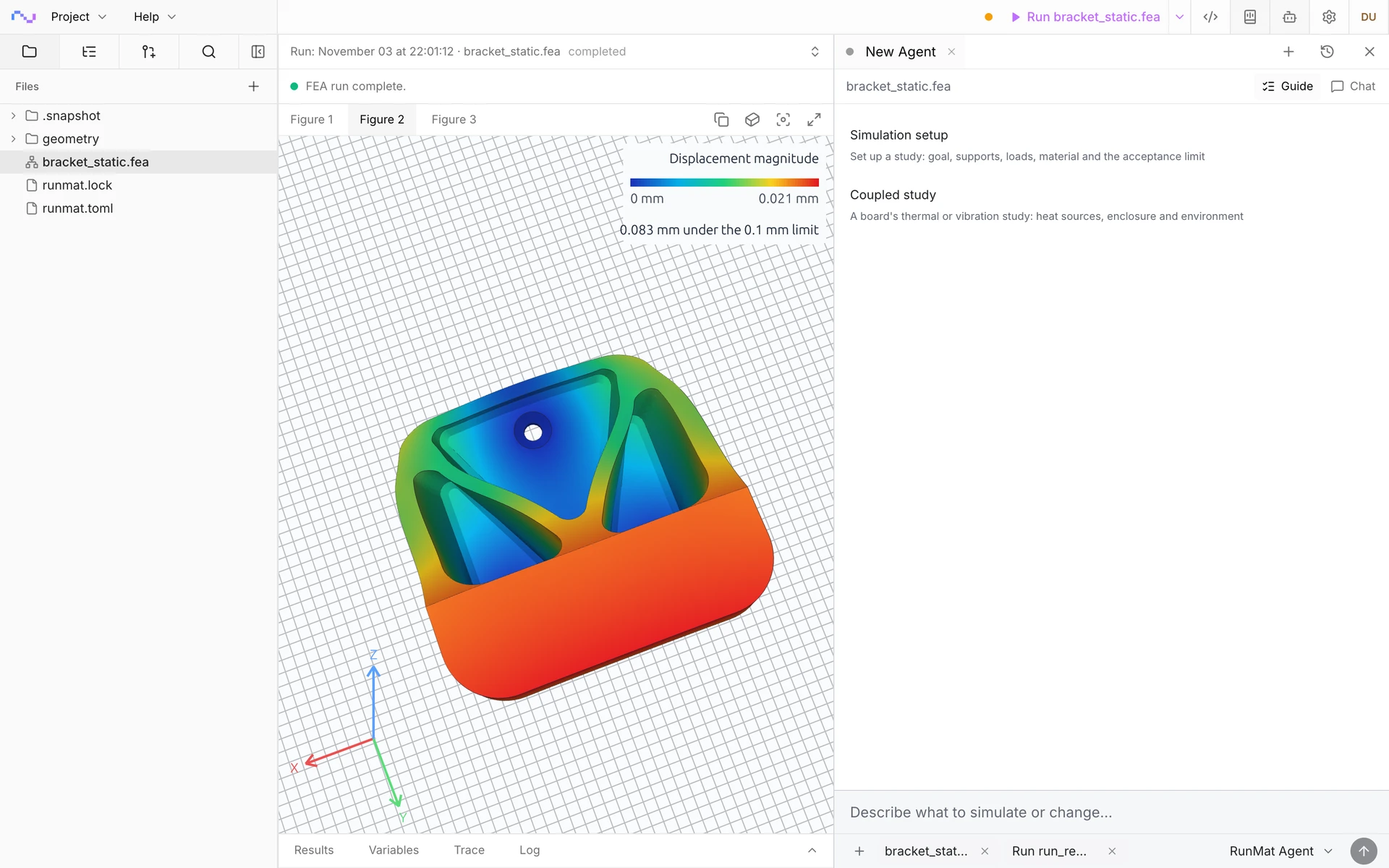
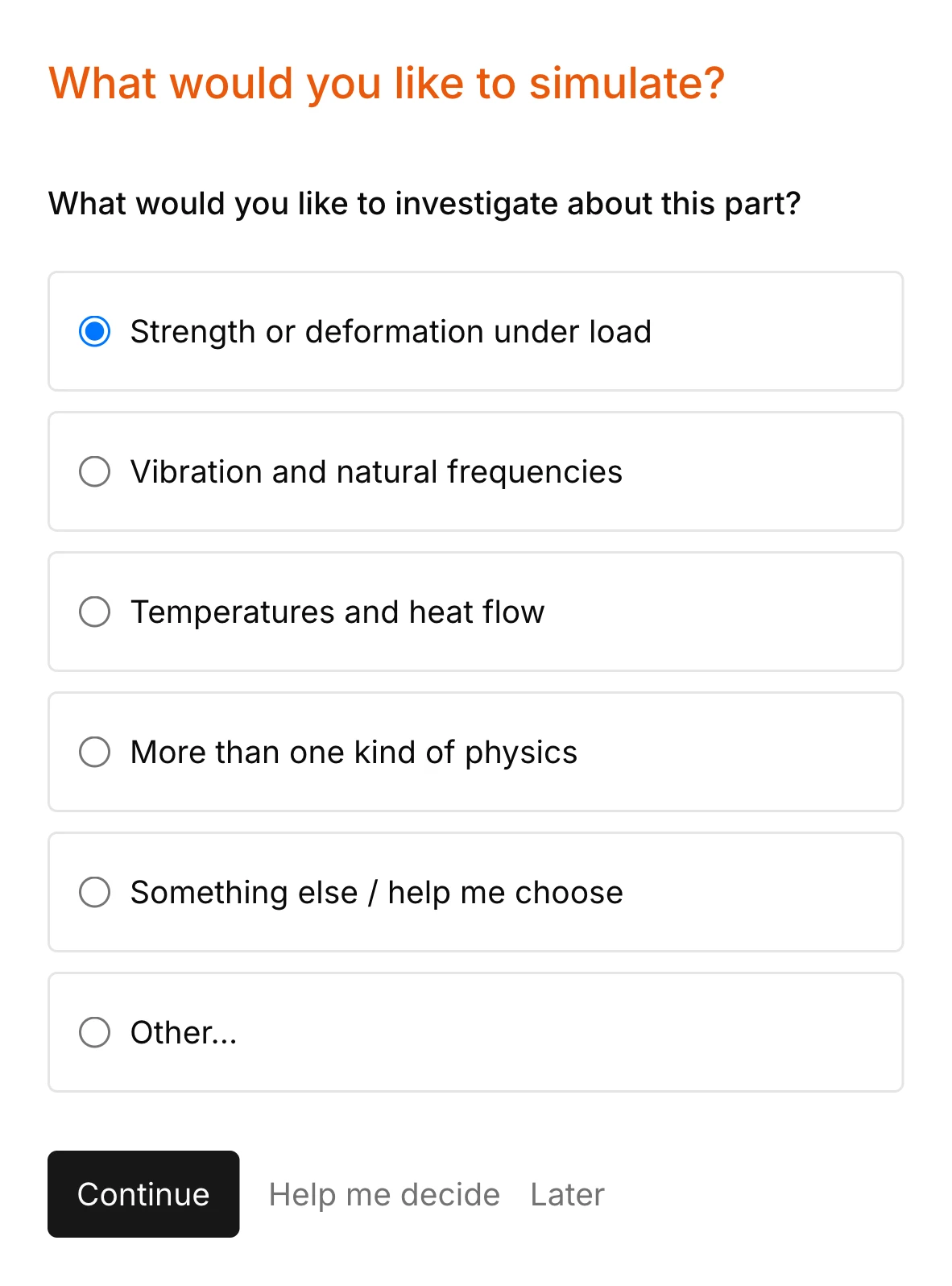
RunMat asks you guided questions to set up the study. It checks for missing heat sinks, supports, reference temperatures and the rest of the simulation setup, so the study is ready before you run it.
You own the study file: run it, review it and check it into version control. Model anything from a restrained steel bar to a brake disc under sustained braking with multiphysics.
Run a simulation across your machines
The same study runs on every core of one computer, or spreads across several machines when the model is large or there are many cases to solve. On Professional, each person's three computers run together as a cluster, and larger clusters run under Enterprise.
RunMat helps you answer questions about heated parts before you test them
Does the heat overstress it?
Get the stress from uneven heating and restrained expansion, alone or with mechanical loads, checked against the material's allowable at the location where it governs.
How far does it move when hot?
Find the thermal distortion of a rotor, housing or mirror mount, such as the coning of a brake disc, and whether clearances and alignment hold at operating temperature.
Do its frequencies shift when hot?
See how heating lowers or raises the natural frequencies, so a hot part stays clear of the excitation the cold one cleared.
Does it buckle when it heats up?
Find the temperature rise at which a restrained rail, panel or tube buckles, and the buckled shape.
The following thermal stress simulation types are supported
Thermal stress
Stress and distortion from a solved or prescribed temperature field, alone or with mechanical loads, under any supports, such as a brake disc heated at its friction faces and held at its bolt holes.
Heated natural frequencies
Natural frequencies of the part in its thermally stressed state, which fall under compression and rise under tension. A steel bar clamped at both ends and heated by 200 K drops its first bending frequency from 491.9 Hz to 471.7 Hz.
Thermal buckling
The temperature rise at which a restrained slender or thin part buckles, such as a thin rail held at both ends, from its thermally preloaded state.
Heated harmonic response
Response amplitude and phase at each excitation frequency about the thermally stressed state, direct or on a modal basis.
Temperature history
Stress through one braking stop or a heat-up and cool-down cycle, from the temperature at each saved time of a transient thermal analysis.
Nonlinear thermal stress
The temperature applied in load-factor increments with the nonlinear structural solver, for parts heated past yield, with the plastic strain at each increment.
Model heat input, supports and materials
Define the heat input, cooling, supports and materials of complex cases.
Temperature
- A solved steady or transient thermal field on the same mesh
- A prescribed temperature field from test or a specification
- Reference temperature for zero thermal strain
- Heat flux, heat generation and fixed temperatures for the thermal analysis
- Convection to air or coolant, with an ambient per face
Supports
- Fixed and prescribed displacement
- Symmetry planes, with expansion free in the plane
- Springs and elastic foundations
- Bonded interfaces and contact between parts
Mechanical loads
- Force, pressure and traction alongside the temperature
- Centrifugal load on a spinning rotor
- Bolt preload
- Frequency signals for heated harmonic response
Materials and results
- Elastic modulus, Poisson's ratio and thermal expansion
- Conductivity, density and specific heat
- J2 plasticity for nonlinear thermal stress
- Displacement, stress and reactions
- Prestressed frequencies, buckling load factors and harmonic response
RunMat can be used directly by Claude Code, Codex and other MCP clients
Connect RunMat to Claude Code, Codex or another MCP client, and the AI tool you already use sets up and runs the same studies from your CAD file. Its agent writes and edits the .fea study, RunMat checks and solves it, and the results come back to the agent and appear in RunMat Desktop.
FAQ
01Is thermal stress one-way?
Yes. Temperature drives deformation, and deformation doesn't change the temperature, which holds for most parts. The thermal analysis runs first, and its solved state is passed to the structural analysis by name.
02Does the temperature need to be mapped onto the structural mesh?
No. The thermal and structural analyses share one mesh, and the solved nodal temperatures are interpolated at the integration points of every element, so no field is transferred between grids.
03Why is my heated part stress-free?
A body free to expand develops no stress under a uniform temperature. Stress comes from restraint or from temperature that varies through the part, so check the supports and the temperature field.
04Can I follow the stress through a heating cycle?
Yes. A transient thermal analysis passes its temperature at each saved time to the structural analysis, so the stress follows the heating and cooling cycle, such as one braking stop. For one operating point, use the temperature at that time as the preload.
05How do I know a thermal stress result is right?
Check two limits before trusting a restrained result: a free body heated uniformly grows by ΔL/L = αΔT with no stress, and a fully restrained bar carries σ = −EαΔT. Then judge the design on the stress away from singular clamped edges, and refine the mesh until that stress stops changing.
06Can an AI model write a thermal stress study?
Yes. A study is plain text with units on every value, so an AI coding agent such as Claude Code or Codex can write it from a description of the part, its heat input, cooling and supports, and runmat check reports any mistake with its line before anything is meshed.