
Predict part and coolant temperatures in liquid-cooled assemblies
Check that a battery module, power module or cold plate stays under its temperature limit at the coolant flow the pump supplies. Import the STEP file, write the coolant, the heat sources and the wetted interfaces in a short text file, and RunMat solves the flow and the conduction together.
RunMat works with you to set up your studies
Go from a CAD file to a complete, runnable study in minutes.
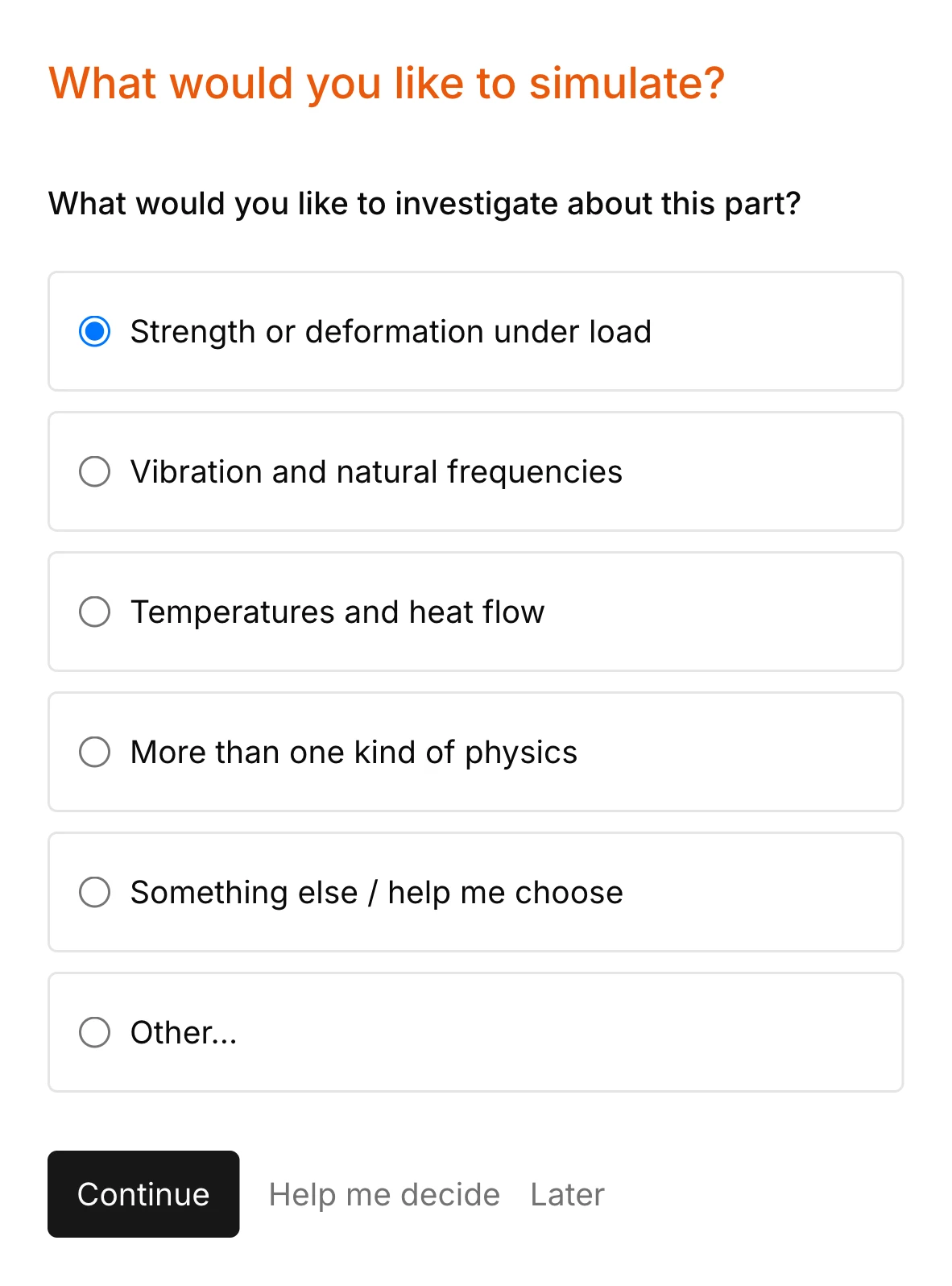
RunMat asks you guided questions to set up the study. It checks for missing coolant inlets, outlets, wetted interfaces, heat sources and the rest of the simulation setup, so the study is ready before you run it.
You own the study file: run it, review it and check it into version control. Model anything from a heated channel to a liquid-cooled battery module with multiphysics.
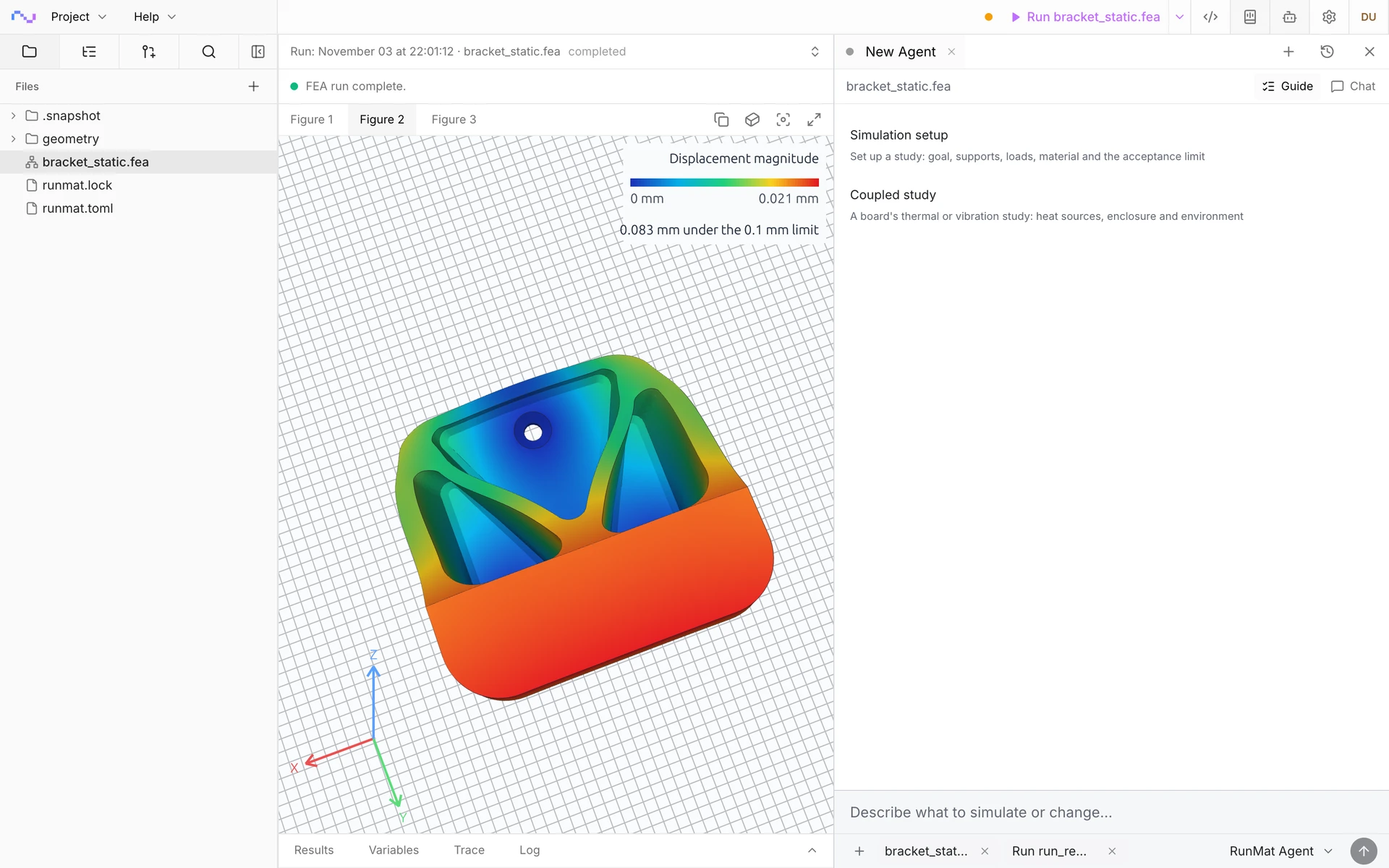
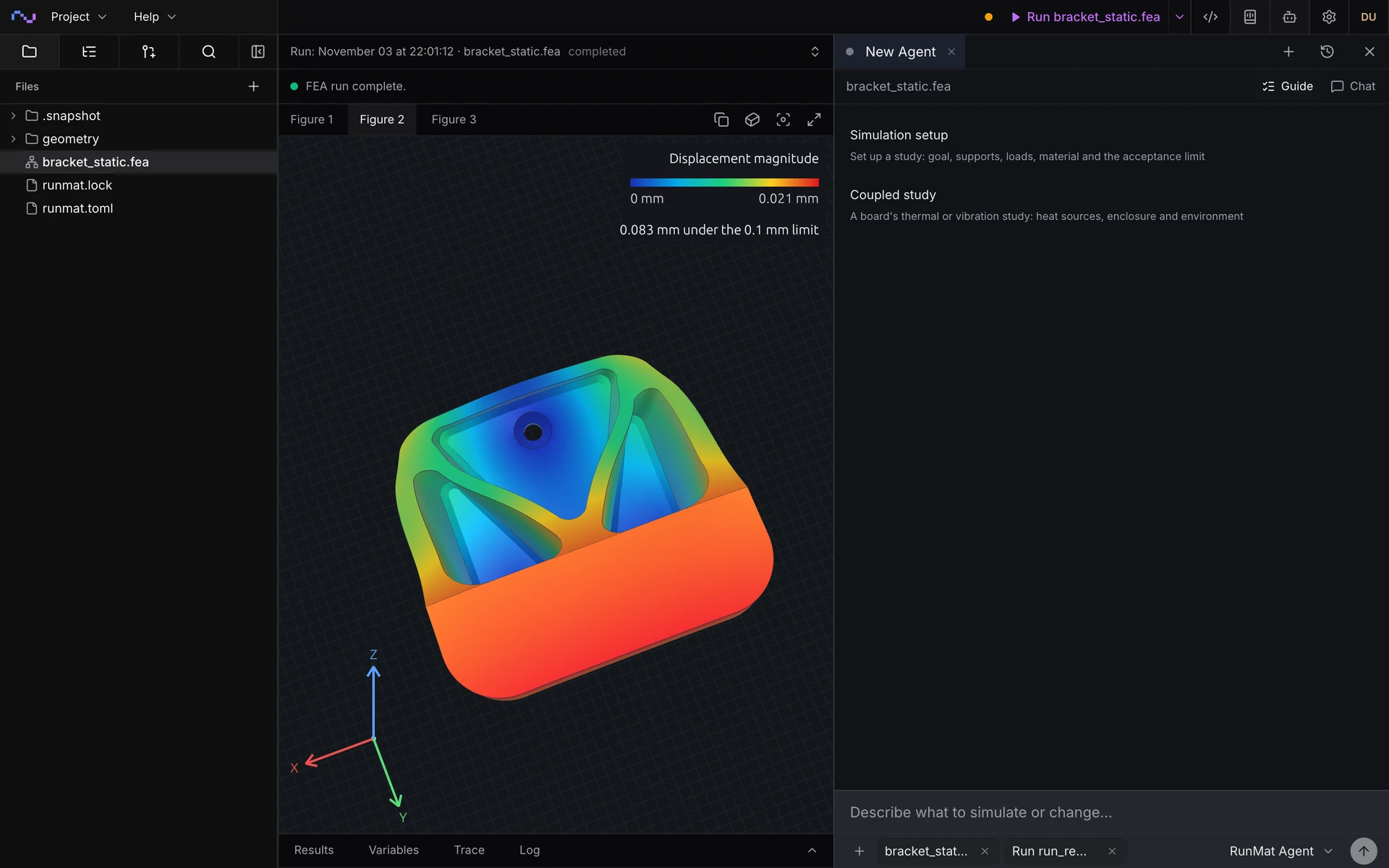

Run a simulation across your machines
The same study runs on every core of one computer, or spreads across several machines when the model is large or there are many cases to solve. On Professional, each person's three computers run together as a cluster, and larger clusters run under Enterprise.
RunMat helps you size the cooling before you build the cold plate
Does the hottest cell stay under its limit?
Get the peak temperature over every cell or component at full power and the operating coolant flow, checked against its limit and reported passed or failed.
How much does the coolant warm up?
Get the coolant temperature rise from inlet to outlet and along each channel, with the heat the parts generate balanced against the heat the coolant carries out.
What coolant flow does it need?
Run flow rates and inlet temperatures side by side in parallel, and find the least flow that holds the peak under the limit, with the pressure drop the pump has to overcome at each.
How much heat does each wetted face carry?
Get the heat crossing every fluid–solid interface from the solved flow, in place of an assumed film coefficient, and find the channel or face that limits the cooling.
The following conjugate heat transfer simulation types are supported
Steady operation
Coolant flow and conduction in the solids at a constant flow and heat load, with the temperature of every region and the heat crossing each interface.
Warm-up and power steps
Temperature stepped in time from a starting temperature at a constant coolant flow, such as the module warming from 25 °C at full power, or a power step through a drive cycle.
Temperature-dependent properties
Coolant viscosity, conductivity and specific heat that change with temperature, iterated until the flow and the temperature agree, with viscous heating in the coolant.
Natural convection in sealed enclosures
Air moved by buoyancy inside a sealed electronics enclosure with no fan, heated by the boards and cooled through the walls, with gravity set in the study.
Coolant pressure drop
The pressure difference from the coolant inlet to the outlet at the authored flow, ready to check against the head the pump supplies.
Interface laws
Perfect contact where coolant wets bare metal, a conductance for a coating, and a contact resistance for a gap filler or pad, declared per interface.
Convection and radiation on outer faces
Heat leaving a housing's outer faces to the surrounding air by convection and to its surroundings by radiation, solved with the coolant in the same energy balance.
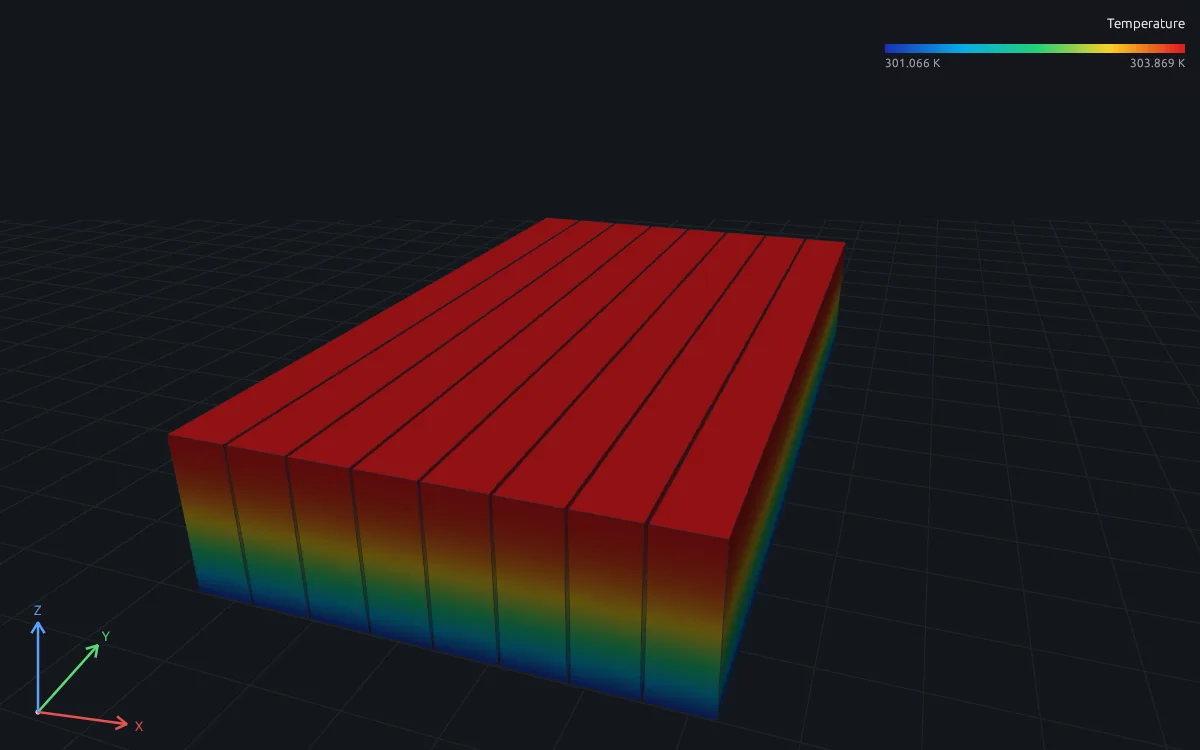
Solids with a film coefficient
When a film coefficient describes the cooled faces well, a thermal study of the solids alone, such as the cells of module M01 on the thermal page.
Model coolant, heat sources and interfaces
Define the coolant flow, heat sources, cooling and wetted interfaces of complex cases.
Coolant flow
- Water, water-glycol, oils and low-speed air, by density, viscosity, conductivity and specific heat
- Inlet velocity or mass flow, with the inlet temperature
- Outlet pressure
- No-slip walls on the fluid side of every wetted face
- Gravity for natural convection
Heat sources and cooling
- Heat generation in a volume, in W/m³
- Heat flux on a face, in W/m²
- Convection and radiation from outer faces to the surroundings
- Fixed temperatures
- Starting temperature for warm-up runs
Interfaces
- Perfect thermal contact between coolant and wall
- Interface conductance for a coating
- Contact resistance for a gap filler or pad
- Interface coverage of every wetted face checked before the solve
Results
- Temperature in the coolant and every solid
- Coolant velocity, pressure and face flux
- Pressure drop from inlet to outlet
- Heat into the fluid and the solid through every interface
- Energy closure: heat applied, heat carried out by the coolant and heat lost to the surroundings
RunMat can be used directly by Claude Code, Codex and other MCP clients
Connect RunMat to Claude Code, Codex or another MCP client, and the AI tool you already use sets up and runs the same studies from your CAD file. Its agent writes and edits the .fea study, RunMat checks and solves it, and the results come back to the agent and appear in RunMat Desktop.
FAQ
01When do I need conjugate heat transfer instead of a film coefficient?
When the coolant warms noticeably along its path, when the flow divides unevenly between channels, or when no measured film coefficient exists for the wall. The thermal page's battery module writes its cooling as one assumed effective coefficient of 403 W/m²K through the gap filler, the cold-plate lid and the coolant film; the cold plate on this page solves that path from the flow. If one coefficient describes the wall well, a thermal study of the solids is faster.
02Which coolants and flows is RunMat built for?
Liquids such as water, water-glycol and oils, and air at low speed, in laminar flow through channels, pin fins and passages. The cold plate on this page keeps its channel Reynolds number below 2,000. Natural convection driven by buoyancy covers sealed enclosures with no fan.
03How do I know a conjugate heat transfer result is right?
Every run reports the heat entering the fluid and the solid through each interface, which must be equal and opposite, and the energy closure of the whole model: the 160 W the cells generate has to leave as heat carried out by the coolant. Refine the mesh across the channel until the peak temperature stops changing, and compare a heated pipe with the laminar Nusselt numbers 3.66 at constant wall temperature and 4.364 at constant heat flux.
04Does every wetted face need an interface?
Yes. RunMat never creates an interface from faces that happen to touch. Every face where the coolant meets a solid belongs to a declared interface with its law, and RunMat checks that the interfaces cover every wetted face before it solves. The fluid side of the wall also takes its flow law, usually fluid.no_slip_wall.
05Do I need a special mesh for the coolant?
No. The coolant is its own body in the CAD file, such as the coolant in the cold plate's channels, and RunMat meshes it with the solids from one STEP file. Put several cells across each channel where the wall heat flux matters, and compare two mesh sizes on the value you report.
06Can an AI model write a conjugate heat transfer study?
Yes. A study is plain text with units on every value, so an AI coding agent such as Claude Code or Codex can write it from a description of the parts, the coolant, the heat sources and the wetted faces, and runmat check reports any mistake with its line before anything is meshed.