
High‑performance math, simulation, CAD and PCB design
Runs on Mac, Windows, Linux and in the browser.
RunMat v0.7.1, released Nov 2026 · Release notes
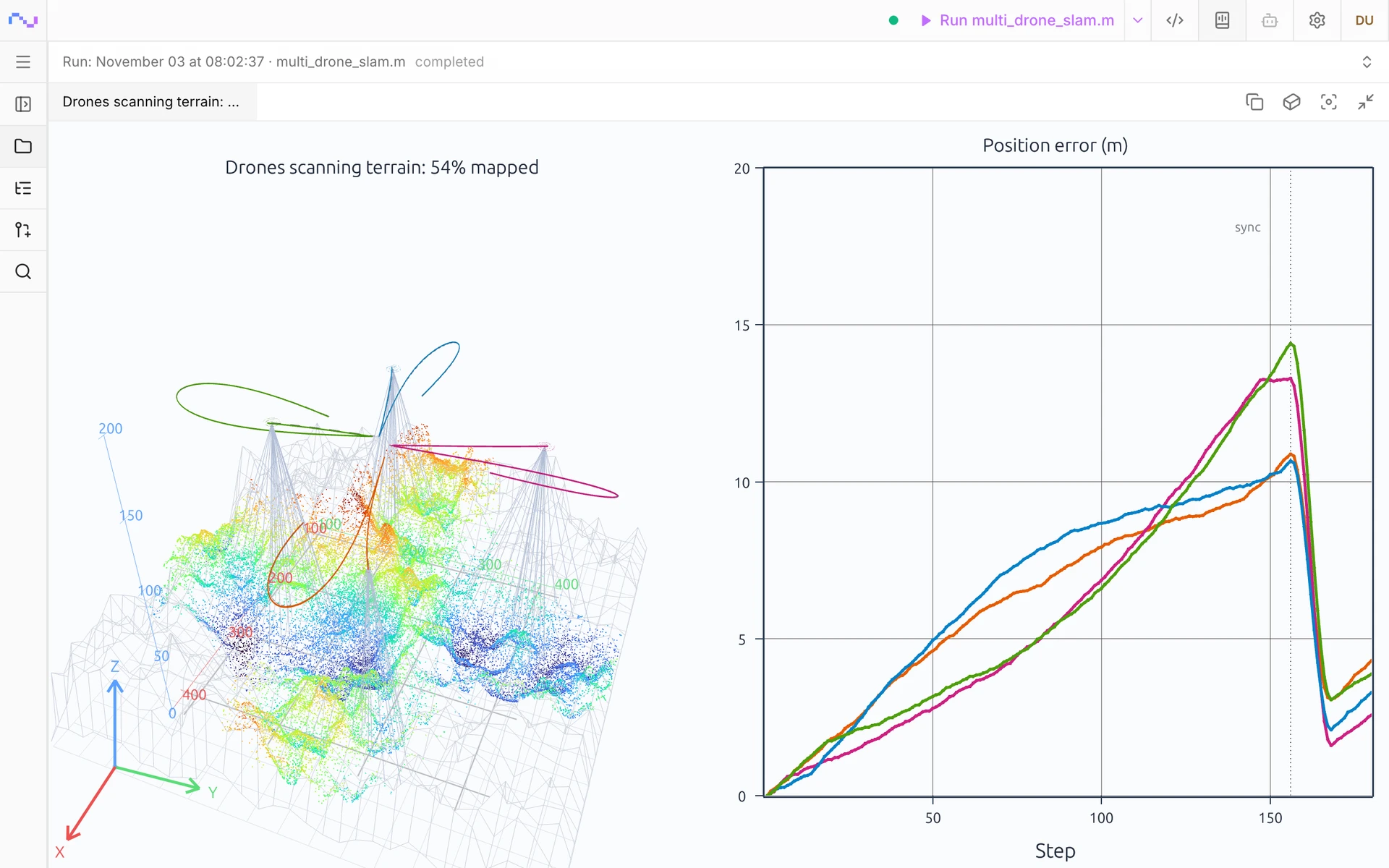
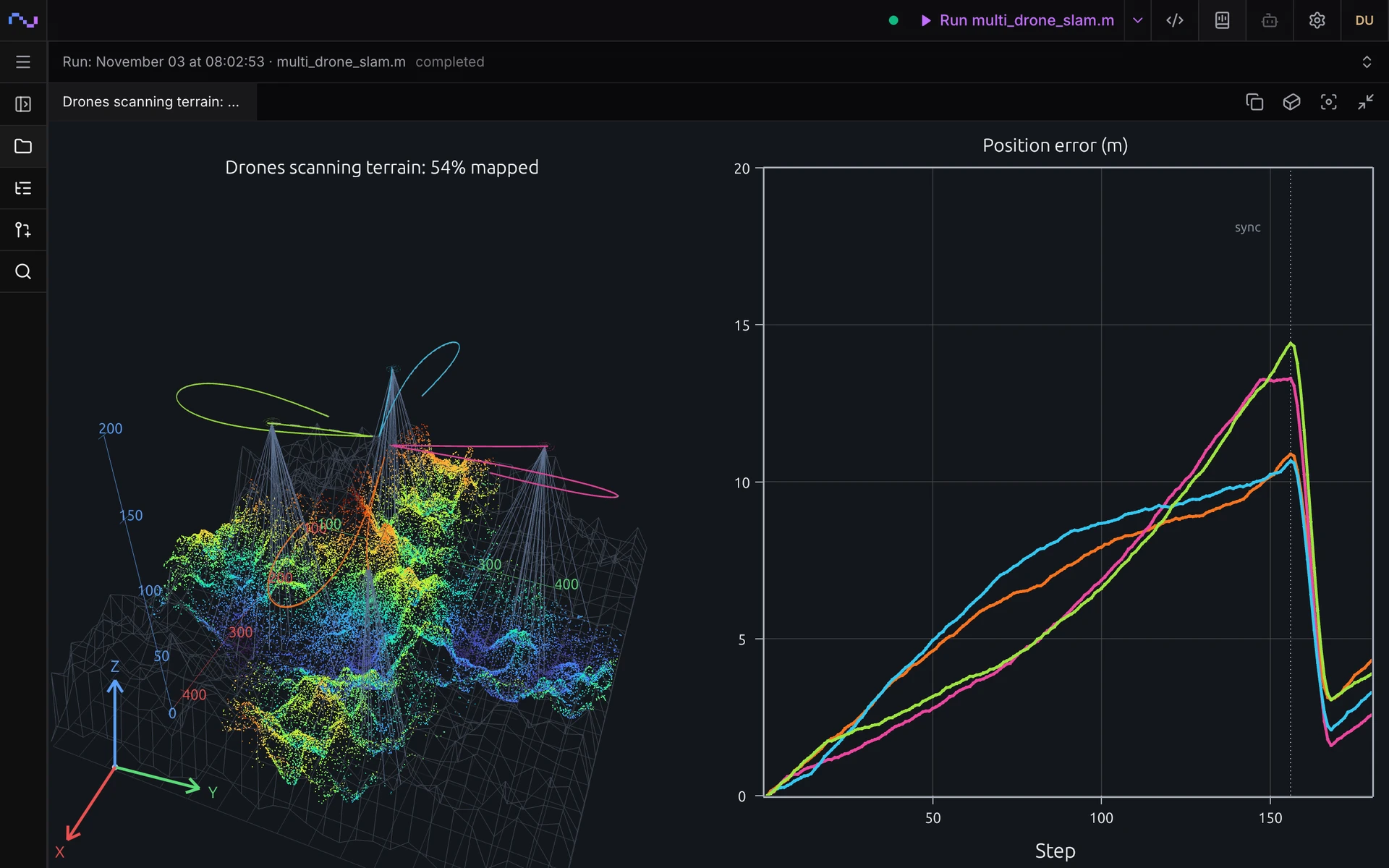
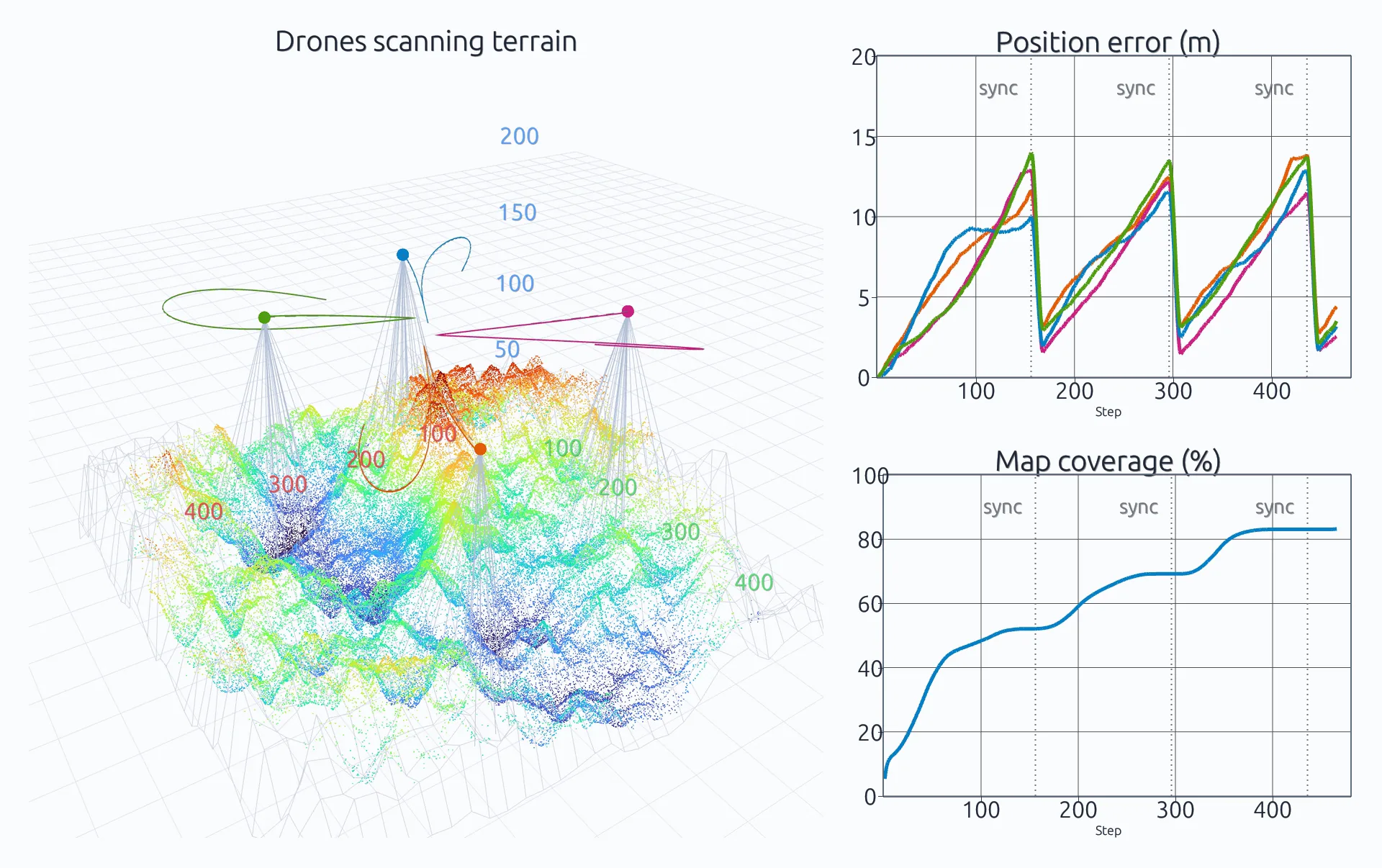
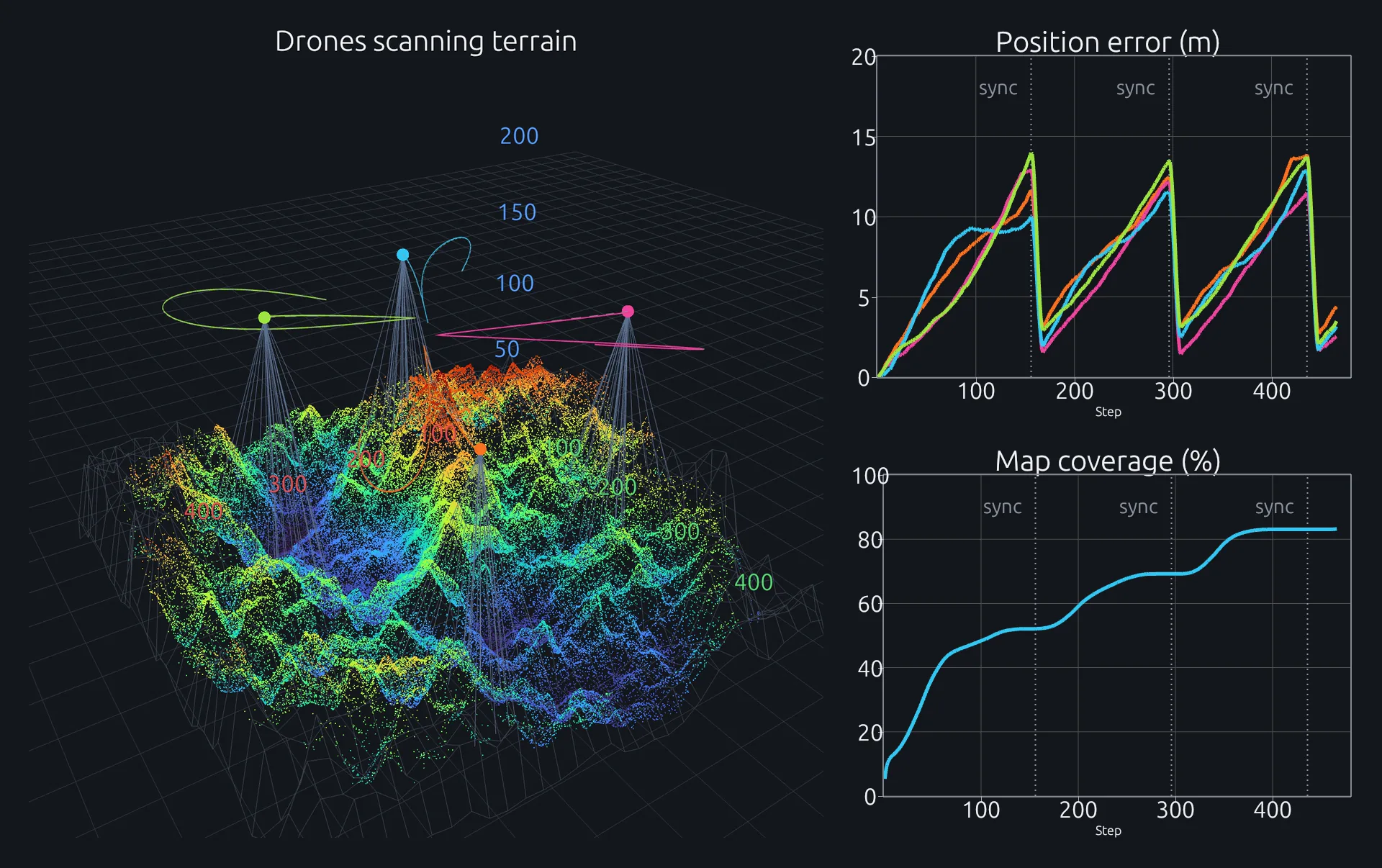
A simulation of four drones cooperatively mapping mountainous terrain, running in RunMat.
Math
Run matrix math fast on GPUs and CPUs with a MATLAB-syntax compiler.
Physics
Run multiphysics simulations defined in typed text documents.
MCAD
Model parts, assemblies and drawings defined in text files.
ECAD
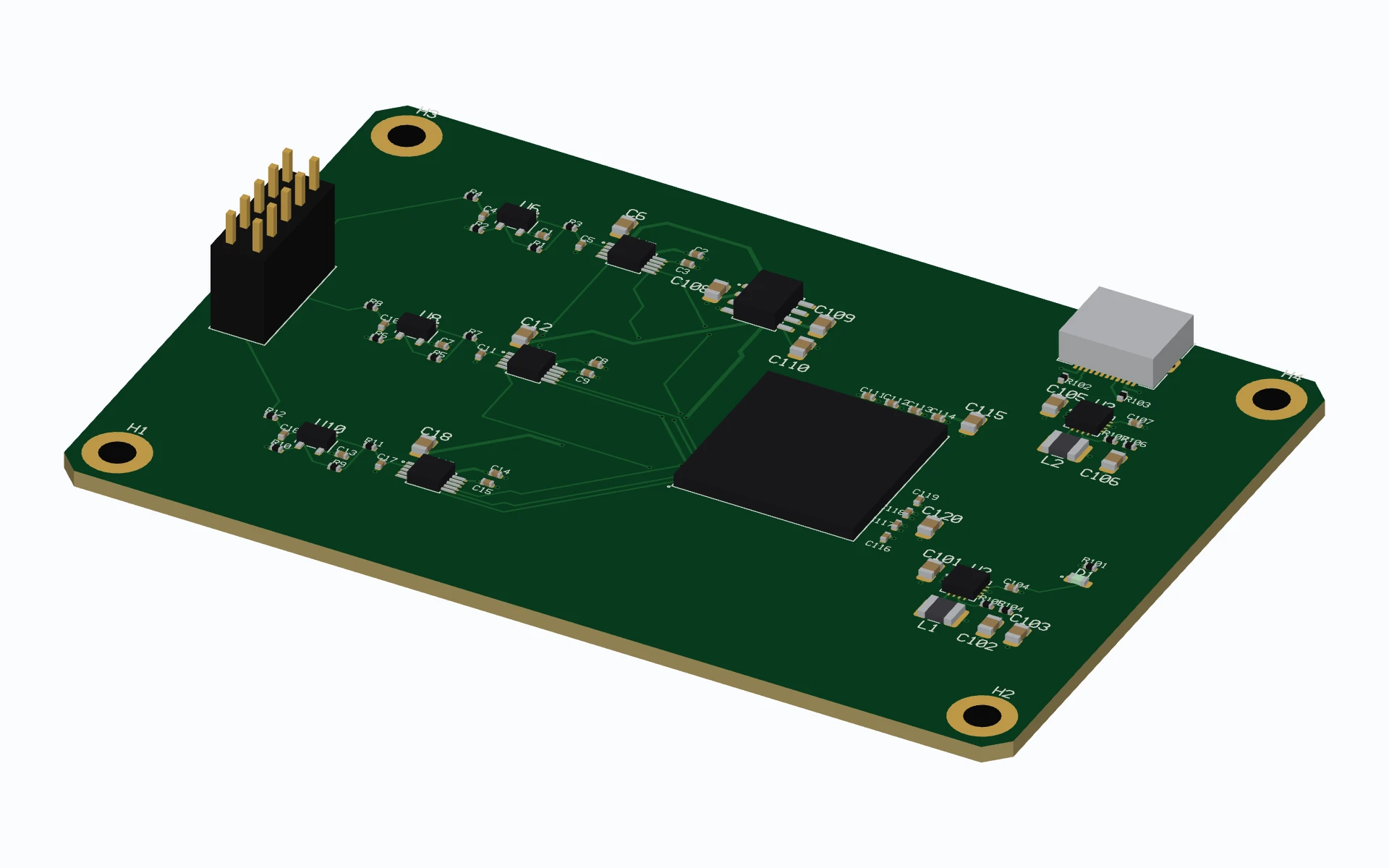
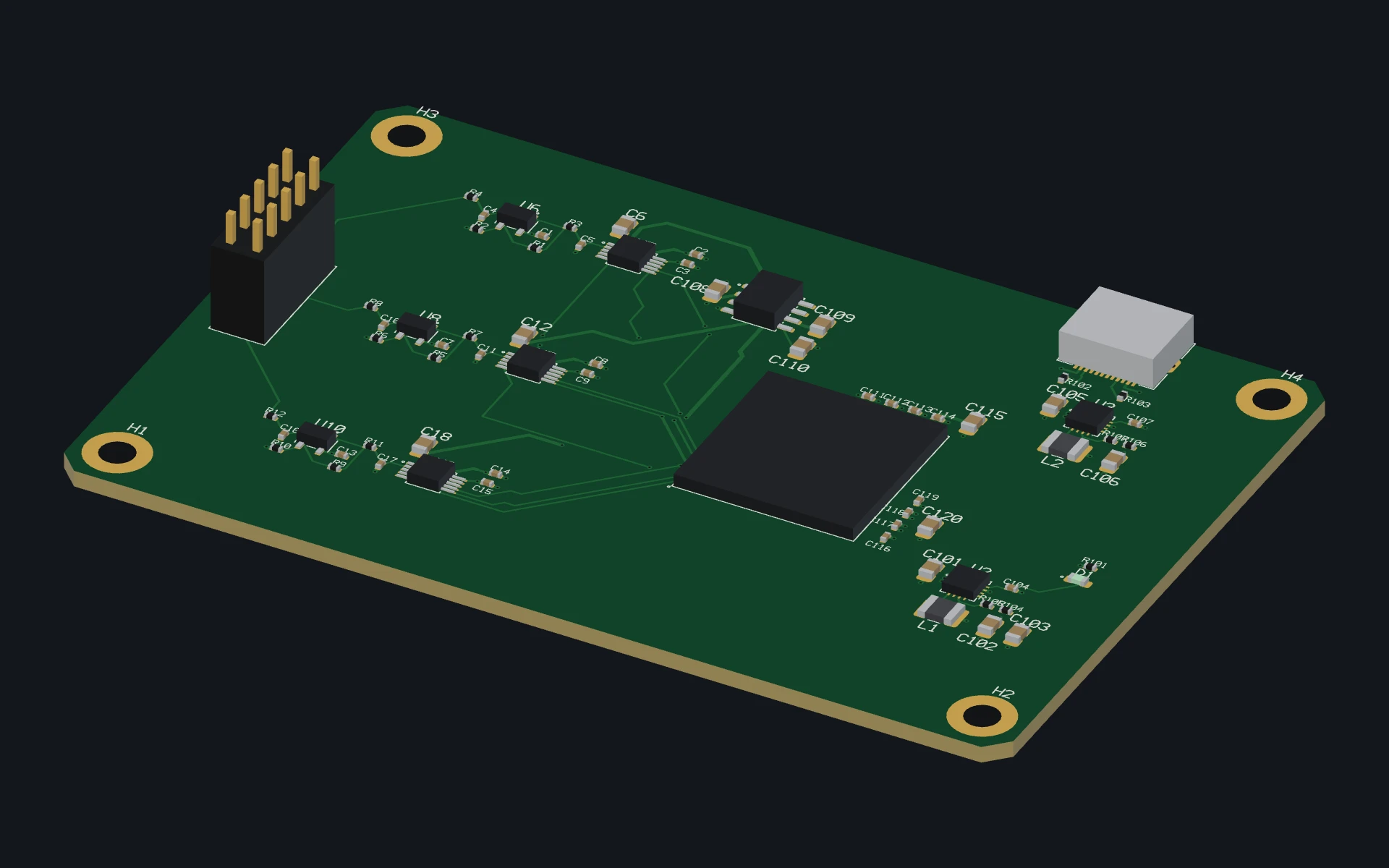
Draw schematics, lay out boards and simulate them before fabrication.
Used by engineers around the world
- 10,000+ users
- 10,000+ users
- 130+ countries
- 130+ countries
Run math fast across CPUs and GPUs
RunMat compiles and runs array math fast on NVIDIA, AMD, Intel and Apple GPUs. Run MATLAB syntax code, or mix in Python, Java and C.
Design and simulate mechanical assemblies
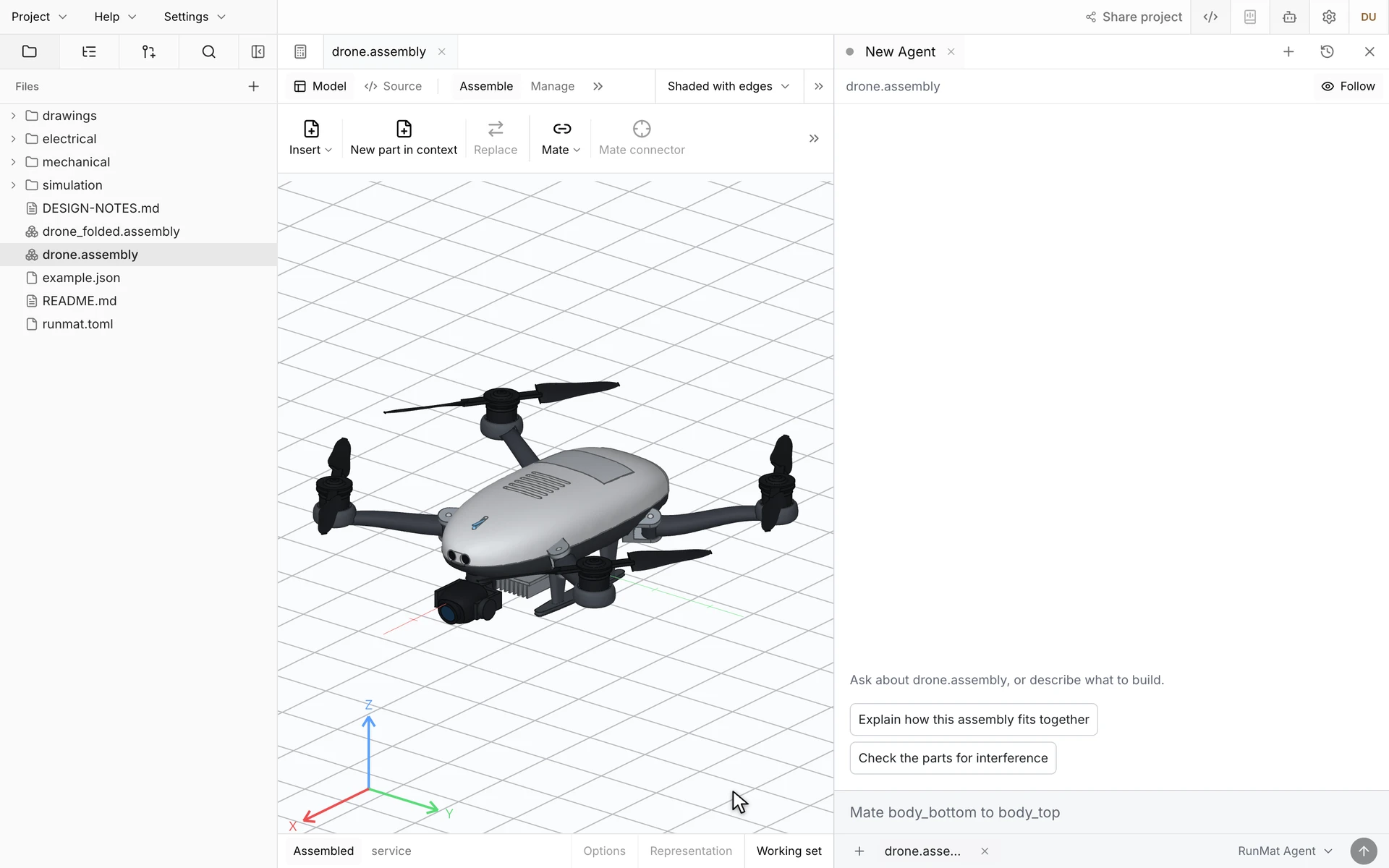
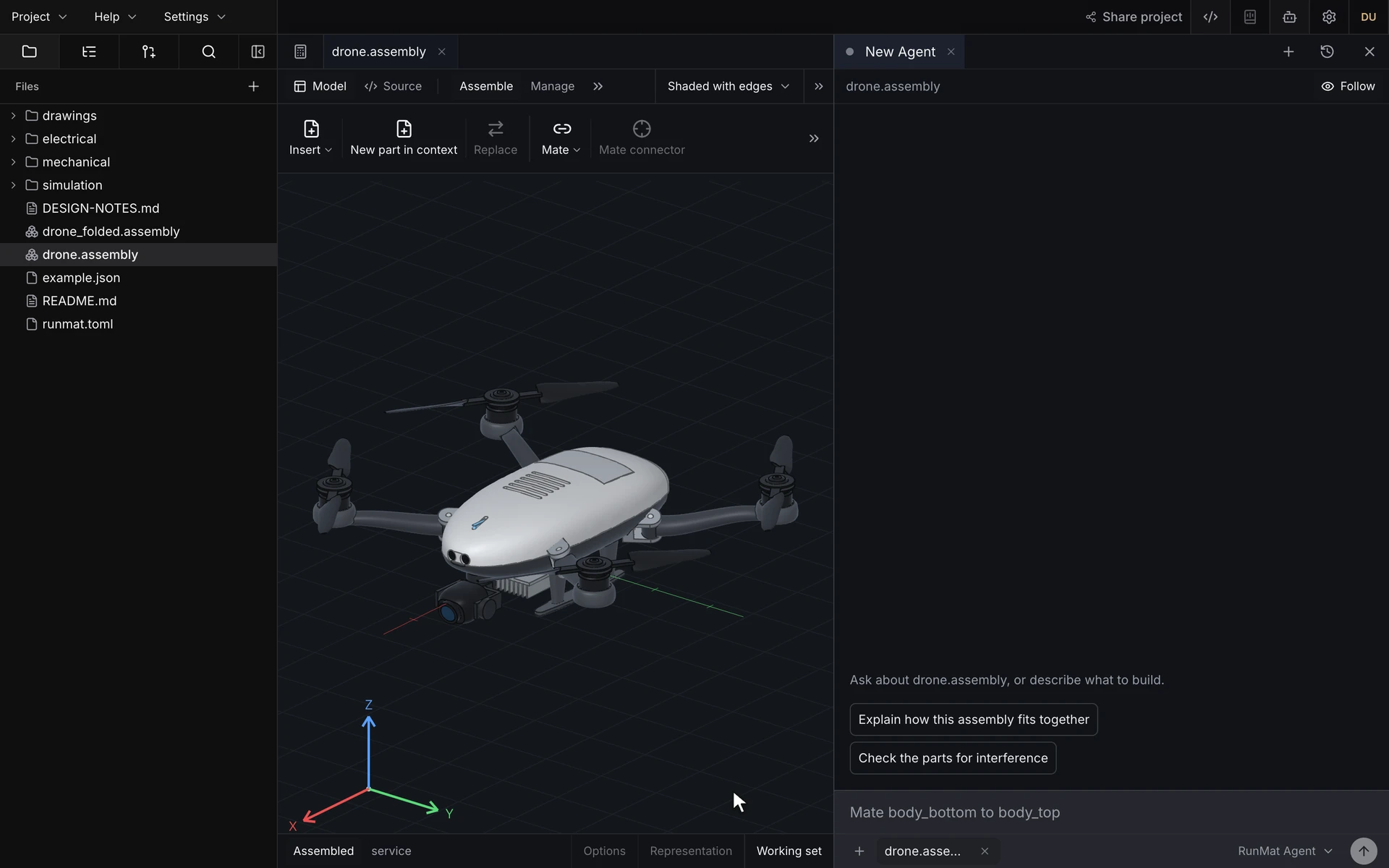
Model parts from constrained sketches and features, mate them into assemblies and make drawings to ISO or ASME. Dimension changes carry through assemblies, drawings and simulation setups.


Create schematics, boards and circuit simulations
Draw hierarchical schematics, lay out and route boards, and run SPICE, board temperature and IR drop simulations on them. Import and export KiCad projects.
Run multiphysics simulations
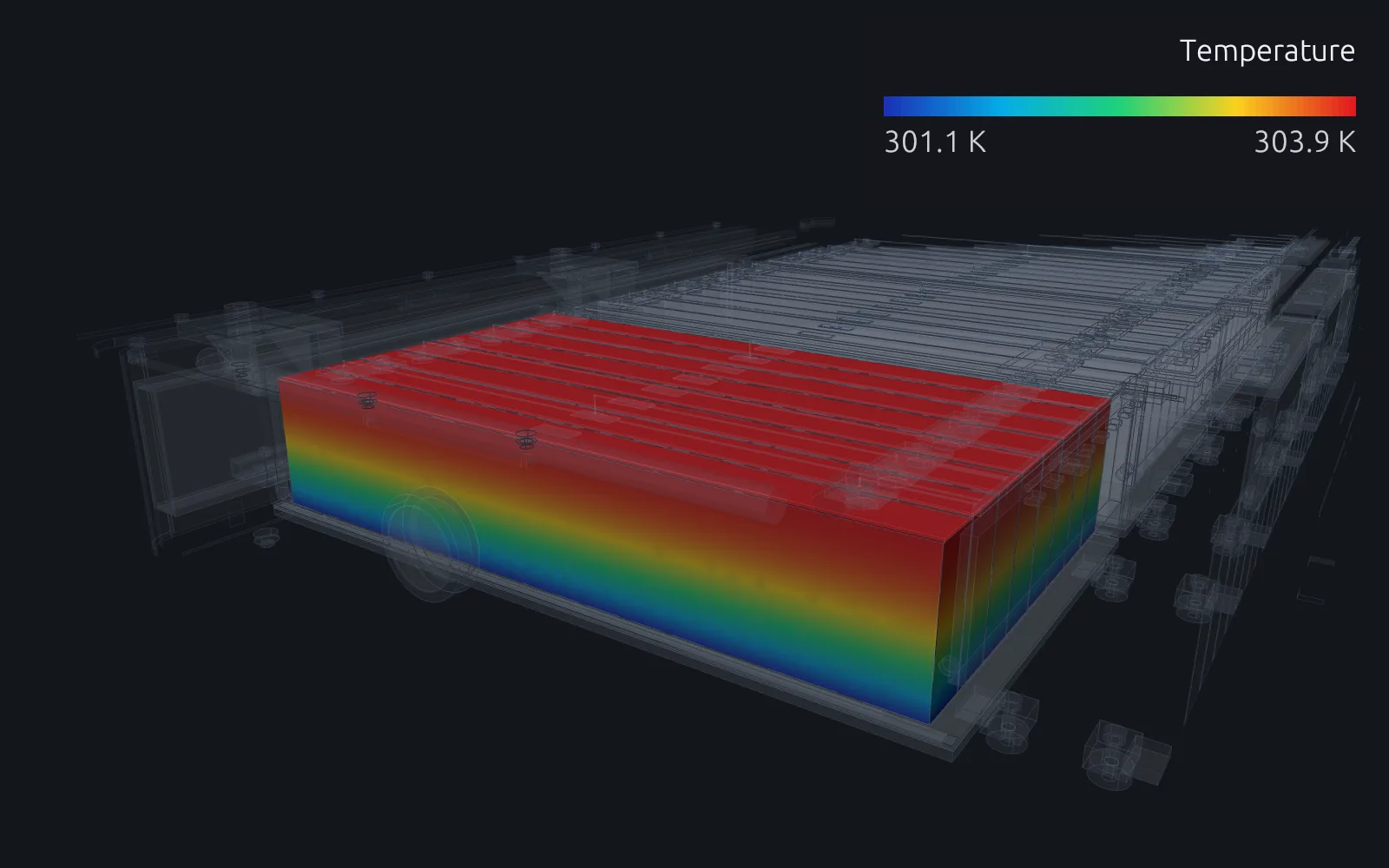
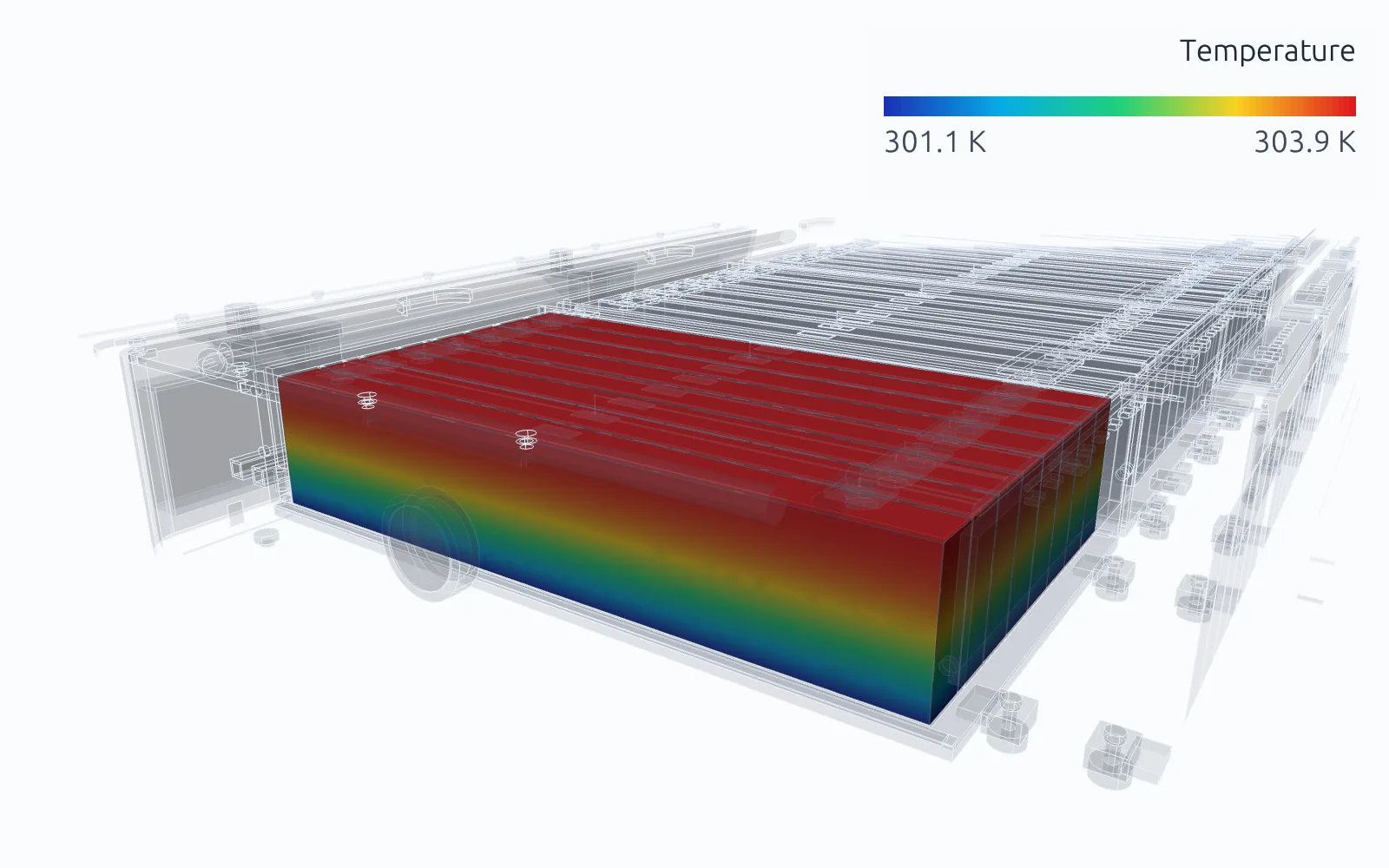
Run structural, thermal, electromagnetic, acoustic and fluid studies on your geometry. RunMat guides you through setup with interactive questions and writes a strongly typed study, with its units checked, that you can read before it runs.
Design products end to end
Go from idea to production drawings in record time.
Design and simulate a camera drone like the one shown here, with its flight software, airframe, boards and simulations, in about 8 hours of model time for about $300.
Use with your existing AI apps
RunMat can be used directly by Claude Code, Codex and other MCP clients. In RunMat almost everything is code: math, simulations, parts and boards. Models write text that's compiled and deterministically executed to create your outputs.
Connect Claude Code, Codex or another MCP client, and enable your AI tools to build complex products.
Standards-compliant and straightforward interoperability
RunMat works with the code, CAD and PCB files you already have.
Scale large computations and simulations across clusters of machines
Split parameter sweeps, simulation studies, design studies and math over all the cores on your machine. Cluster machines together to spread them across several computers.
Built for enterprises
Your projects stay on your own machine. With RunMat Enterprise, your team can work together on shared projects hosted on your company's own servers, even without a connection to the internet.
All plans
Local folder
Files stay on your own computer, offline.
All plans
RunMat Cloud
Shared projects, hosted by RunMat.
Enterprise
RunMat Enterprise
Shared projects on your company's servers. No internet needed.
FAQ
01What can I do with RunMat?
Run math with more than 2,100 built-in functions, fast on CPUs and GPUs. Model parts and assemblies, lay out circuit boards, and check them with multiphysics simulation, with each step connected to the next. Lengthen a drone's arm and its assembly and drawing update, then rerun the arm's stress study on the new shape. One person or a small team can take on a product that used to need separate mechanical, electrical and analysis teams, and Claude Code or Codex can work across all of it.
02Can RunMat run my existing MATLAB code?
Yes. RunMat runs MATLAB-language code as written, without needing a MATLAB license. For a large project, the compatibility check lists anything RunMat doesn't support yet. RunMat is built by Dystr, Inc. and is not affiliated with The MathWorks, Inc.
03Does it work with Claude Code, Codex and other AI tools?
Yes. RunMat has a built-in agent and connects to Claude Code, Codex and any MCP client through RunMat Desktop. Models set up the work, and RunMat runs every calculation with the same checks a person gets.
04Where does it run, and does my work stay private?
RunMat runs on macOS, Windows and Linux and in the browser, on every CPU core and on NVIDIA, AMD, Intel and Apple GPUs, and across clusters on Professional and Enterprise. The desktop app and the command line run offline, with projects on your own disk, and Enterprise self-hosts, including on air-gapped networks. RunMat doesn't train models on your code, projects, prompts or results.
05How do I know a simulation result is right?
Setup errors are caught before solving, and the solvers are verified against published reference solutions. Each study is a readable file anyone can rerun, and the solver's source is on GitHub to read and audit.
06Is it free?
RunMat is free for individuals, including freelancers; students and faculty at an academic institution, for teaching or research there; contributors to an open-source project, for work on that project; organizations with 250 or fewer people and US$10M or less in annual revenue; and anyone, for non-production use. For production use in larger organizations, you must purchase a license.
07Can I open my existing CAD and PCB files?
Still have questions? Read the docs or talk to us.