
Predict how hot busbars, conductors and heaters run
Check that a conductor's hot spot stays below its terminal or insulation limit at rated current and through a fault. Import the STEP file, write the material, terminals and cooling in a short text file, and RunMat solves it.
RunMat works with you to set up your studies
Go from a CAD file to a complete, runnable study in minutes.
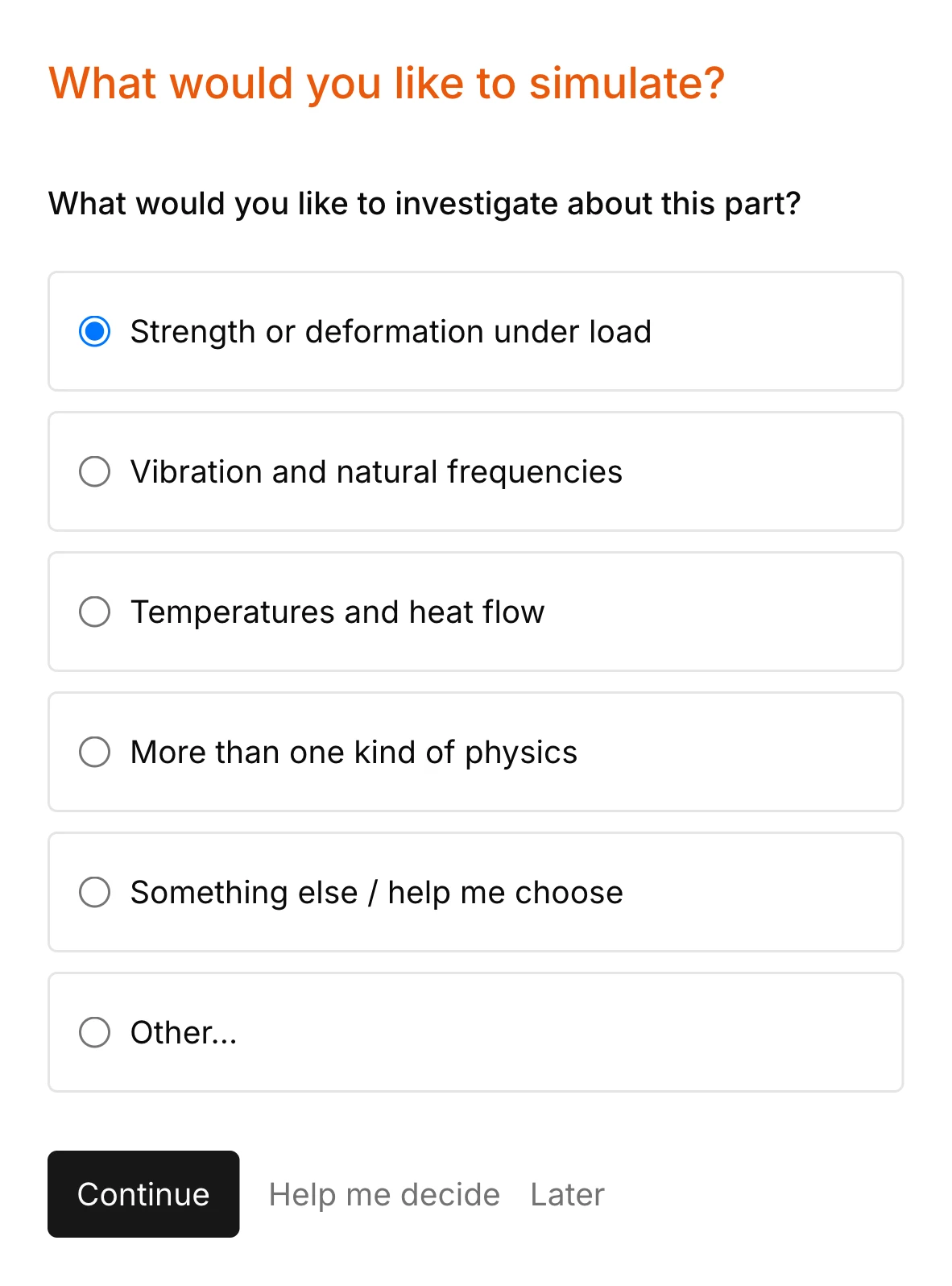
RunMat asks you guided questions to set up the study. It checks for missing terminals, a potential reference, a heat sink and the rest of the simulation setup, so the study is ready before you run it.
You own the study file: run it, review it and check it into version control. Model anything from a single copper bar to a battery busbar carrying a fault current with multiphysics.

Studies are deterministic, typed documents
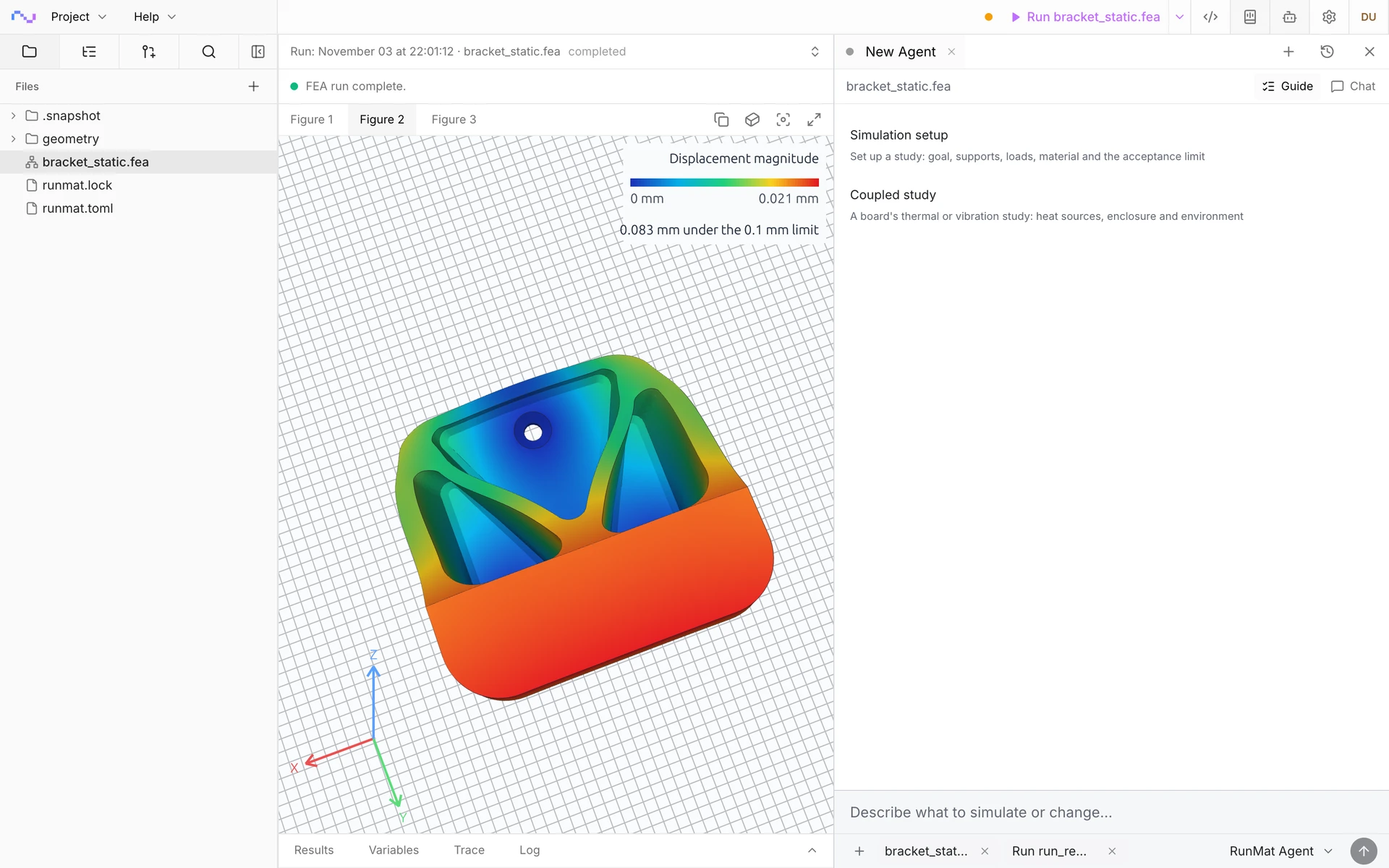
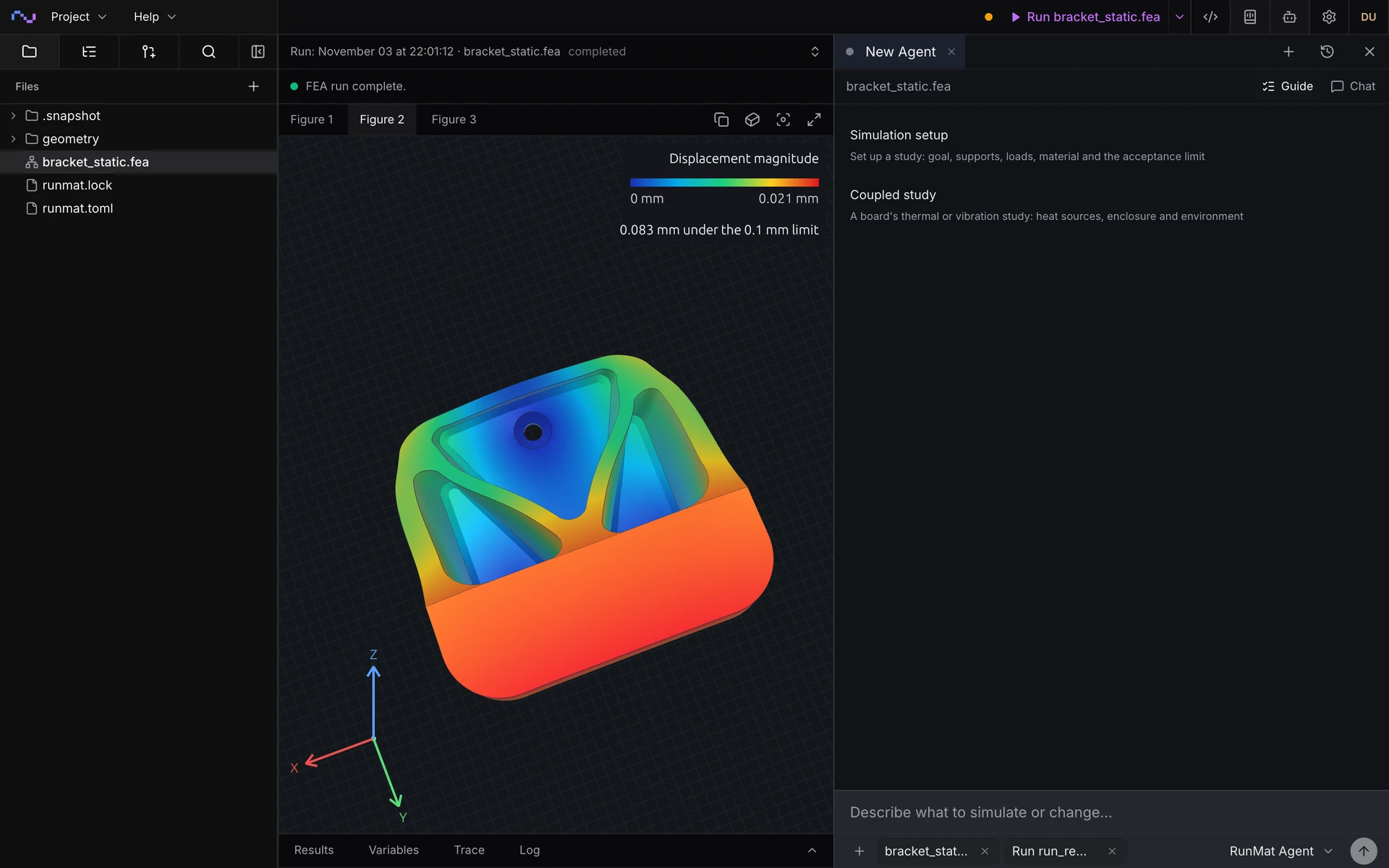
Guided setup writes and fills out a study document like the one shown here. The document is typed, with units, and static analysis underlines incorrect connections and definitions in red.
Studies are text files, so you can read, write, keep and rerun them at any time.
geometry busbar {file = "./geometry/busbar.step"units = mmregion body : solid { select name "Busbar"; expect exactly_one }region cell_bolt_1 : face { select name "Cell bolt 1"; expect exactly_one }region cell_bolt_2 : face { select name "Cell bolt 2"; expect exactly_one }region cell_bolt_3 : face { select name "Cell bolt 3"; expect exactly_one }region cell_bolt_4 : face { select name "Cell bolt 4"; expect exactly_one }region cell_bolt_5 : face { select name "Cell bolt 5"; expect exactly_one }region cell_bolt_6 : face { select name "Cell bolt 6"; expect exactly_one }region output_bolt : face { select name "Output bolt"; expect exactly_one }region exterior : face { select name "Exterior"; expect one_or_more }}mesh busbar on geometry.busbar {tetrahedra {order = lineartarget_size = 2 mmmaximum_deviation = 0.02 mm}}material copper_c11000 {mass_density = 8940 kg/m^3electrical {reference_temperature = 20 degCconductivity = 58000000 A/V/mresistive_heating_coefficient = 0.0039 K^-1relative_permittivity = 1relative_permeability = 1}thermal {reference_temperature = 20 degCmodulus_temperature_coefficient = 0 K^-1conductivity = 390 W/m/Kspecific_heat = 385 J/kg/Kexpansion_coefficient = 0.0000168 K^-1}}model rated_current {thermal { reference_temperature = 293.15 K }electromagnetic { equation = steady_conduction }assign material.copper_c11000 to geometry.busbar.region.bodyconstraint ground {electrical.potential { target = geometry.busbar.region.output_bolt; value = 0 V }}load cell_1 { electric_current on geometry.busbar.region.cell_bolt_1 = 66.667 A }load cell_2 { electric_current on geometry.busbar.region.cell_bolt_2 = 66.667 A }load cell_3 { electric_current on geometry.busbar.region.cell_bolt_3 = 66.667 A }load cell_4 { electric_current on geometry.busbar.region.cell_bolt_4 = 66.667 A }load cell_5 { electric_current on geometry.busbar.region.cell_bolt_5 = 66.667 A }load cell_6 { electric_current on geometry.busbar.region.cell_bolt_6 = 66.667 A }load still_air {thermal.convection {target = geometry.busbar.region.exteriorambient_temperature = 298.15 Kcoefficient = 10 W/m^2/K}}load_case rated {include load.cell_1include load.cell_2include load.cell_3include load.cell_4include load.cell_5include load.cell_6}}study busbar_temperature {geometry = geometry.busbarmesh = mesh.busbarmodel = model.rated_currentanalysis operating_point { electrothermal steady {} }output temperature = analysis.operating_point.field.node.temperatureoutput current_density = analysis.operating_point.field.element.electric_current_densityoutput peak_temperature = max(output.temperature, over = geometry.busbar.region.body)assessment stays_below_85_celsius {value = output.peak_temperaturemaximum = 85 degCevidence = authored_samples}}
Run a simulation across your machines
The same study runs on every core of one computer, or spreads across several machines when the model is large or there are many cases to solve. On Professional, each person's three computers run together as a cluster, and larger clusters run under Enterprise.
RunMat helps you size a conductor for its current and its temperature
How hot does it run at rated current?
Get the operating temperature of a busbar, cable lug or heater element with its real cooling, and where the hot spot sits against the terminal or insulation limit.
What current can it carry?
Sweep the current until the hot spot reaches its limit, and read the rating for each cross-section and cooling case.
Does it survive a fault?
Follow the temperature through a short-circuit pulse or an inrush, and check the peak against the insulation or solder limit.
Thicker bar or better cooling?
Compare cross-sections, materials and film coefficients side by side, in parallel, for the lightest design that stays below its limit.
The following Joule heating simulation types are supported
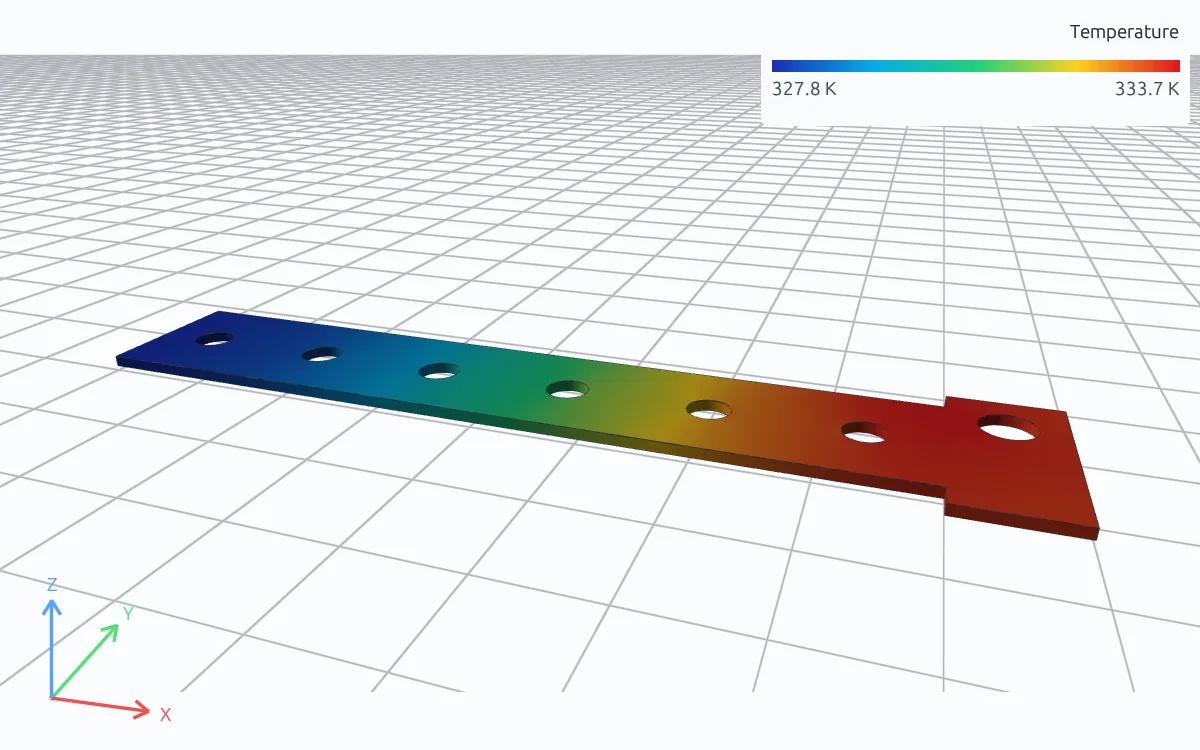
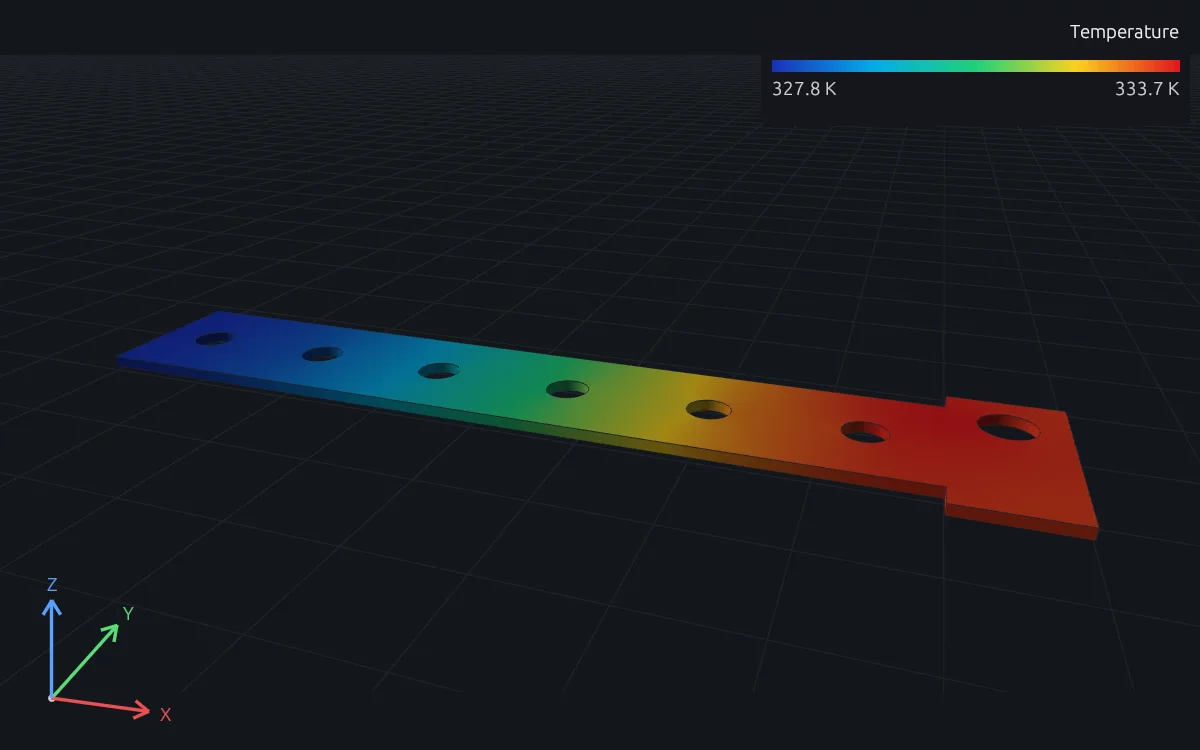
Steady
Operating temperature under a constant current or voltage, with convection, fixed-temperature and contact boundaries. Conductivity follows the temperature in every element, and current and temperature are iterated until both converge.
Transient
Temperature through a fault pulse, an inrush or a duty cycle, such as 400 A stepping to 4000 A for half a second, with the current flow solved at every time step from an initial temperature.
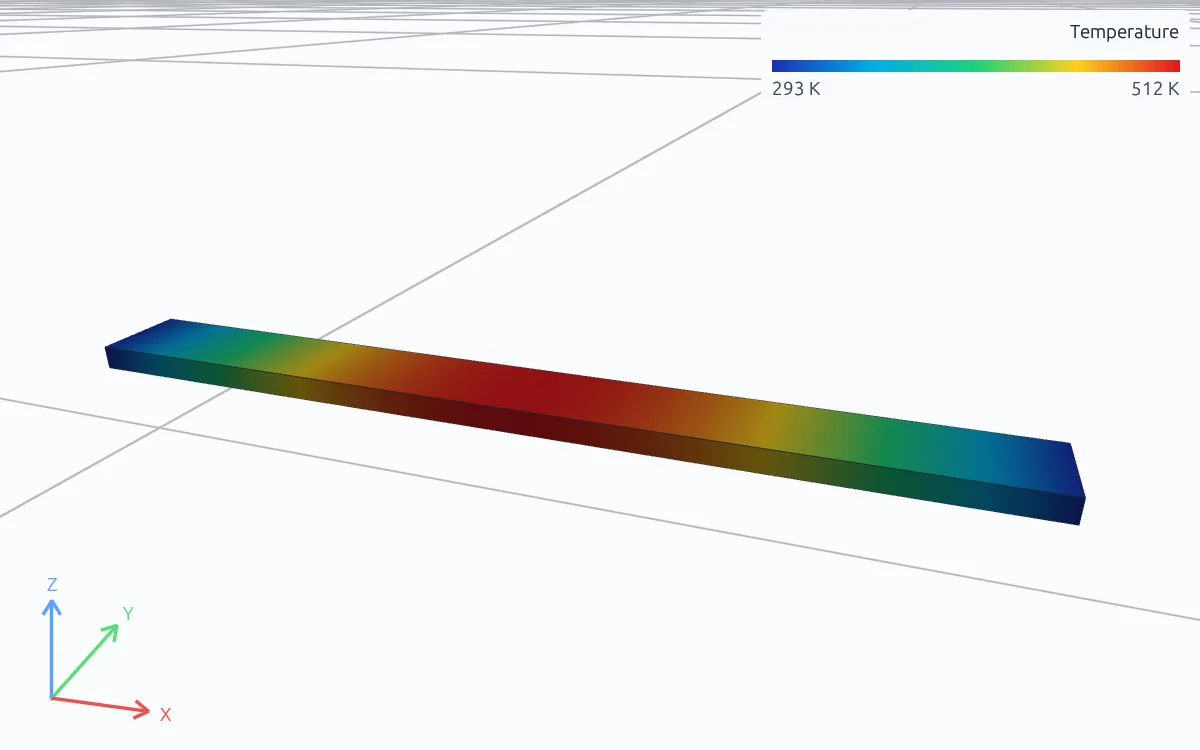
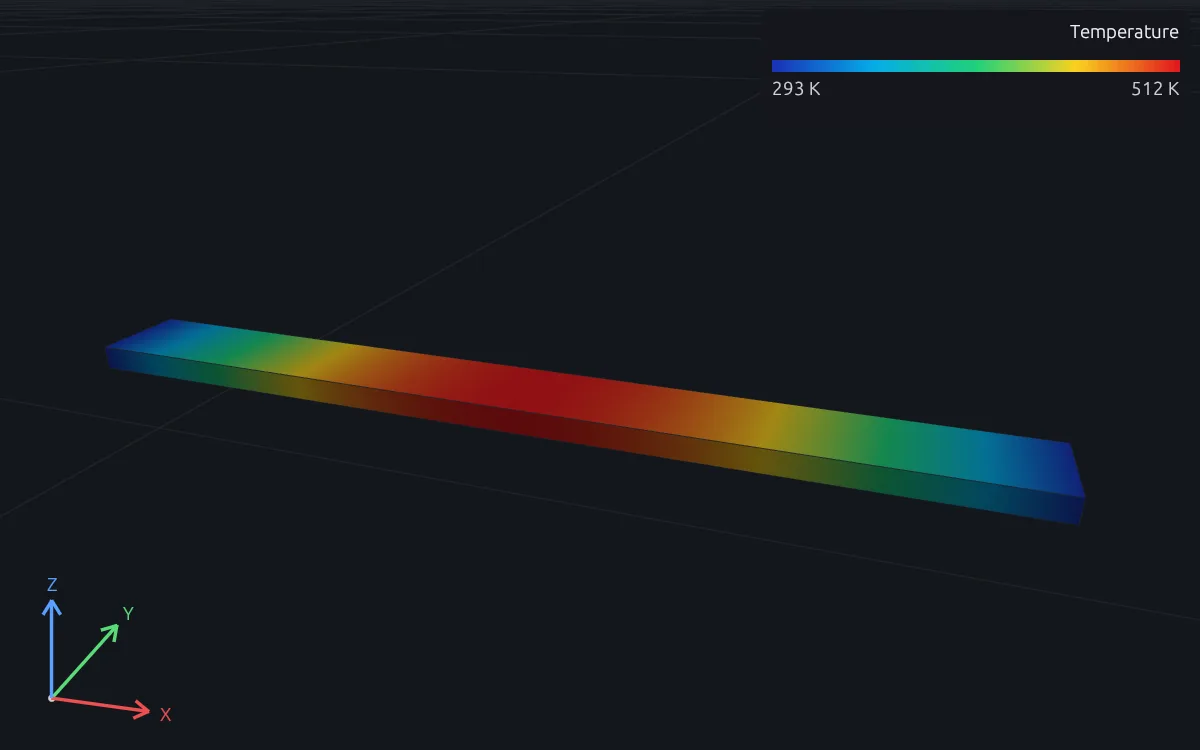
Temperature-dependent conductors
Fuse links and heater elements whose resistance rises as they heat, such as a blade fuse at its overload current, with resistivity linear in temperature and each element's conductivity taken at its mean temperature.
AC Joule heating
Loss from a time-harmonic electromagnetic analysis, with skin and proximity effect solved in the conductor, heats a steady or transient thermal analysis of the same parts.
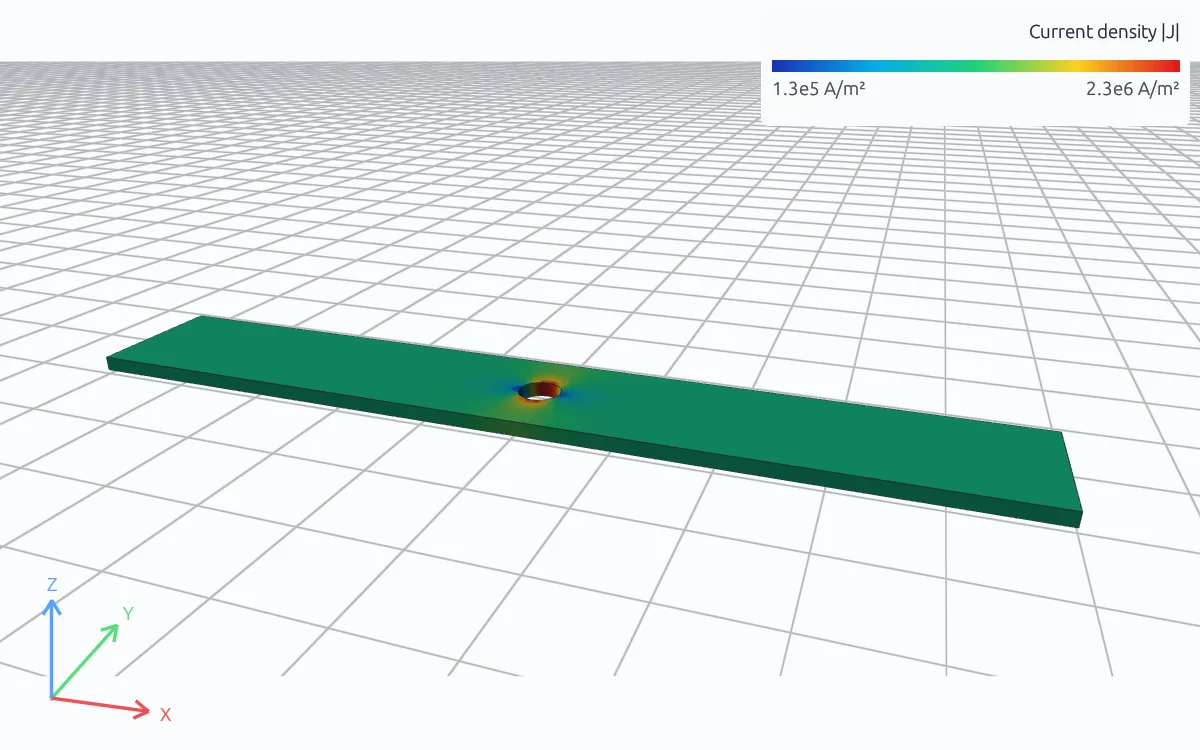
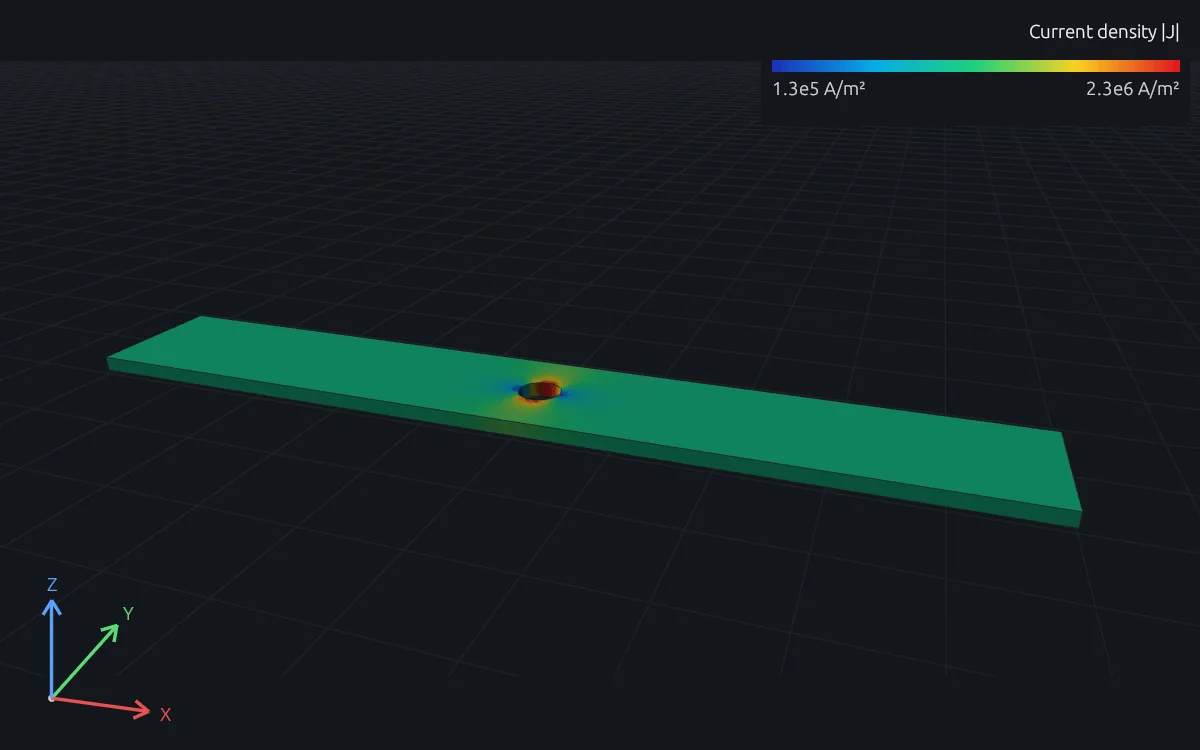
Current flow only
Steady conduction or electrostatics with no thermal side, for resistance, current crowding and field strength.
Model terminals, cooling and materials
Define the terminals, cooling and materials of complex cases.
Terminals
- Total current through terminal faces
- Terminal voltage
- Current and voltage as time signals, such as a fault pulse
- Ground and potential reference
- Equipotential terminals and floating conductors
Cooling and boundaries
- Convection to air or coolant, with an ambient per face
- Radiation to the surroundings
- Fixed temperatures
- Heat flux and other heat sources
- Thermal contact across bolted joints
Materials
- Electrical conductivity at a reference temperature, with its temperature coefficient
- Thermal conductivity, density and specific heat
- Electrical contact resistance as a thin body with its own conductivity
- Thermal expansion, for a later stress analysis
Results
- Temperature, temperature gradient and heat flux
- Potential, current density and Joule power density
- Joule power checked against terminal power on every run
- The temperature change of every coupling sweep
RunMat can be used directly by Claude Code, Codex and other MCP clients
Connect RunMat to Claude Code, Codex or another MCP client, and the AI tool you already use sets up and runs the same studies from your CAD file. Its agent writes and edits the .fea study, RunMat checks and solves it, and the results come back to the agent and appear in RunMat Desktop.
FAQ
01Is Joule heating one-way or two-way in RunMat?
Two-way. Each sweep solves the current flow with the current temperatures and then the heat transfer with the resulting loss, and sweeps repeat until no element temperature changes by more than 10⁻⁶ of the temperature rise. With a temperature coefficient of zero the first sweep is already exact.
02How do I check the temperature against a limit?
Write the limit as an assessment in the study, such as the peak temperature over the busbar against 85 °C. Every run reports it passed or failed, with the value and where it governs.
03Does it include AC losses and skin effect?
Yes. A time-harmonic electromagnetic analysis solves skin and proximity effect in the conductor, and its cycle-averaged loss becomes the heat source of a steady or transient thermal analysis of the same parts. That loss uses the conductivity at the material's reference temperature.
04How do I model a bolted joint?
Model the joint as a thin body with the conductivity that gives its measured contact resistance, and give the heat crossing it a thermal contact resistance on a declared interface.
05How do I know a Joule heating result is right?
Every run checks that the Joule power over the conductor equals the terminal power ΣVI, and logs the temperature change of every coupling sweep. Then refine the mesh until the peak temperature stops changing.
06Can an AI model write a Joule heating study?
Yes. A study is plain text with units on every value, so an AI coding agent such as Claude Code or Codex can write it from a description of the conductor, its terminals and its cooling, and runmat check reports any mistake with its line before anything is meshed.