
Predict deflection and stress in flexible parts under flow
Check how far a paddle, flap, membrane or flexible wall deflects at rated flow, and the stress it carries. Import the STEP file, write the fluid, the structure and the wetted interface in a short text file, and RunMat solves the flow and the structure together.
RunMat works with you to set up your studies
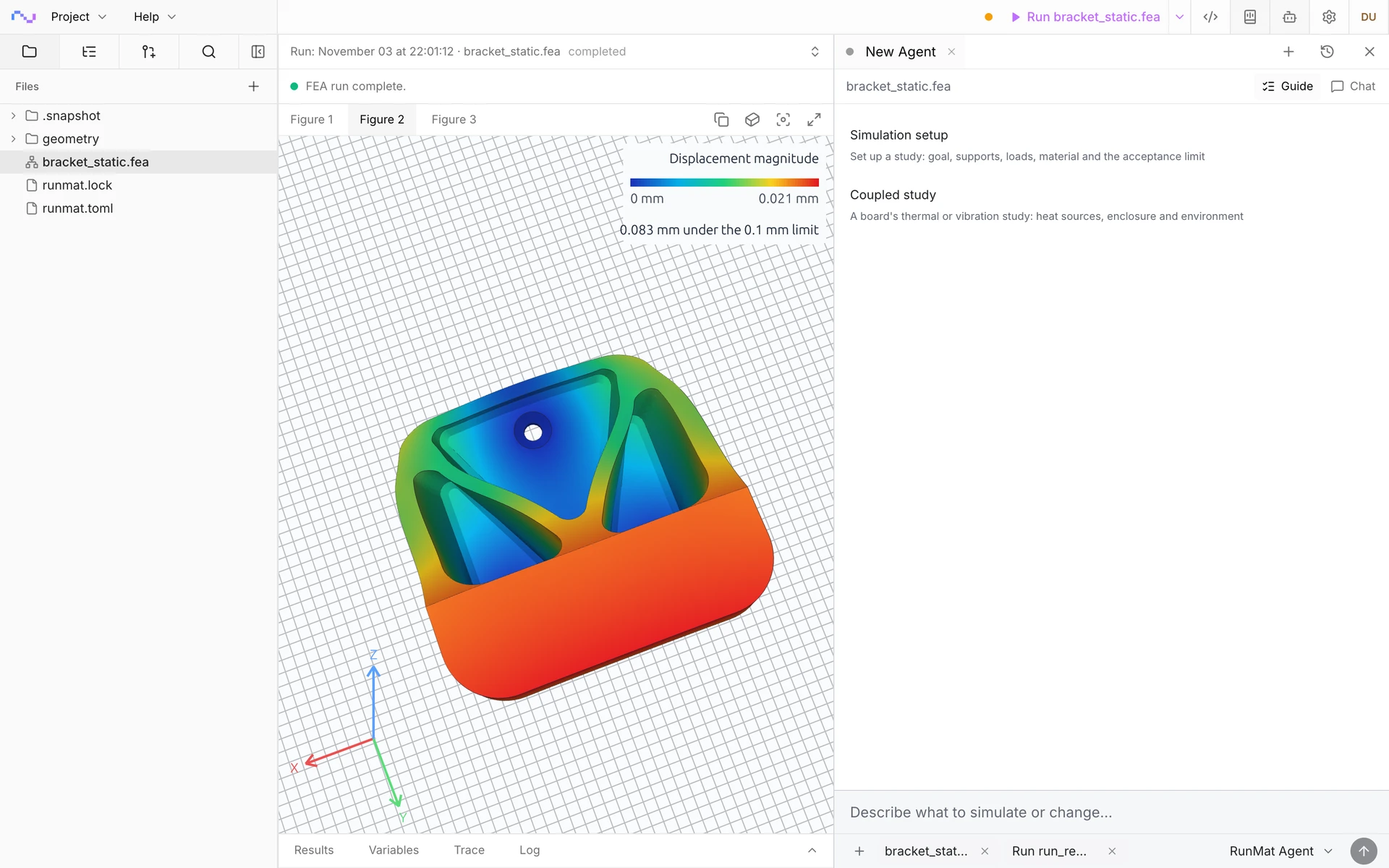
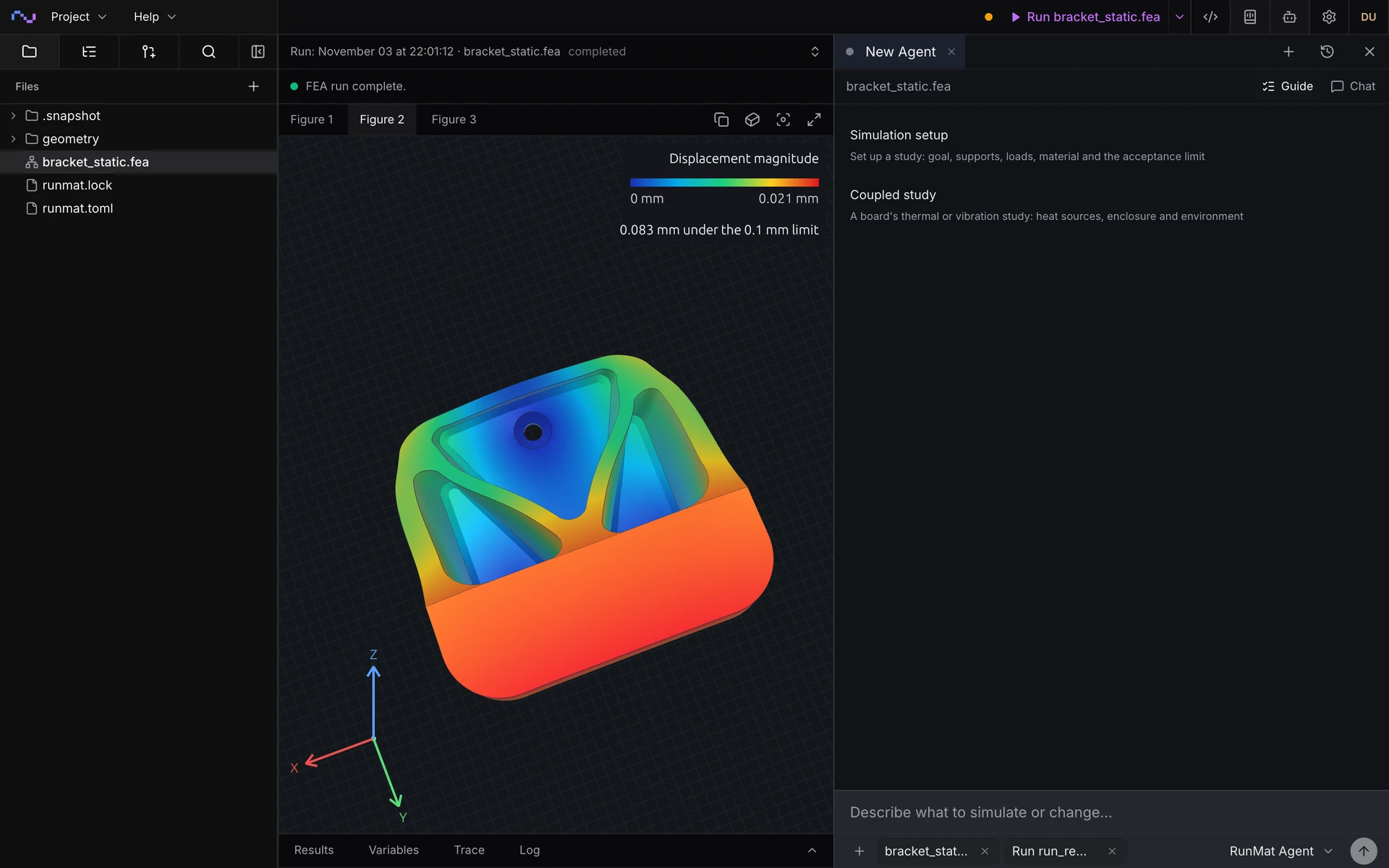
Go from a CAD file to a complete, runnable study in minutes.
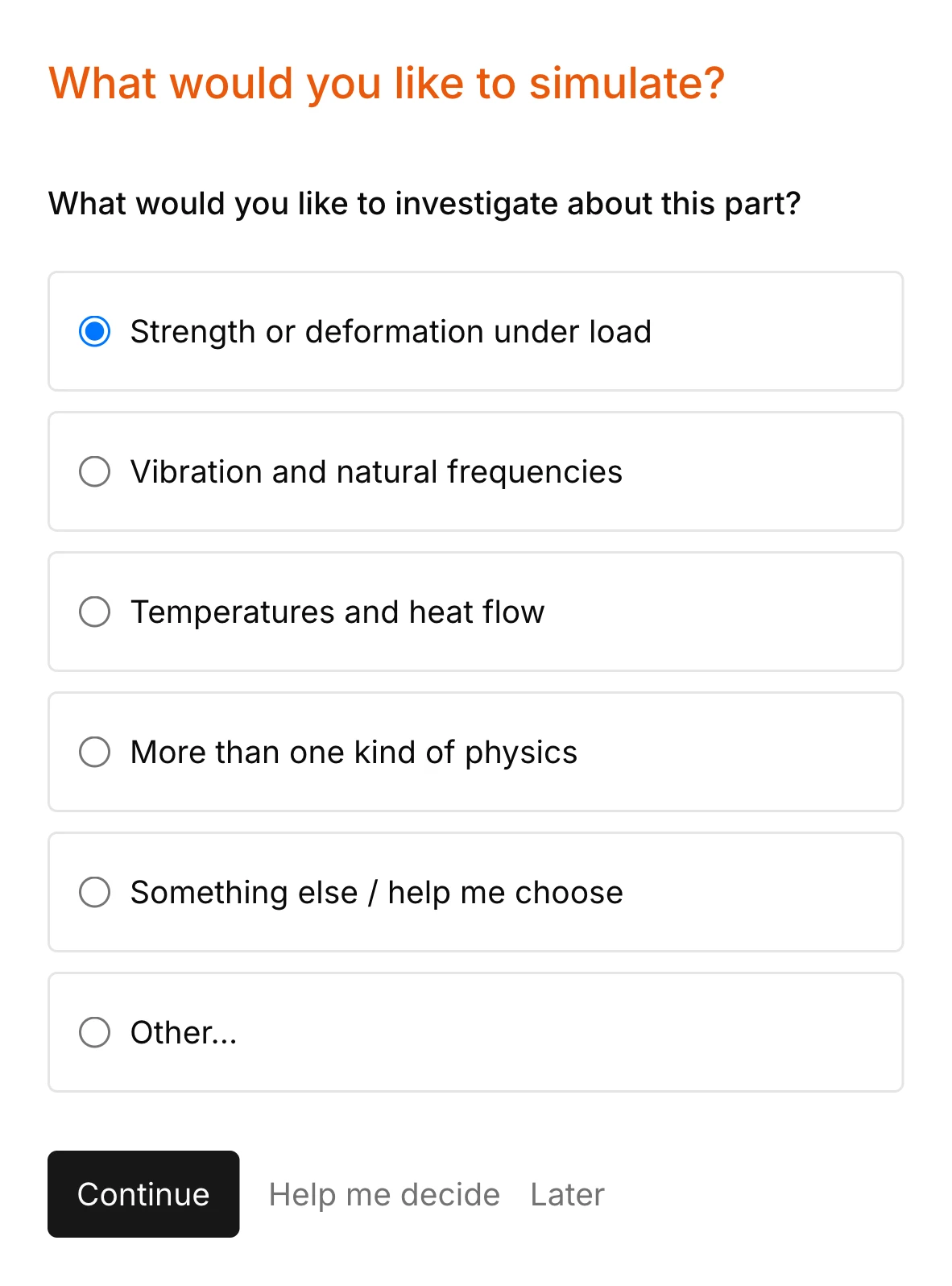
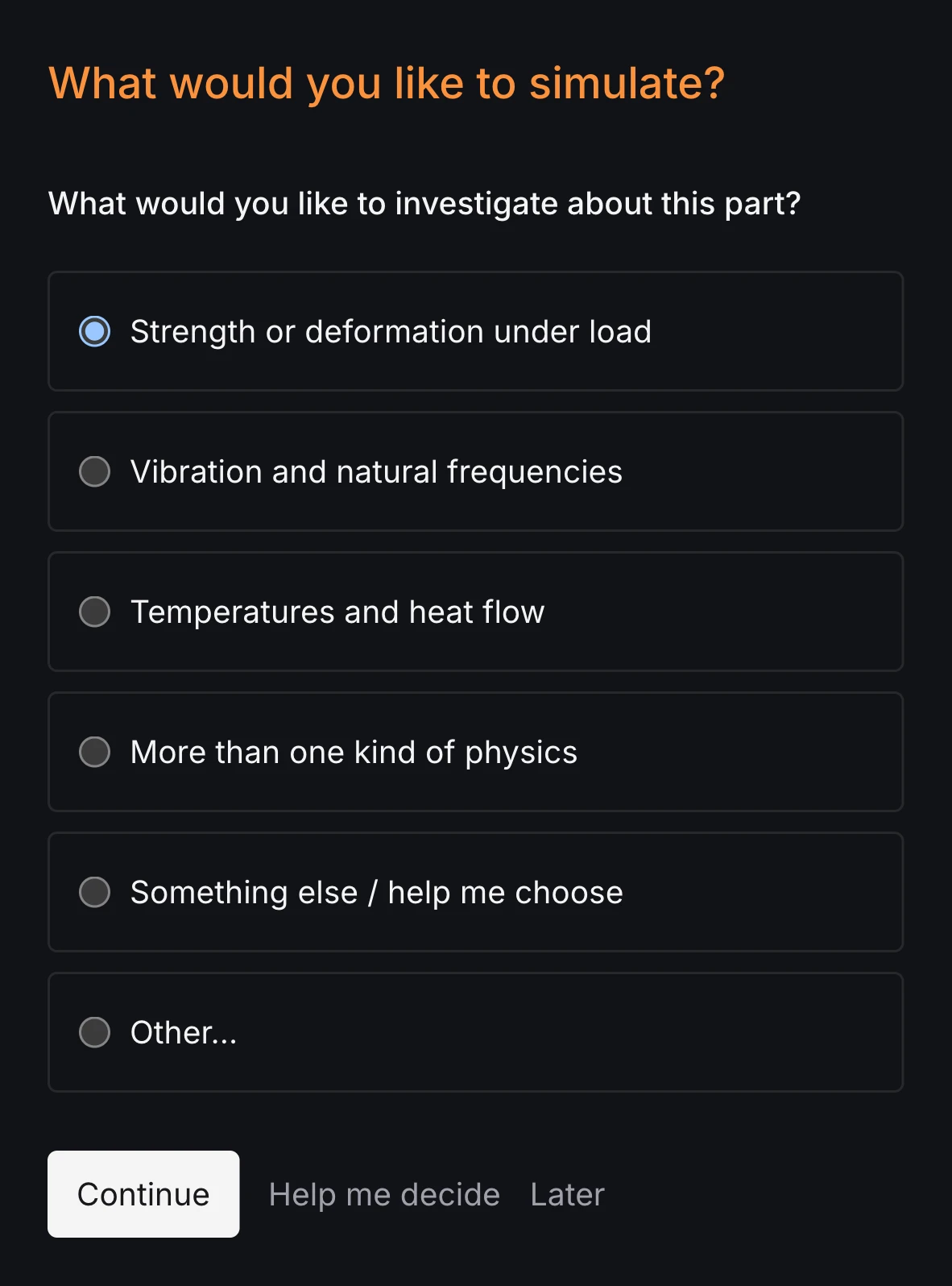
RunMat asks you guided questions to set up the study. It checks for missing inlets, outlets, supports, wetted interfaces and the rest of the simulation setup, so the study is ready before you run it.
You own the study file: run it, review it and check it into version control. Model anything from a flexible wall in a straight duct to a flow switch in an oil line with multiphysics.
Run a simulation across your machines
The same study runs on every core of one computer, or spreads across several machines when the model is large or there are many cases to solve. On Professional, each person's three computers run together as a cluster, and larger clusters run under Enterprise.
RunMat helps you answer flow-loading questions before you build the part
Does it deflect far enough at rated flow?
Get the tip or peak deflection of a paddle, flap or membrane at rated flow, checked against the travel the design needs and reported passed or failed.
Does the stress stay within the material's limit?
Get the stress in the deflected part, at the root or clamp where it peaks, from the same run as the deflection.
How does the deflection change the flow?
Get the velocity and pressure through the passage in its deflected shape, and the total force the fluid puts on the part in that position.
What happens when the flow starts or stops?
Follow the part and the flow through a start-up, a pressure pulse or a valve closure, and get the peak deflection and the time the part takes to settle.
The following fluid–structure simulation types are supported
Steady deflection under flow
Equilibrium deflection of a flexible part under steady flow, such as a compliant tube under its internal flow, with the flow solved through the deflected shape until the two agree.
Transient response
Start-up, pressure pulses and valve closure, with the flow on the moving mesh and the structure converged at every time step, such as a flexible duct responding to a step in inflow.
Large deflection
Thin paddles, flaps and membranes that bend far enough to change their own load, with the structure solved for large deflection and rotation inside the coupled run.
Flow loads into a structural study
Pressure and wall shear from a solved flow applied to a structural study as loads, with the total force and moment preserved, for stiff parts whose deflection leaves the flow unchanged.
Model the flow, the structure and the wetted interface
Define the fluid, supports, materials and wetted faces of complex cases.
Flow
- Oils, water and low-speed gases, by density and dynamic viscosity
- Inlet velocity or mass flow
- Outlet pressure
- No-slip walls on the pipe and housing
Structure
- Fixed supports at a root, clamp or mounting face
- Symmetry planes
- Elastic solids by Young's modulus, Poisson's ratio and density
- Large deflection and rotation of thin parts
Interface
- No-slip fluid–structure interface on the wetted faces
- Fluid side and structure side declared by CAD name
- Interface coverage of every wetted face checked before the solve
Results
- Displacement of the structure and motion of the fluid mesh
- Stress in the deflected structure
- Velocity and pressure on the deformed fluid domain
- Resultant fluid force on the structure
- Interface work, strain energy and coupling residual of every iteration
RunMat can be used directly by Claude Code, Codex and other MCP clients
Connect RunMat to Claude Code, Codex or another MCP client, and the AI tool you already use sets up and runs the same studies from your CAD file. Its agent writes and edits the .fea study, RunMat checks and solves it, and the results come back to the agent and appear in RunMat Desktop.
FAQ
01Is fluid–structure interaction one-way or two-way in RunMat?
Two-way. The fluid's pressure and shear load the structure, the structure's motion reshapes the flow, and each coupling iteration relaxes the wall displacement with Aitken's factor until the structure's response reproduces the displacement that shaped the flow. For a stiff part whose deflection leaves the flow unchanged, map the solved flow's pressure and wall shear into a structural study once.
02Can the structure deflect by large amounts?
Yes. A thin paddle, flap or membrane can take large deflection and rotation inside the coupled run, and the fluid mesh follows the moving wall through a Laplace extension of the wall displacement.
03How do I choose the time step and coupling tolerance?
Use a time step that resolves both the flow and the structure's first modes. A light wall in a dense fluid, such as a thin paddle in oil, couples strongly and takes more coupling iterations per step; Aitken relaxation adapts its factor each iteration. Every accepted step reports its coupling iterations and residual, the interface work and the strain and kinetic energy.
04How do I know a fluid–structure result is right?
Check the interface evidence: the force the fluid puts on the structure equals the load the structure receives, and in a steady study a linear structure stores half of the interface work as strain energy. Every run reports both. Then refine the mesh on both sides until the tip deflection stops changing.
05Do I need a special mesh for the fluid and the structure?
No. The oil and the paddle are separate bodies in the CAD file that share the wetted faces, and RunMat meshes both from one STEP file. Declare the wetted faces once as a fluid–structure interface, and every face where the fluid meets the structure belongs to it.
06Can an AI model write a fluid–structure study?
Yes. A study is plain text with units on every value, so an AI coding agent such as Claude Code or Codex can write it from a description of the part, the fluid, the supports and the wetted faces, and runmat check reports any mistake with its line before anything is meshed.