
Predict transmission loss, sound pressure level and acoustic modes
Check that a muffler, silencer or enclosure meets its attenuation target in every band. Import the STEP file, write the air, the sources and the wall conditions in a short text file, and RunMat solves the sound pressure at each frequency.
RunMat works with you to set up your studies
Go from a CAD file to a complete, runnable study in minutes.
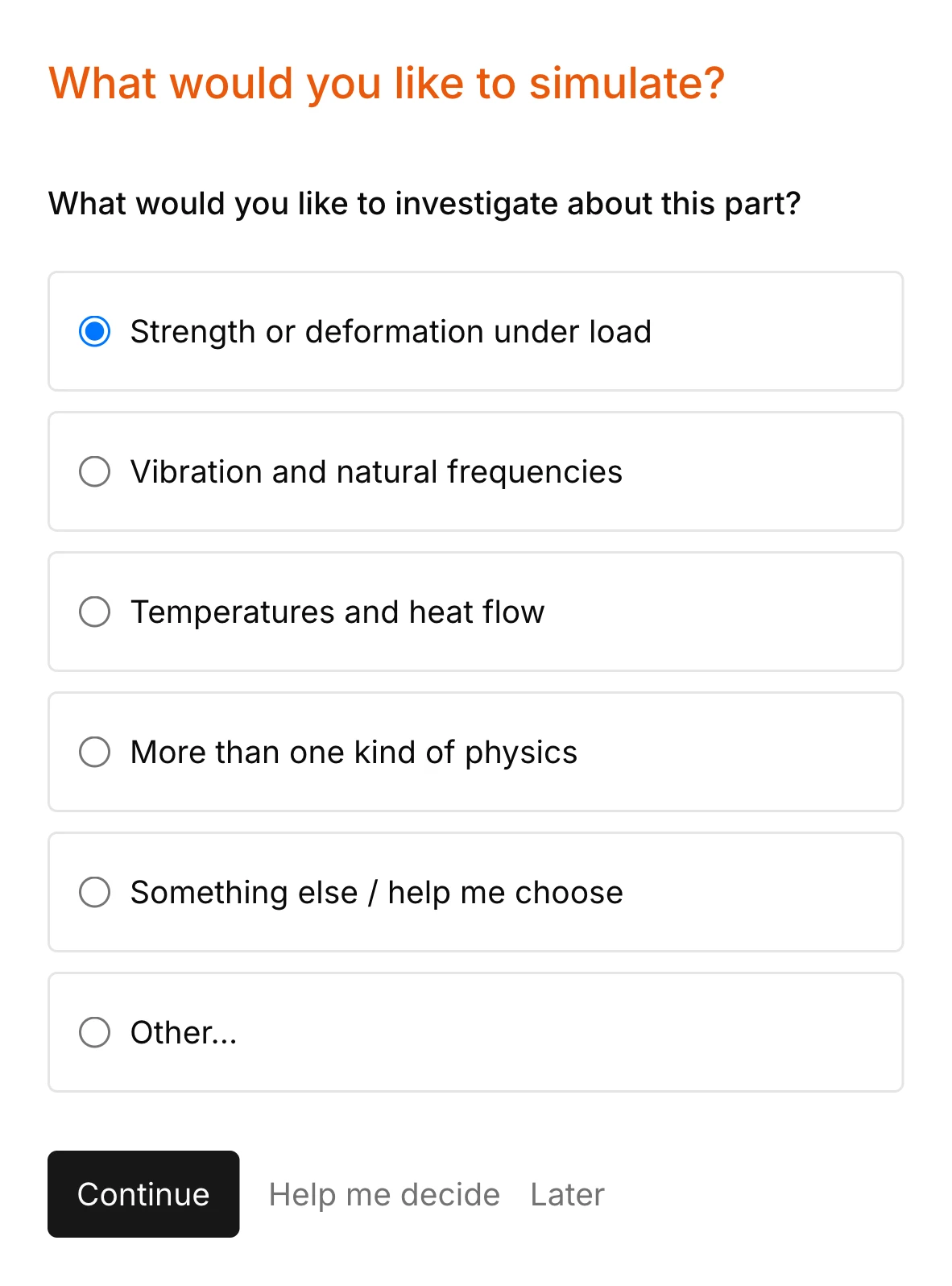
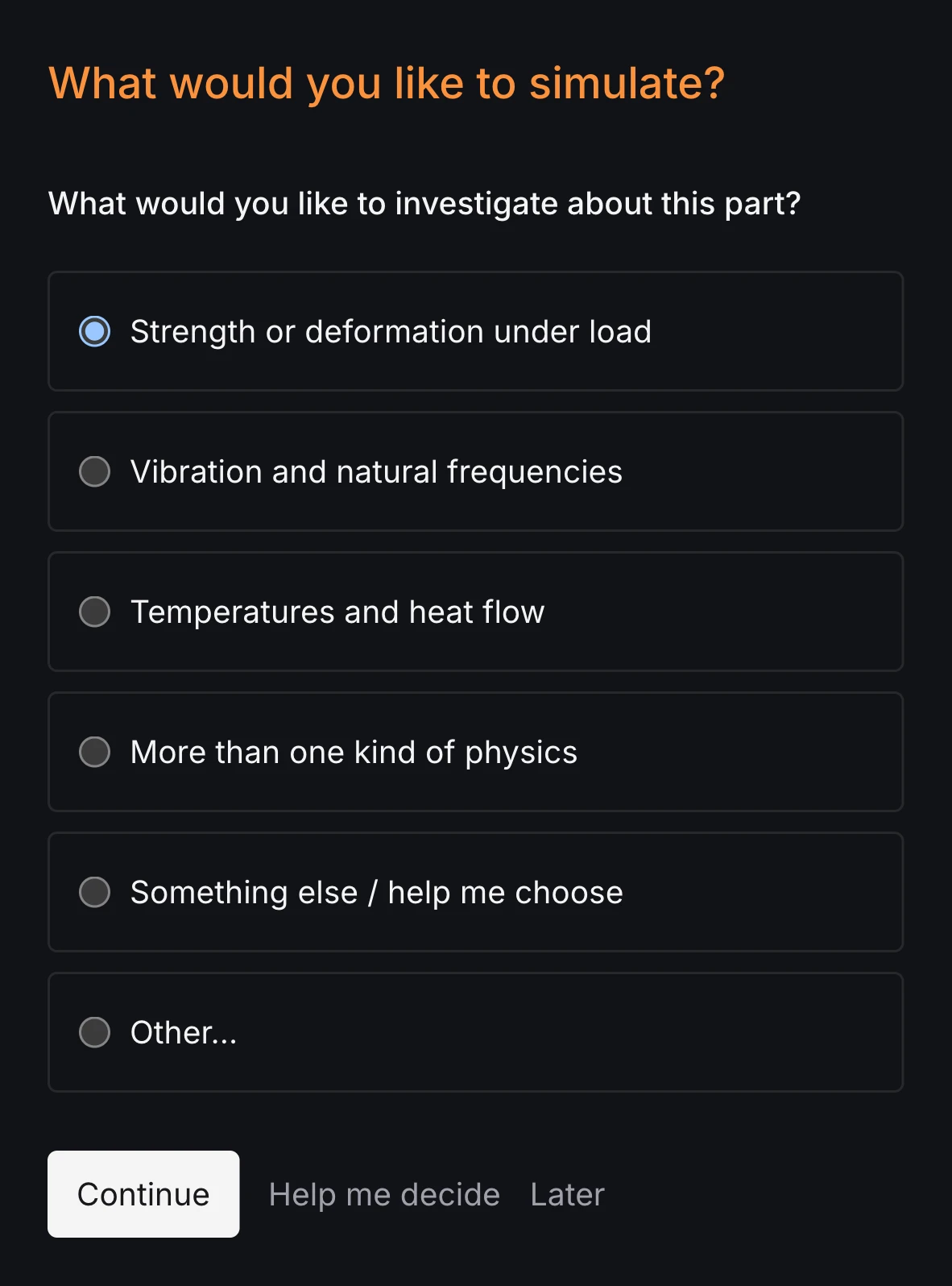
RunMat asks you guided questions to set up the study. It checks for missing sources, wall conditions, radiation boundaries and the rest of the simulation setup, so the study is ready before you run it.
You own the study file: run it, review it and check it into version control. Model anything from a plane wave in a straight duct to a loudspeaker radiating from its vibrating diaphragm.
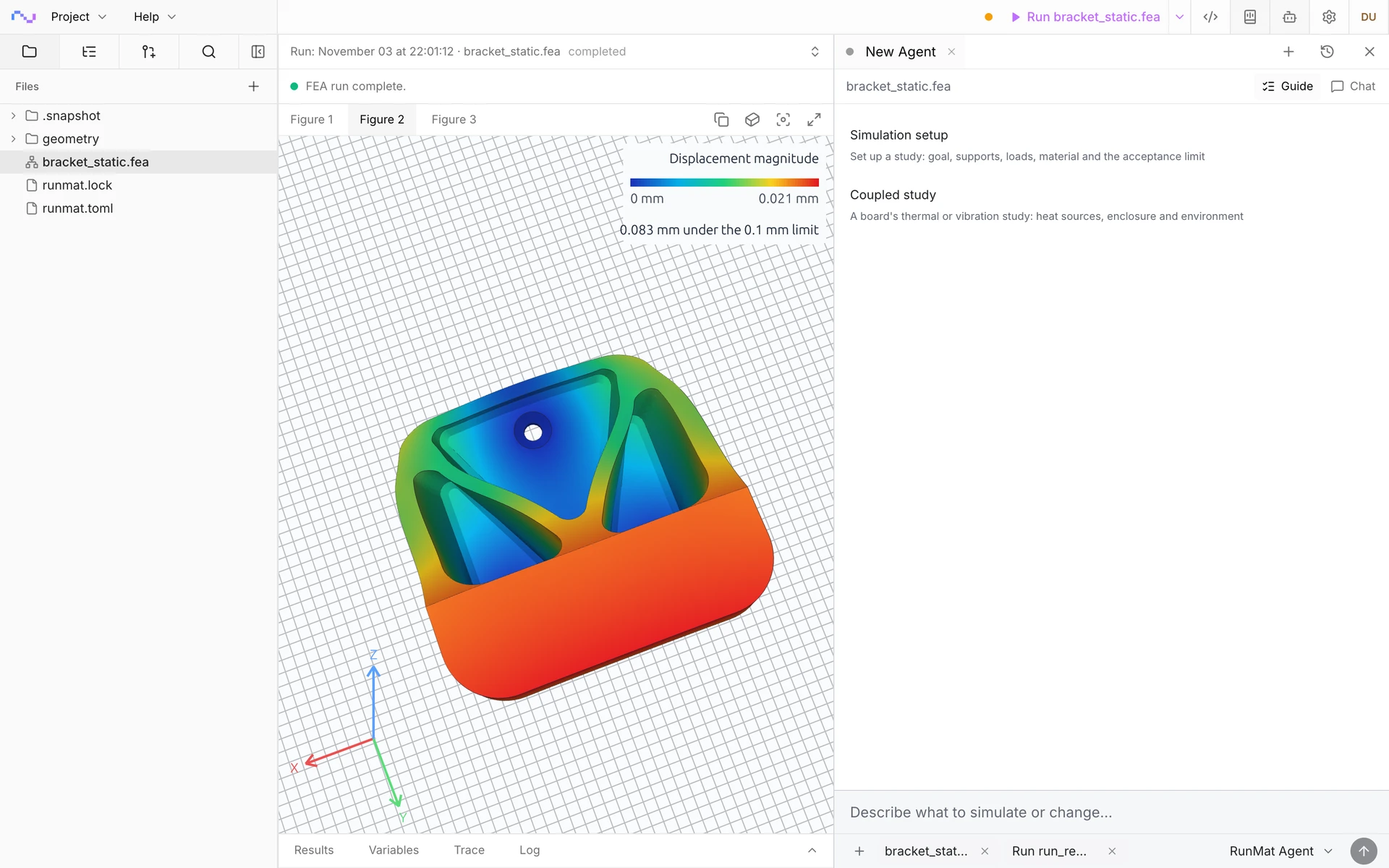
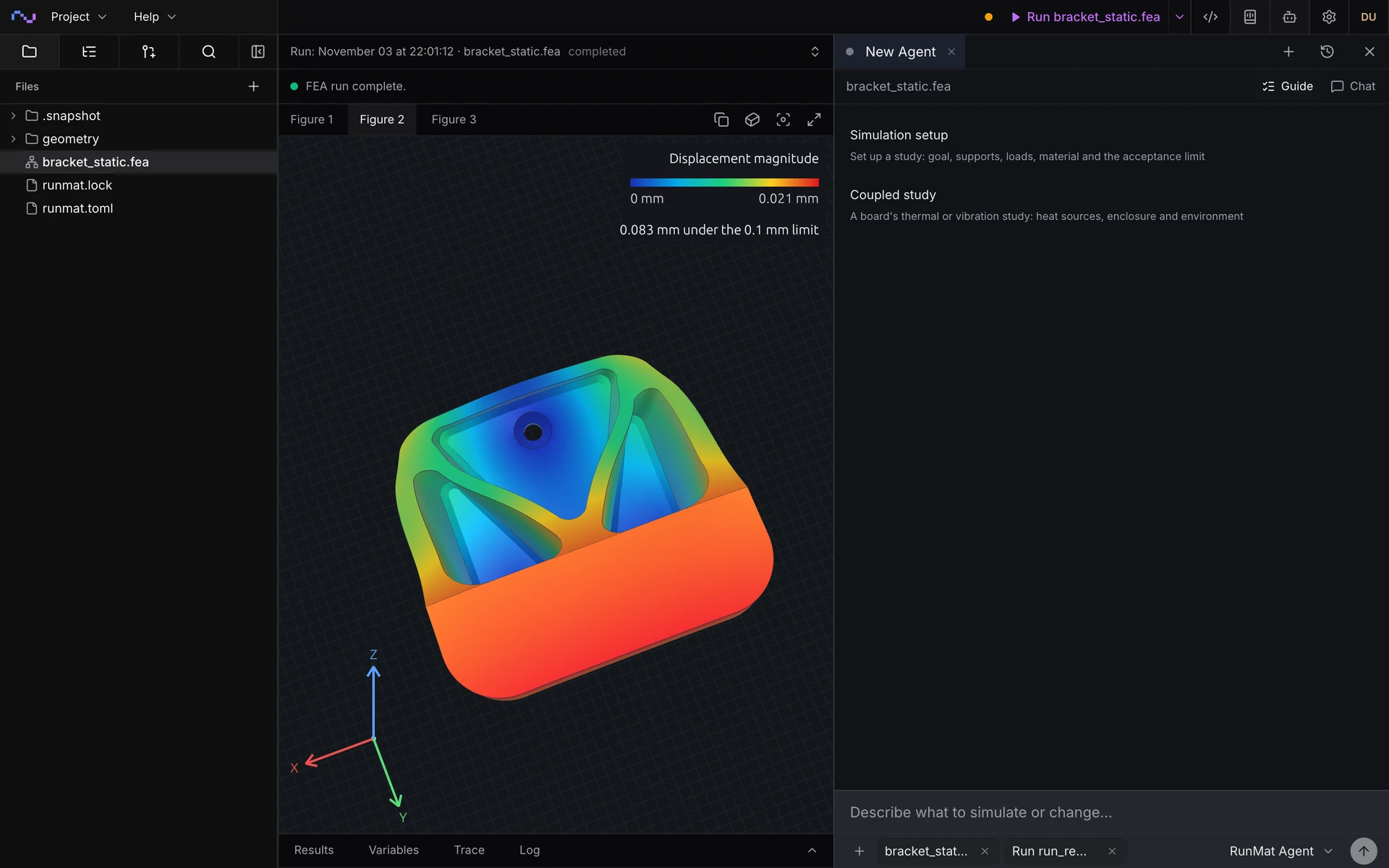
Run a simulation across your machines
The same study runs on every core of one computer, or spreads across several machines when the model is large or there are many cases to solve. On Professional, each person's three computers run together as a cluster, and larger clusters run under Enterprise.
RunMat helps you answer noise questions before you build the prototype
Does the silencer meet its attenuation target?
Get the transmission loss of a muffler, silencer or duct element in each one-third-octave band, checked against the target for every band and reported passed or failed.
Which cavity modes fall in the excitation band?
Get the natural frequencies and pressure mode shapes of a cabin, enclosure or cavity, to compare with engine orders, fan blade-pass frequencies or road input.
What sound pressure level reaches the listener?
Get the sound pressure level in dB re 20 µPa, unweighted or A-weighted, at any point in the field, and the sound power through any named surface.
How much does an absorbing liner help?
Add a liner or porous layer by its measured impedance, or by flow resistivity and thickness, and compare the transmission loss or level with and without it.
The following acoustic simulation types are supported
Frequency response
Complex sound pressure at every frequency in a sweep, such as the one-third-octave bands of the muffler, for transmission loss, levels and response curves.
Cavity modes
Natural frequencies and pressure mode shapes of an enclosed air volume, such as a car cabin with rigid glazing and an absorbing headliner.
Transient
Pressure over time from a pulse, a start-up or a recorded signal, such as a pulse travelling down a duct, with the energy balance closed at every step.
Structure-borne sound
A diaphragm, panel or housing solved in a structural harmonic analysis drives the air around it, such as a baffled loudspeaker, and the study reports the sound it radiates.
Model sources, boundaries and materials
Define the sound sources, wall conditions and air of complex cases.
Sources
- Incident pressure wave on an inlet
- Prescribed pressure, with phase
- Normal velocity of a vibrating face
- Volume velocity of a vent or port
- Surface velocity from a structural harmonic analysis
- Signals over frequency and over time
Boundaries
- Rigid walls
- Impedance, constant or as a table over frequency
- Porous layers by flow resistivity and thickness (Delany–Bazley)
- Plane and spherical radiation
- Pressure release
- Periodic and Bloch boundaries
Materials
- Density and speed of sound per region
- Several fluids, each in its own region
- Loss in the fluid by damping ratio per region
Results
- Pressure, particle velocity and intensity at every frequency
- Sound pressure level in dB re 20 µPa, unweighted or A-weighted
- Sound power through a named surface
- Transmission loss between inlet and outlet
- Mode frequencies and pressure mode shapes
- Pressure histories over time
RunMat can be used directly by Claude Code, Codex and other MCP clients
Connect RunMat to Claude Code, Codex or another MCP client, and the AI tool you already use sets up and runs the same studies from your CAD file. Its agent writes and edits the .fea study, RunMat checks and solves it, and the results come back to the agent and appear in RunMat Desktop.
FAQ
01Which acoustic problems is RunMat built for?
Linear acoustics in air and other fluids: mufflers and silencers, ducts and liners, vehicle cabins and enclosures, loudspeakers and transducers. Each frequency is a full finite-element solve on the CAD geometry, so reflections, standing waves and the chamber's shape are all in the result.
02How is transmission loss computed?
From sound power in each band: the power of the wave entering at the inlet against the power leaving through the outlet, TL = 10 log10(W_incident / W_transmitted). The radiation boundary on the outlet lets the transmitted wave leave without reflecting back into the muffler. The sound pressure level at one point is a different quantity and does not give transmission loss.
03How fine does the mesh need to be?
Resolve the shortest wavelength: about six quadratic elements per wavelength at the highest frequency is a sound starting point, which is 28.6 mm in air at 2 kHz. Run the highest frequency at two mesh sizes and compare the transmission loss or level you report.
04How do I model an absorbing material?
As a surface impedance on the face it covers: a constant value, a table of resistance and reactance over frequency from an impedance-tube measurement, or a porous layer described by flow resistivity and thickness with the Delany–Bazley model. Loss in the fluid itself is a damping ratio on its material.
05Can structural vibration be the acoustic source?
Yes. A structural harmonic analysis in the same study solves the diaphragm or panel, and the acoustic analysis applies its normal surface velocity as the source on the faces it shares with the air.
06Are levels reported in dB and dB(A)?
Yes. Sound pressure level is an output field and a value at any point, in dB re 20 µPa, with A-weighting as an option. A plane wave of 1 Pa amplitude reads 91.0 dB. The run also reports sound power through any named surface.
07Can an AI model write an acoustic study?
Yes. A study is plain text with units on every value, so an AI coding agent such as Claude Code or Codex can write it from a description of the geometry, the source and the wall conditions, and runmat check reports any mistake with its line before anything is meshed.