
Predict temperature and heat flow in your parts and assemblies
Check that a part stays under its temperature limit at full power and through its duty cycle. Import the STEP file, write the materials, heat sources and cooling in a short text file, and RunMat solves it.
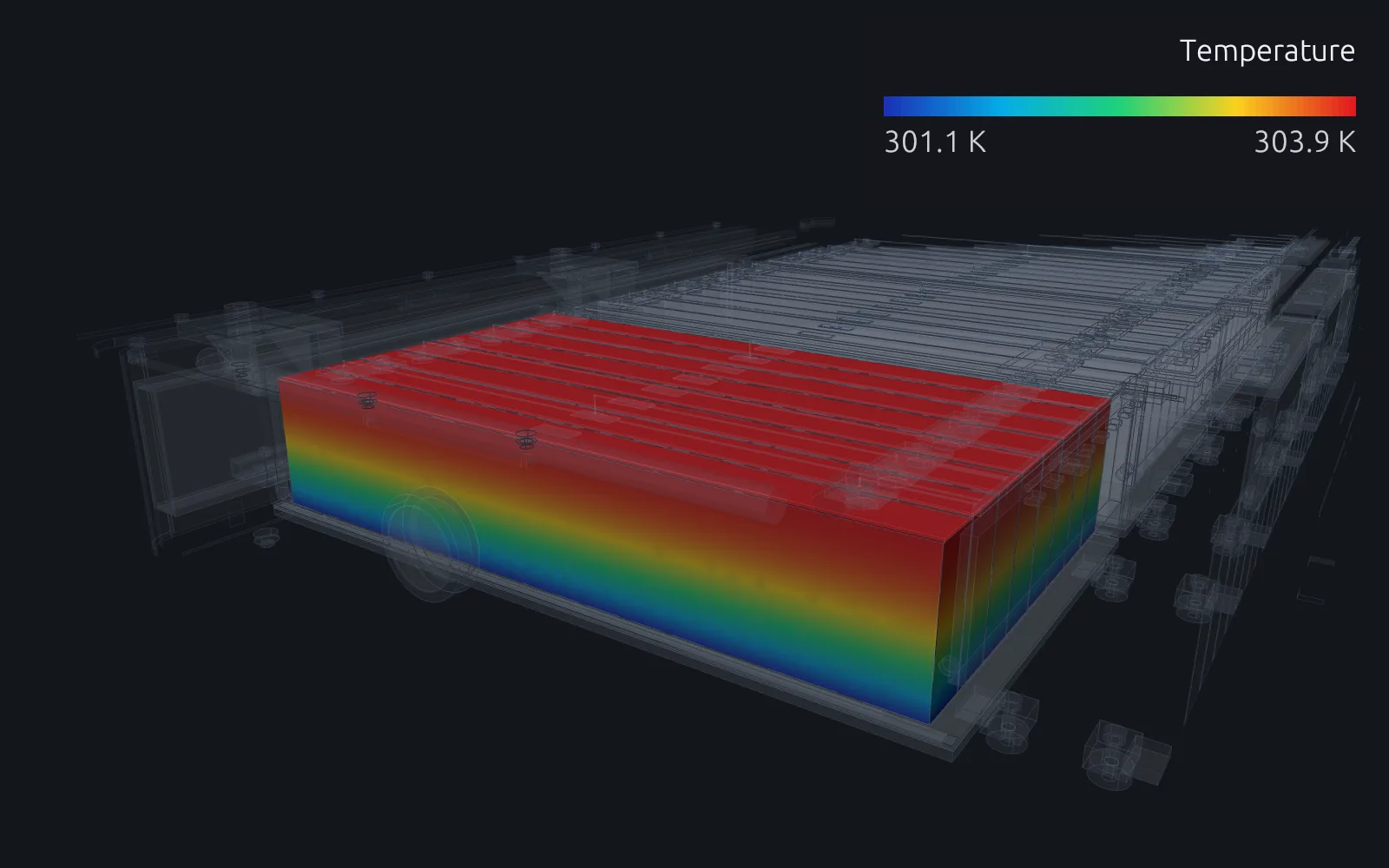
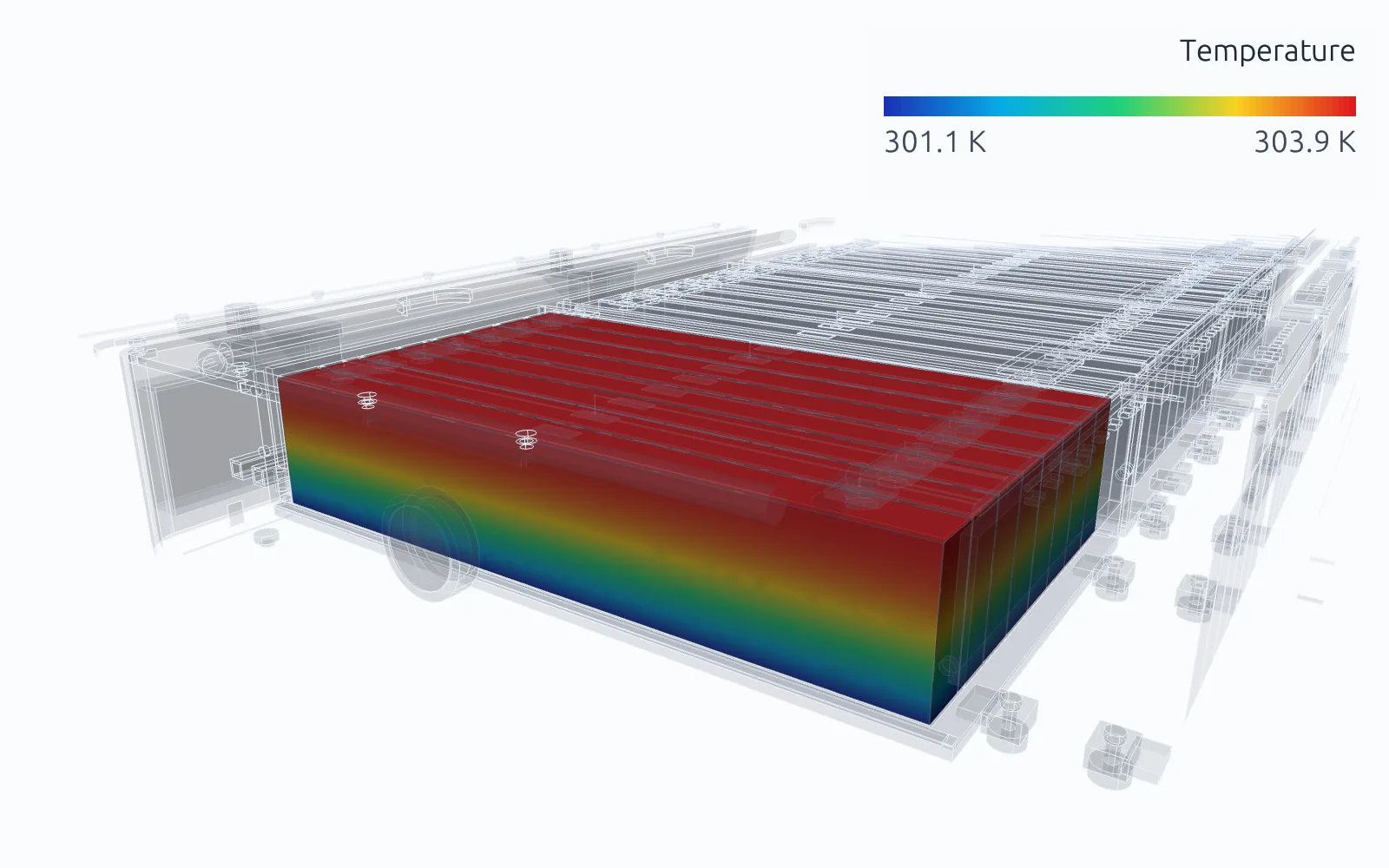
RunMat works with you to set up your studies
Go from a CAD file to a complete, runnable study in minutes.
RunMat asks you guided questions to set up the study. It checks for missing heat sources, cooling and the rest of the simulation setup, so the study is ready before you run it.
You own the study file: run it, review it and check it into version control. Model anything from conduction in a simple heat sink to a liquid-cooled battery module with multiphysics.
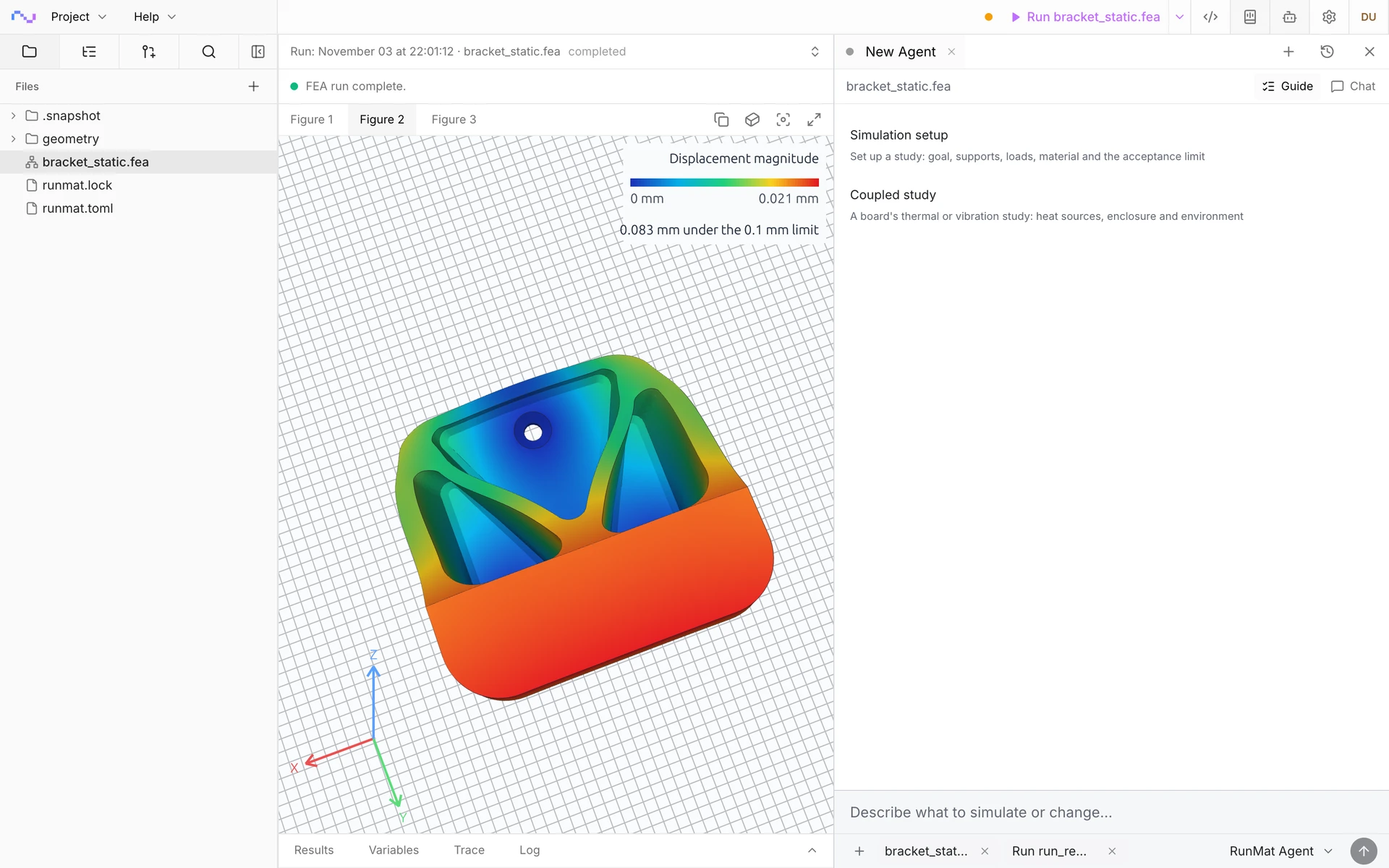
Studies are deterministic, typed documents
Guided setup writes and fills out a study document like the one shown here. The document is typed, with units, and static analysis underlines incorrect connections and definitions in red.
Studies are text files, so you can read, write, keep and rerun them at any time.
material li_ion_cell {mass_density = 2500 kg/m^3thermal {reference_temperature = 298.15 Kmodulus_temperature_coefficient = 0 K^-1expansion_coefficient = 0.00001 K^-1conductivity = 20 W/m/Kspecific_heat = 1000 J/kg/K}}geometry module {file = "./geometry/m01-cells.step"units = mminterfaces = sharedregion cell_1 : solid { select name "M01 cell 1"; expect exactly_one }region cell_2 : solid { select name "M01 cell 2"; expect exactly_one }region cell_3 : solid { select name "M01 cell 3"; expect exactly_one }region cell_4 : solid { select name "M01 cell 4"; expect exactly_one }region cell_5 : solid { select name "M01 cell 5"; expect exactly_one }region cell_6 : solid { select name "M01 cell 6"; expect exactly_one }region cell_7 : solid { select name "M01 cell 7"; expect exactly_one }region cell_8 : solid { select name "M01 cell 8"; expect exactly_one }region cell_bottoms : face { select name "M01 cell bottom"; expect one_or_more }}mesh module on geometry.module {tetrahedra { order = linear; target_size = 12 mm; maximum_deviation = 0.2 mm }}model module_cooling {thermal { reference_temperature = 298.15 K }assign material.li_ion_cell to geometry.module.region.cell_1assign material.li_ion_cell to geometry.module.region.cell_2assign material.li_ion_cell to geometry.module.region.cell_3assign material.li_ion_cell to geometry.module.region.cell_4assign material.li_ion_cell to geometry.module.region.cell_5assign material.li_ion_cell to geometry.module.region.cell_6assign material.li_ion_cell to geometry.module.region.cell_7assign material.li_ion_cell to geometry.module.region.cell_8load cell_1_heat { heat_generation on geometry.module.region.cell_1 = 12383.9 W/m^3 }load cell_2_heat { heat_generation on geometry.module.region.cell_2 = 12383.9 W/m^3 }load cell_3_heat { heat_generation on geometry.module.region.cell_3 = 12383.9 W/m^3 }load cell_4_heat { heat_generation on geometry.module.region.cell_4 = 12383.9 W/m^3 }load cell_5_heat { heat_generation on geometry.module.region.cell_5 = 12383.9 W/m^3 }load cell_6_heat { heat_generation on geometry.module.region.cell_6 = 12383.9 W/m^3 }load cell_7_heat { heat_generation on geometry.module.region.cell_7 = 12383.9 W/m^3 }load cell_8_heat { heat_generation on geometry.module.region.cell_8 = 12383.9 W/m^3 }load cold_plate {thermal.convection {target = geometry.module.region.cell_bottomsambient_temperature = 298.15 Kcoefficient = 403 W/m^2/K}}}study module_temperature {geometry = geometry.modulemesh = mesh.modulemodel = model.module_coolinganalysis heat { thermal steady {} }output temperature = analysis.heat.field.node.temperatureoutput heat_flux = analysis.heat.field.element.heat_flux}
Run a simulation across your machines
The same study runs on every core of one computer, or spreads across several machines when the model is large or there are many cases to solve. On Professional, each person's three computers run together as a cluster, and larger clusters run under Enterprise.
RunMat helps you answer temperature questions before you build hardware
Does it stay under its temperature limit?
Get the peak temperature and where it occurs at the operating power and cooling, checked against the limit for the cell, the component or a touch-safe surface and reported passed or failed.
How much cooling does it need?
Run film coefficients, coolant temperatures and heat-sink variants side by side in parallel, and find the least cooling that holds the peak under the limit.
How long until it reaches its limit?
Follow a power cycle, a warm-up or a cool-down over time, and get the time at which the hottest point reaches its limit.
Will the temperature warp or crack it?
Pass the temperature field to a thermal stress analysis on the same part and mesh, and get the stress and distortion it causes.
The following thermal simulation types are supported
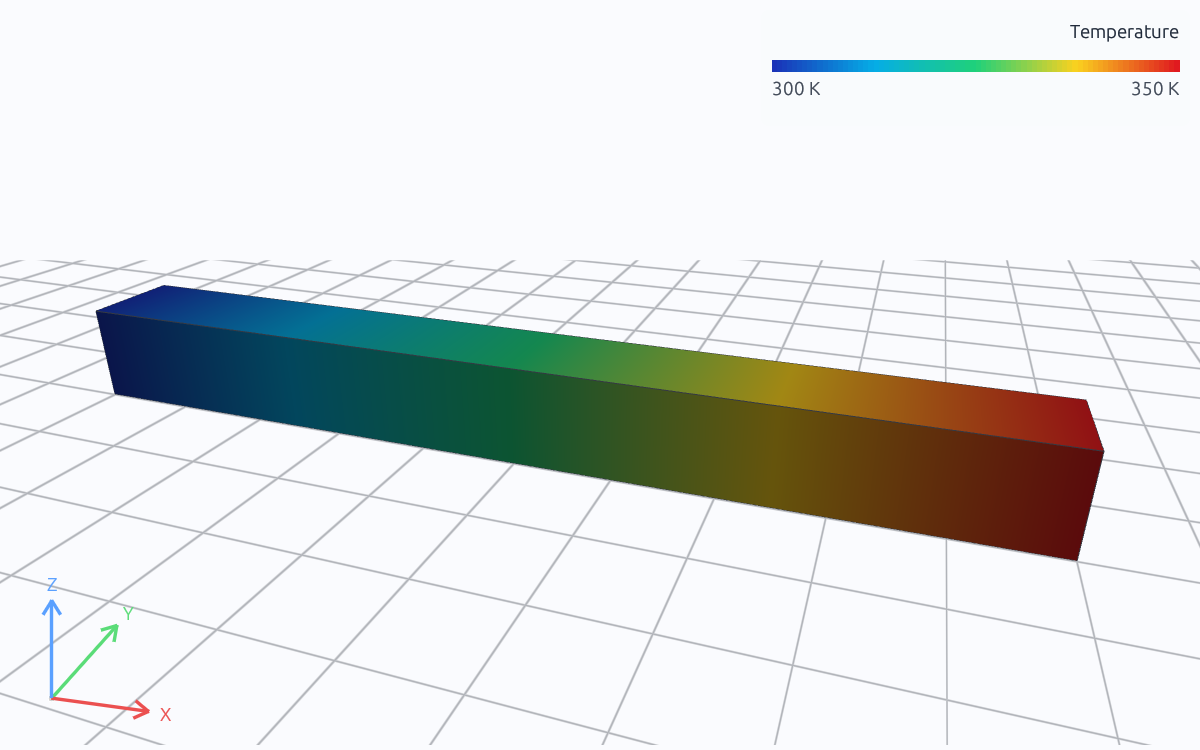
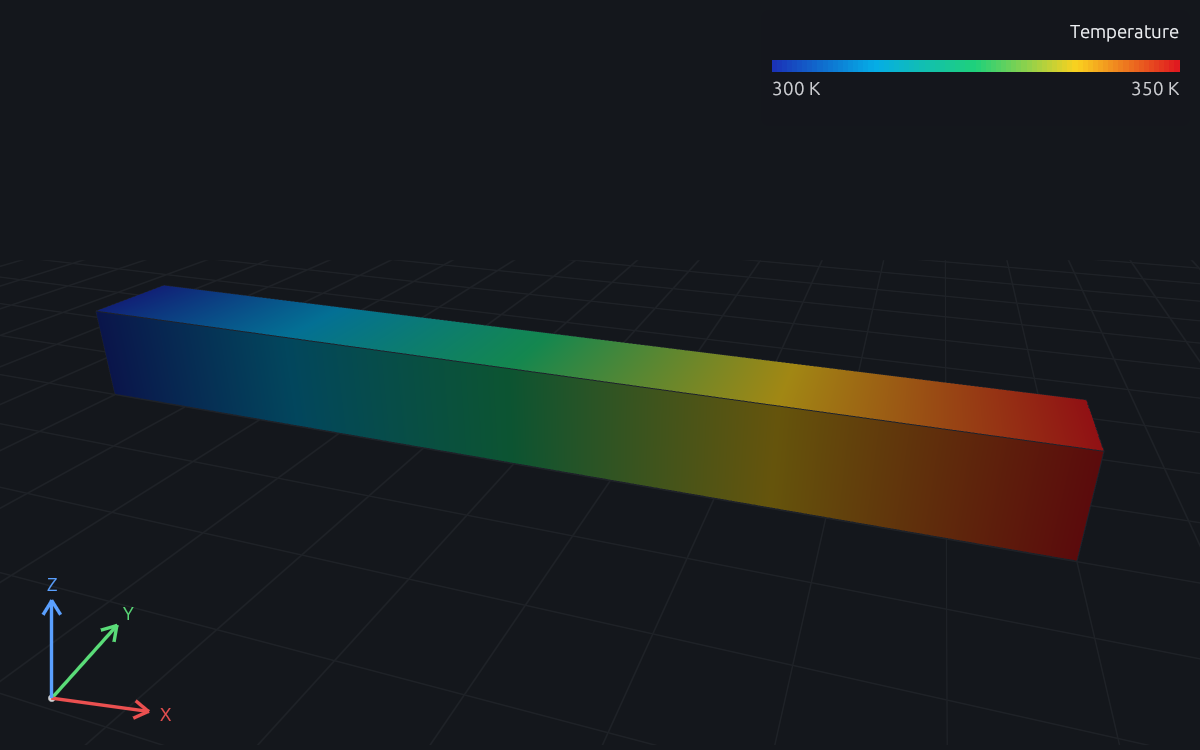
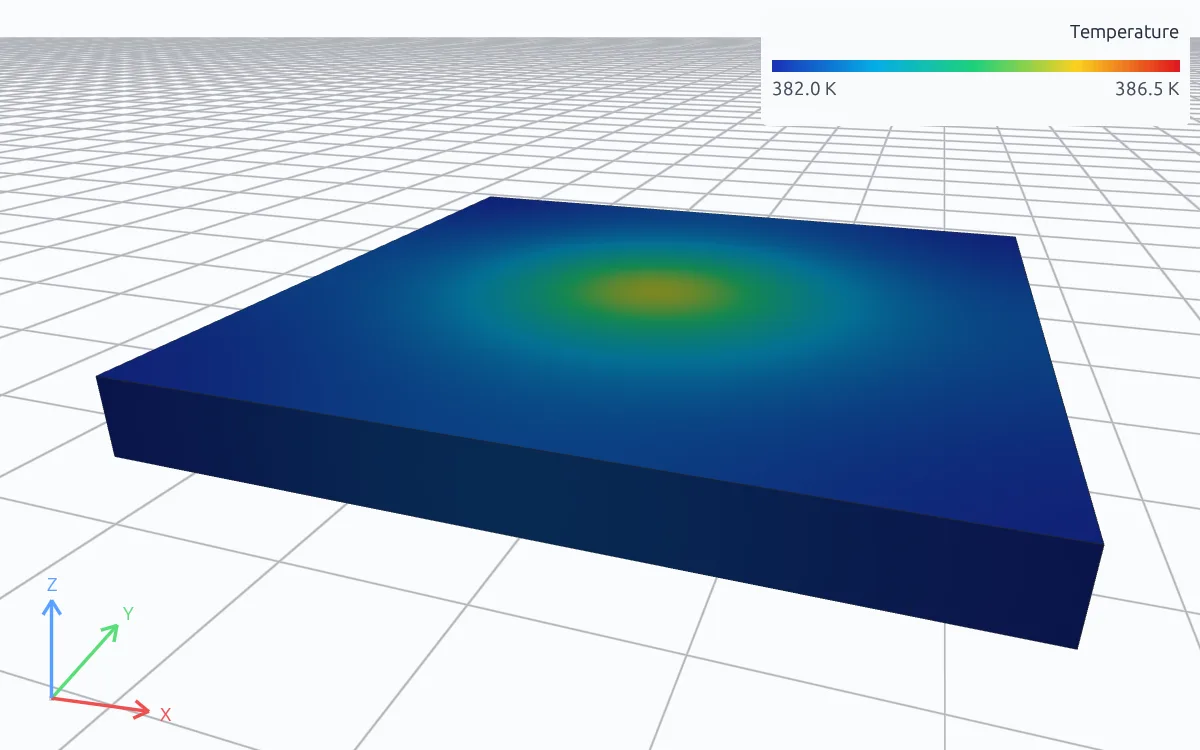
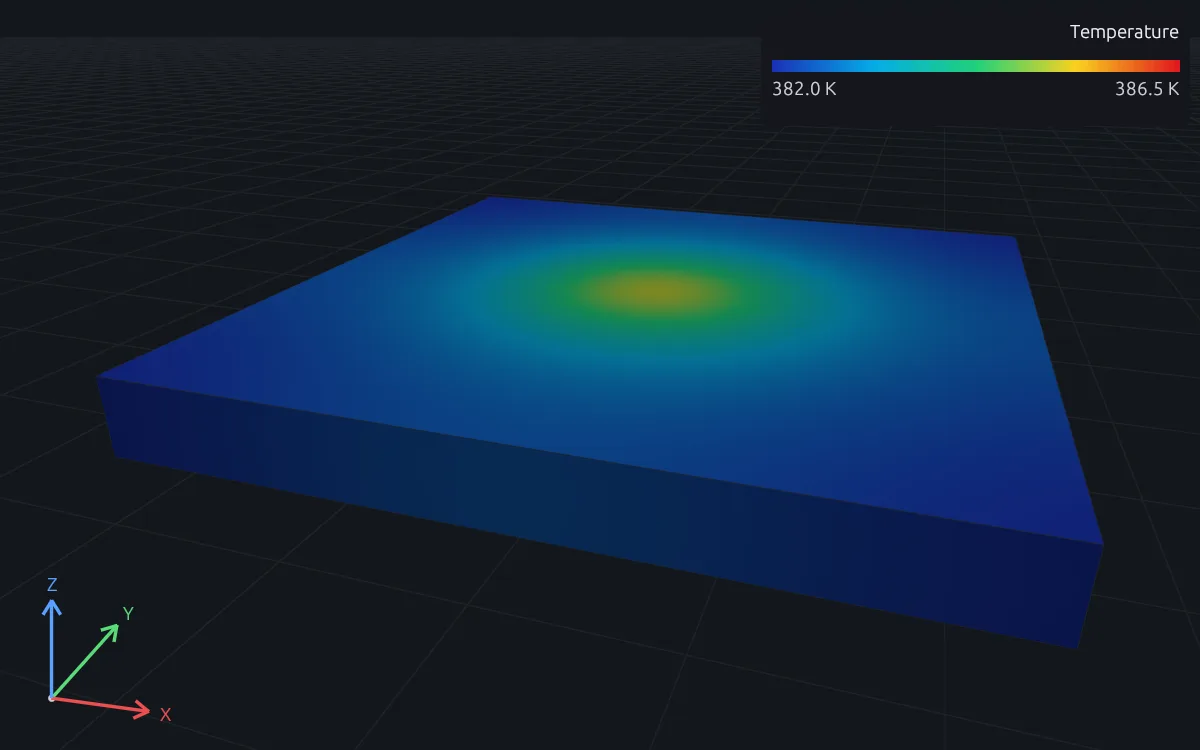
Steady conduction
Operating temperature once the part reaches equilibrium with its heat sources and cooling.
Transient conduction
Warm-up, cool-down and the response to a power cycle, stepped in time from an initial temperature.
Internal heat generation
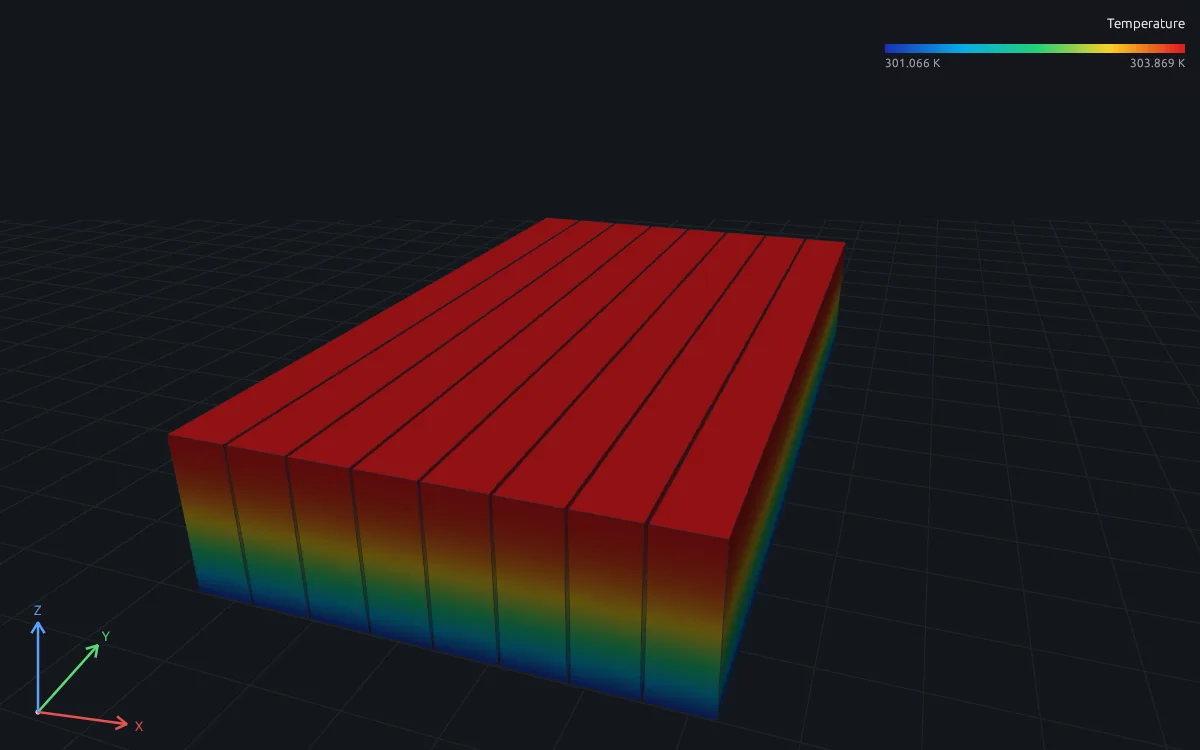
Heat generated inside battery cells, windings, dies and resistors, in W/m³ or from a component's total power.
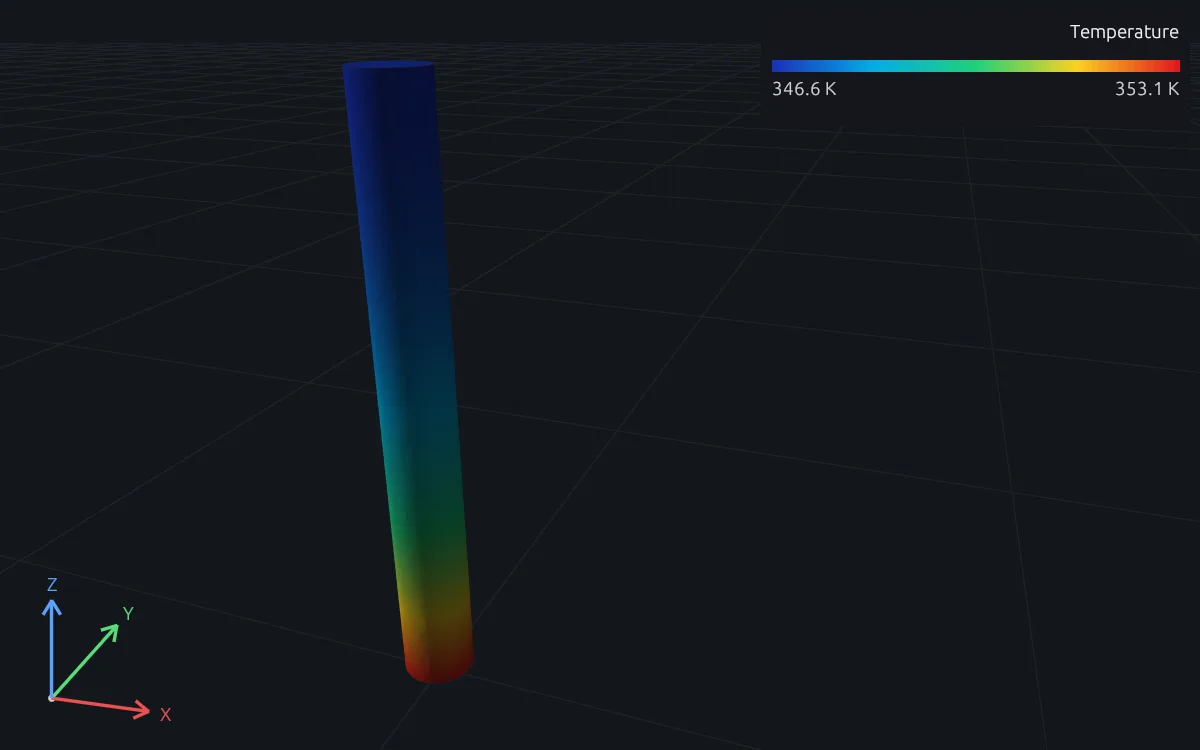
Convection cooling
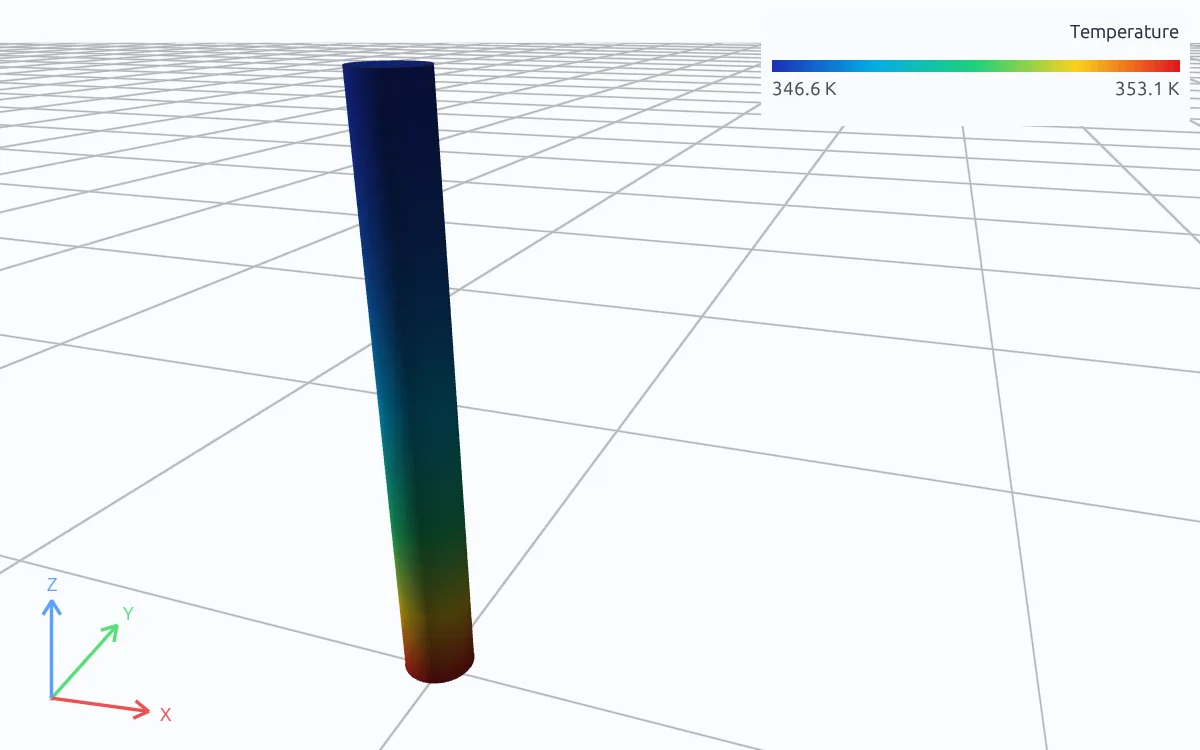
Air or coolant cooling as a film coefficient and an ambient temperature on the cooled faces, natural or forced, with its own ambient on each face.
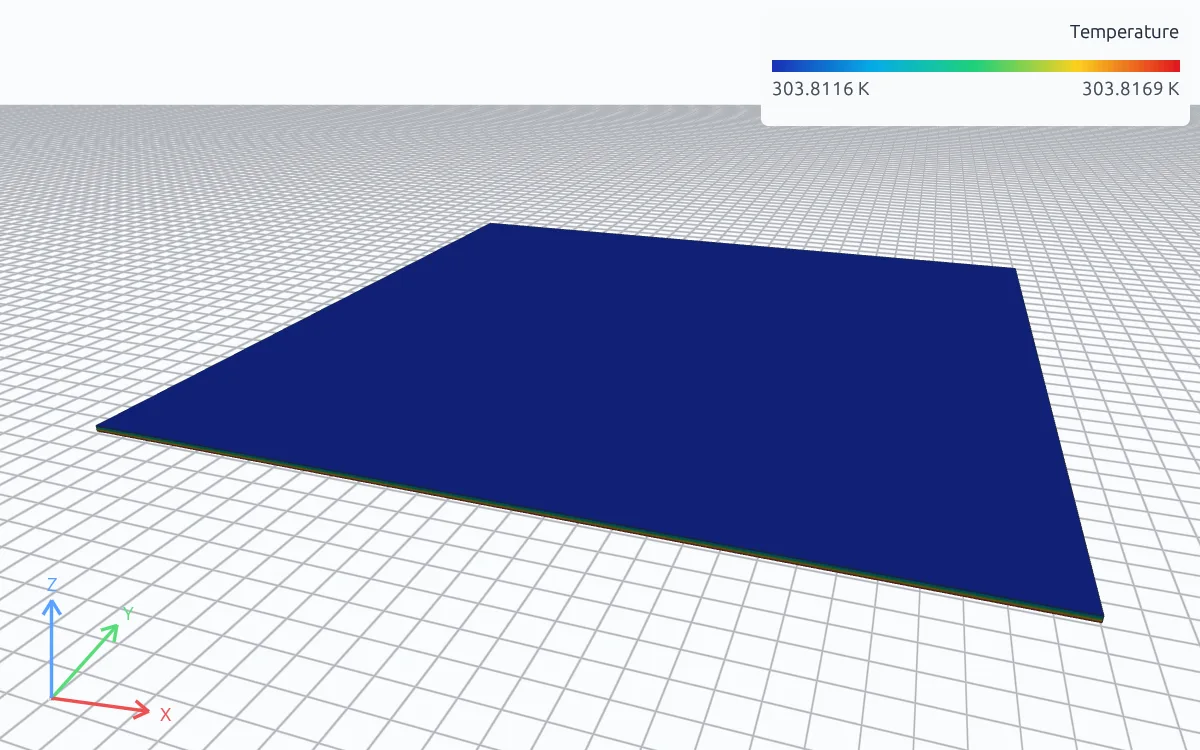
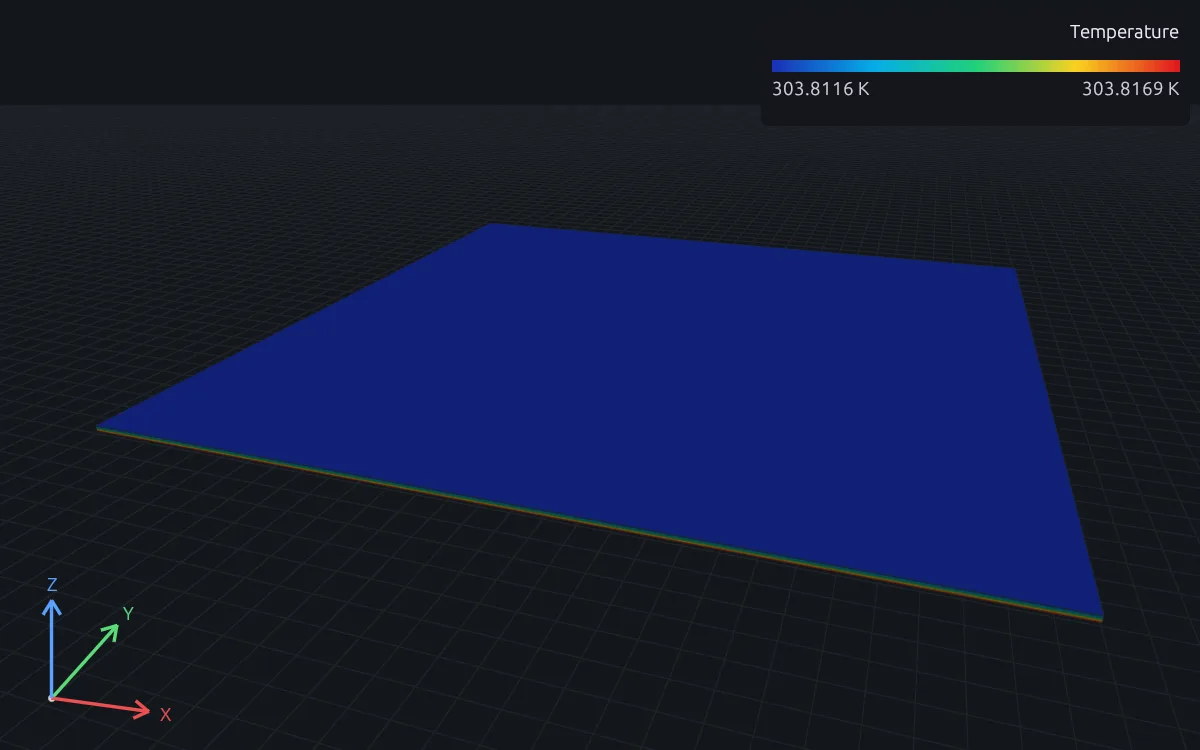
Radiation to the surroundings
Gray-surface radiation from a face to its surroundings, set by emissivity and surrounding temperature, on the same faces as convection.
Contact and interface conductance
Heat across bonded joints, thermal interface materials and bolted contacts, as perfect contact or a conductance or resistance on a declared interface.
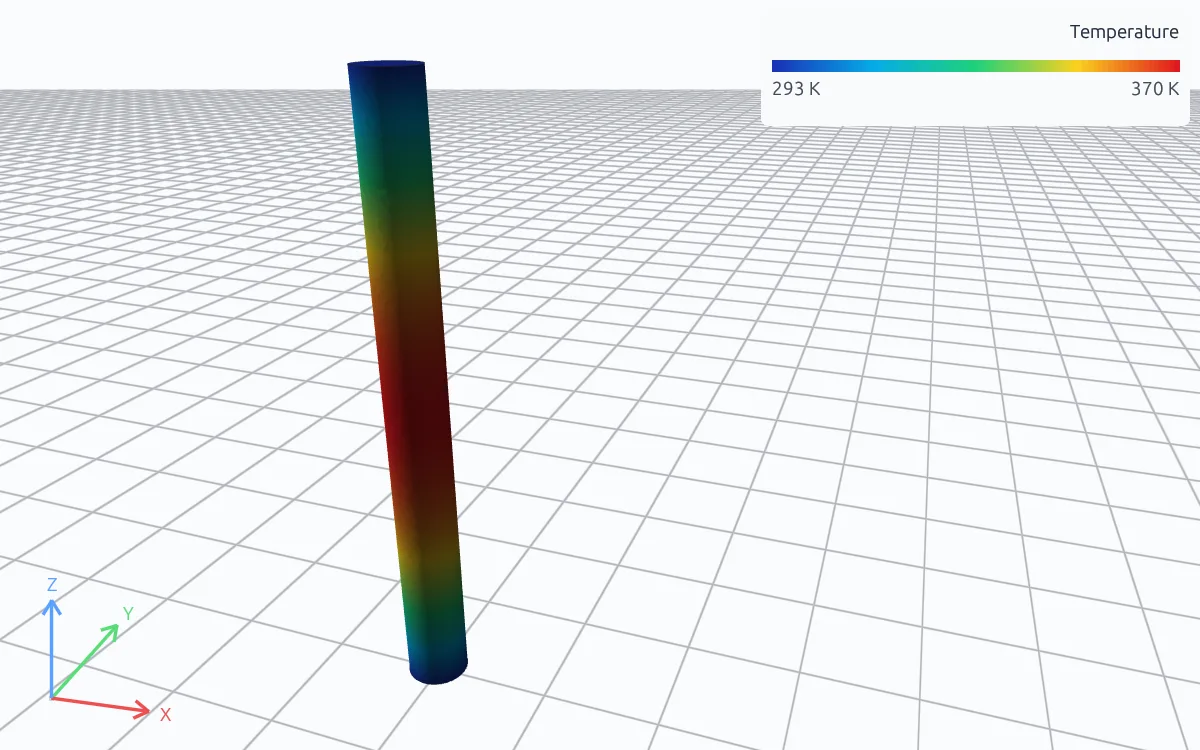
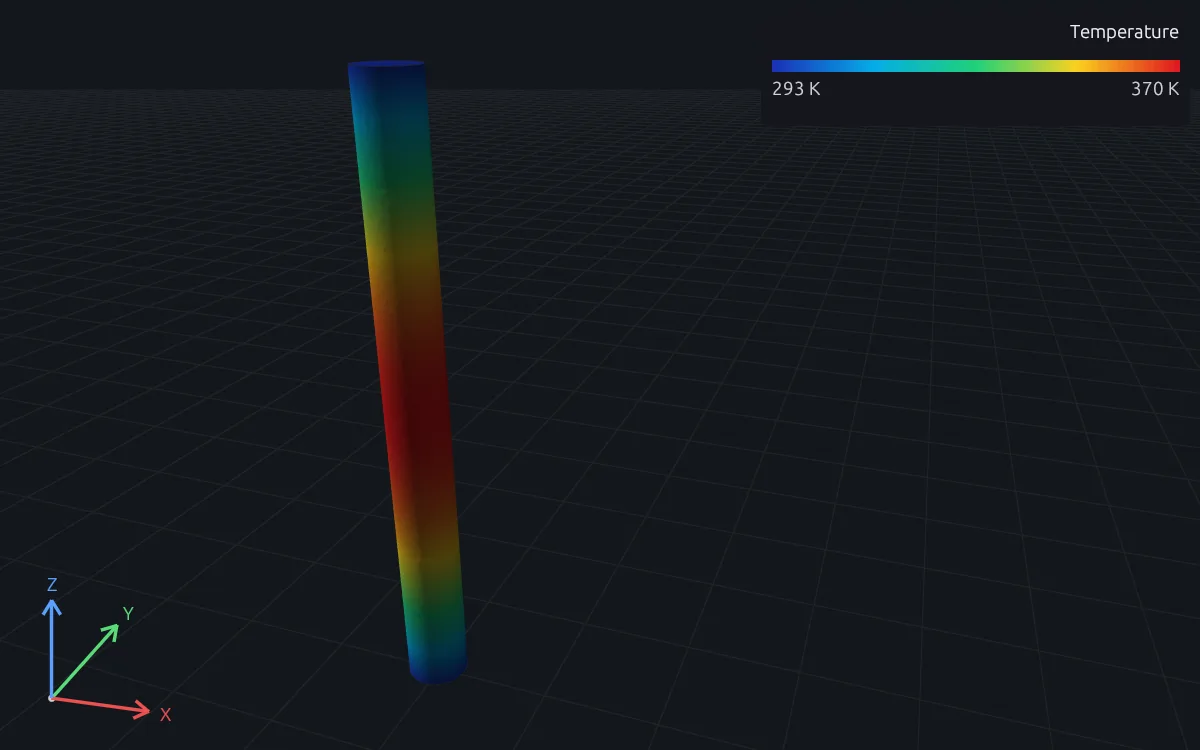
Fixed and controlled temperatures
Faces held at a known temperature or a measured temperature history, such as a controlled cold plate, with the heat flow needed to hold them there.
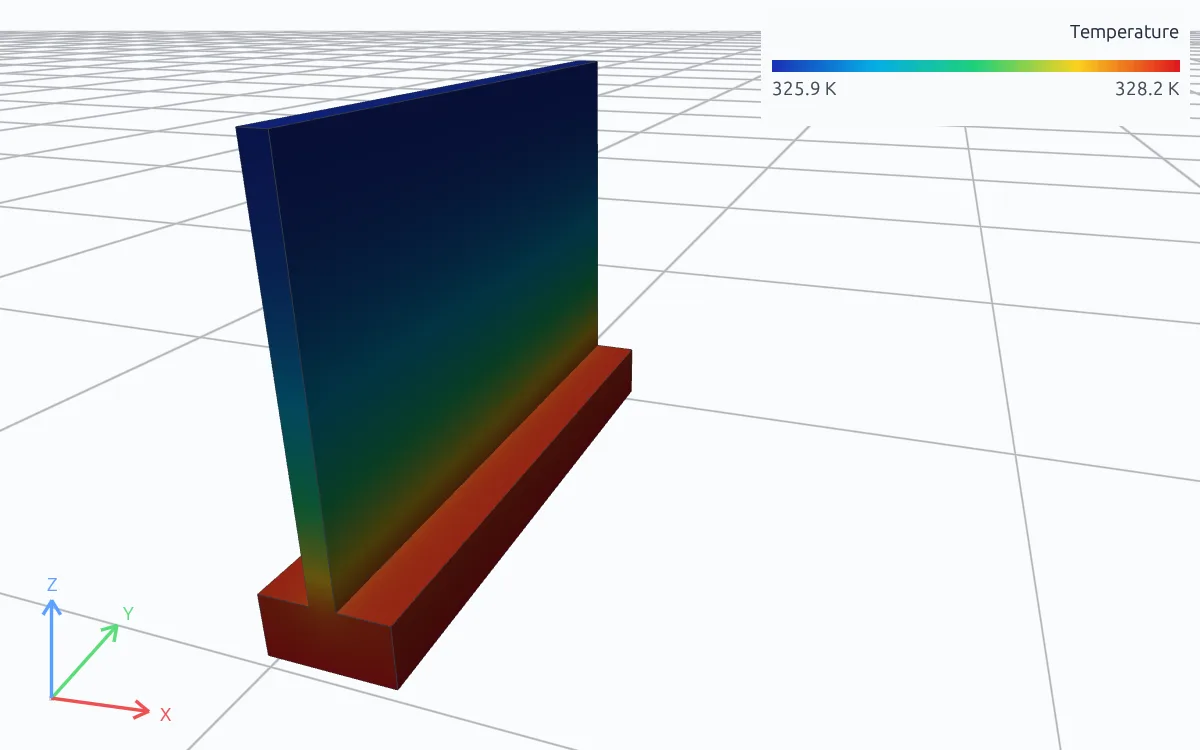
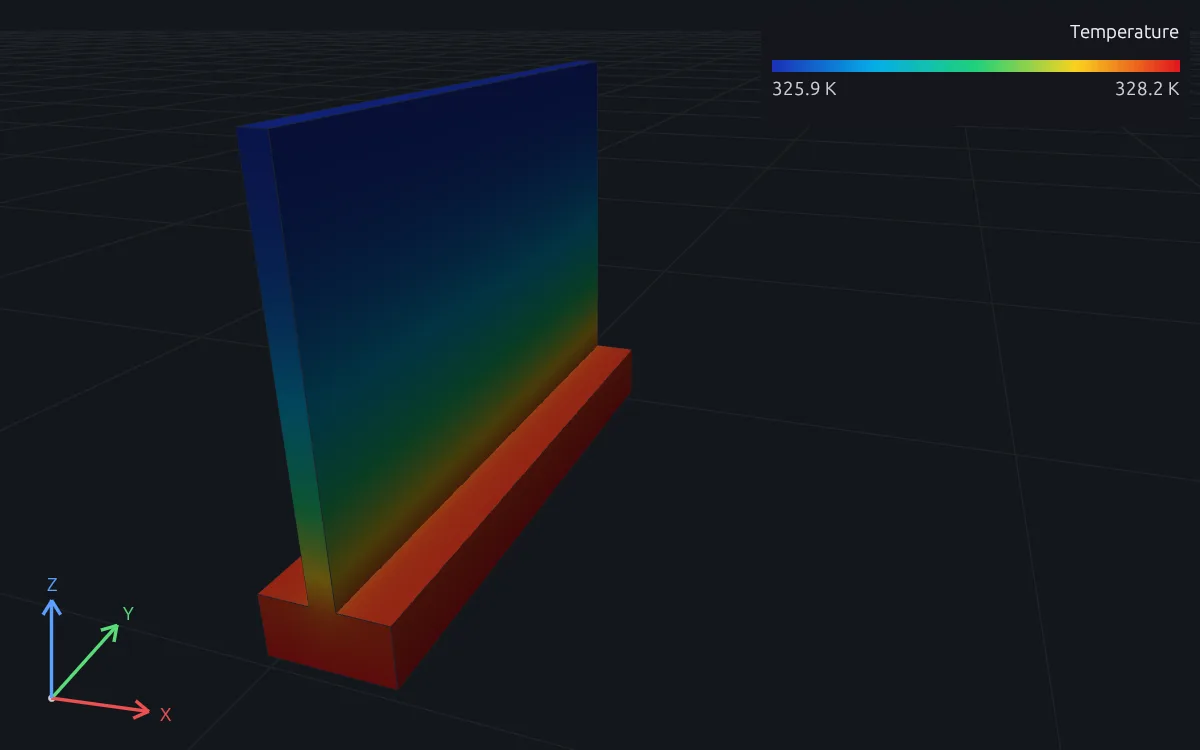
Periodic and repeating cells
One cell of a fin array, a lattice or a repeating sector, with periodic temperature, an imposed gradient or a heat-flow rate across it.
Model heat sources, cooling and materials
Define the heat sources, boundaries and materials of complex cases.
Heat sources
- Heat generation in a volume, in W/m³
- Heat flux on a face, in W/m²
- A component's total power over its volume or face
- Imposed temperature fields from test or another solver
- Power cycles and measured histories, including from
.mfunctions - Joule heat from an electrical analysis
Cooling and boundaries
- Convection to air or coolant, with an ambient per face
- Radiation to the surroundings
- Fixed temperatures and measured temperature histories
- Ambient temperature as a time signal
- Insulated and adiabatic faces
Interfaces
- Perfect contact and temperature ties between meshes
- Contact conductance and contact resistance
- Thermal interface materials as a layer or a boundary law
- Periodic, sector and fixed-jump temperature pairs
Materials and results
- Conductivity, density and specific heat
- Initial temperatures for transient runs
- Temperature, gradient, heat flux and heat rate
- Energy balance on every run
RunMat can be used directly by Claude Code, Codex and other MCP clients
Connect RunMat to Claude Code, Codex or another MCP client, and the AI tool you already use sets up and runs the same studies from your CAD file. Its agent writes and edits the .fea study, RunMat checks and solves it, and the results come back to the agent and appear in RunMat Desktop.
FAQ
01How do I know a thermal result is right?
Check that the heat generated equals the heat leaving through the boundaries, and refine the mesh until the peak temperature stops changing. Every run records its energy balance: the battery module generates 160 W and convects 160 W out, with a residual below 1e-12 W, and its cell-top temperature is within 0.006 K of a one-dimensional slab estimate.
02How do I model contact between two parts?
Declare an interface between the faces: perfect contact, or a thermal conductance or contact resistance. Touching parts exchange heat only through an interface you declare.
03Does RunMat model thermal radiation?
Yes. Radiation from a surface to its surroundings is a boundary condition with an emissivity and a surrounding temperature, and it can sit on the same faces as convection.
04Can RunMat model airflow from a fan?
Air cooling is a convection boundary: a film coefficient and an air temperature on the cooled faces, with a higher coefficient for forced air. To solve the coolant flow and the solid together, use conjugate heat transfer.
05Why does my steady model fail with a singular system?
A steady part needs at least one fixed temperature or convection boundary to set its temperature level. RunMat reports the missing reference instead of inventing one.
06Can I enter temperatures in Celsius?
Yes. 25 degC and 298.15 K are the same temperature in a study, and RunMat converts between them when it checks units.
07Can an AI model write a thermal study?
Yes. A study is plain text with units on every value, so an AI coding agent such as Claude Code or Codex can write it from a description of the part, its heat sources and its cooling, and runmat check reports any mistake with its line before anything is meshed.