Set up a simulation by answering questions
Open a part in RunMat and Simulation setup asks what to find out, how the part is held and loaded, and what it is made of. Each answer goes into a .fea study file, so a complete setup doesn't depend on knowing every keyword of the input language.
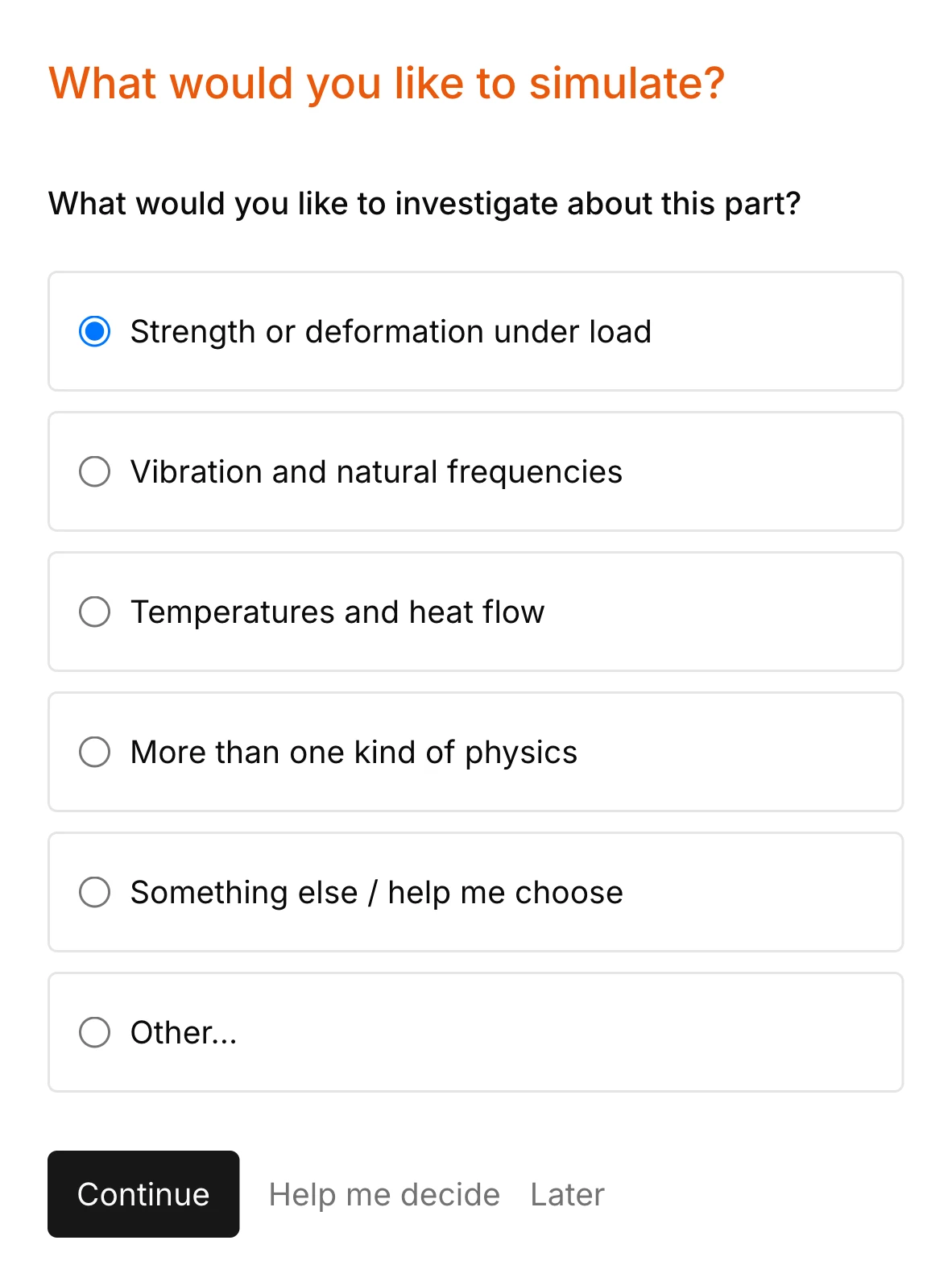
One question at a time, about this part
Opening a part, such as a STEP file, or an existing study starts the setup. The first question is what to investigate: strength or deformation under load, vibration and natural frequencies, temperatures and heat flow, or more than one kind of physics.
Later questions cover what the simulation needs and the files don't state: which faces are held, where each load acts, its size and direction, the material, and the limit the result is judged against.
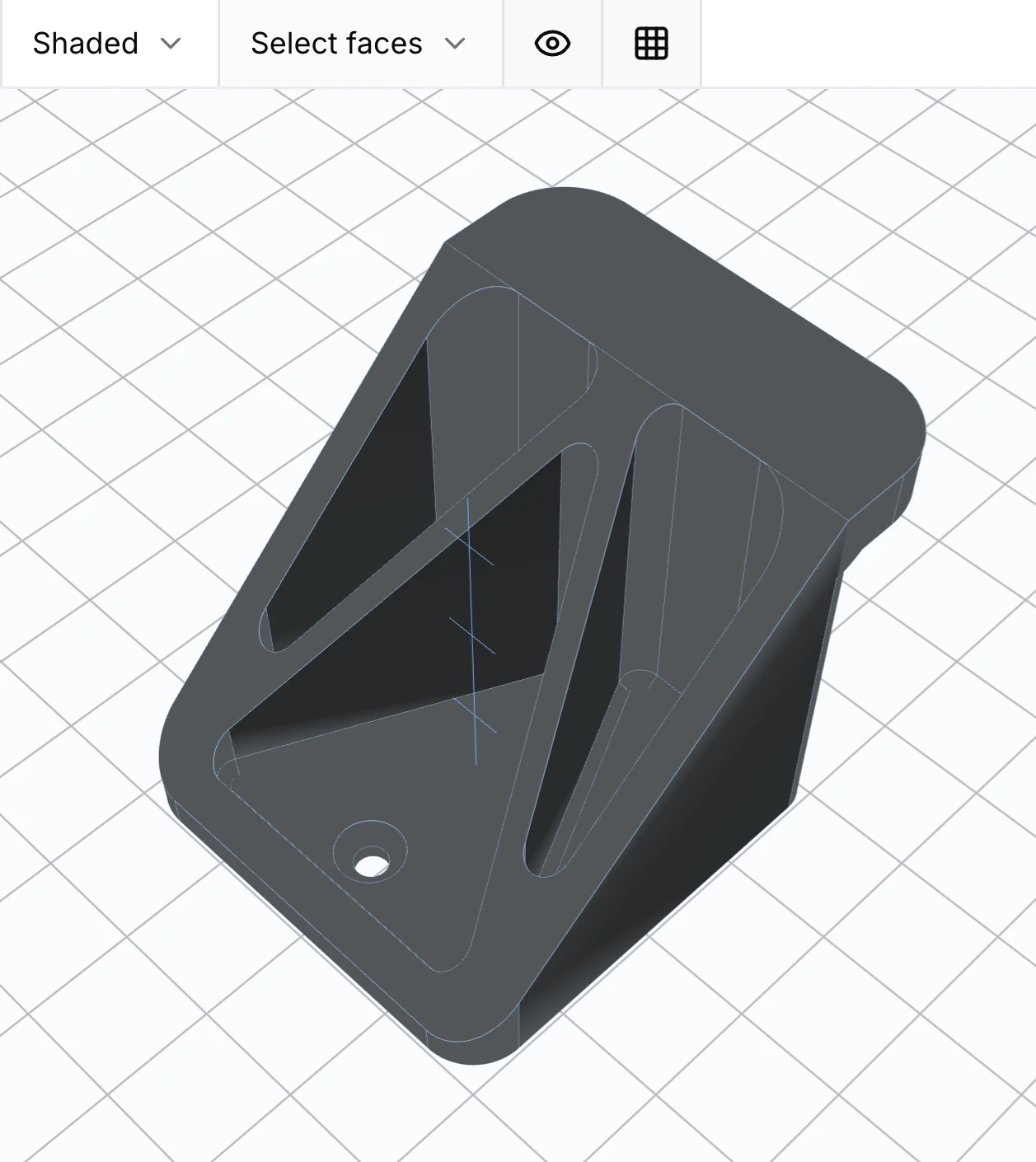
To answer a question about faces, click them on the part in the 3D view. Each clicked face is added to the answer, labeled with its name from the CAD file when it has one.
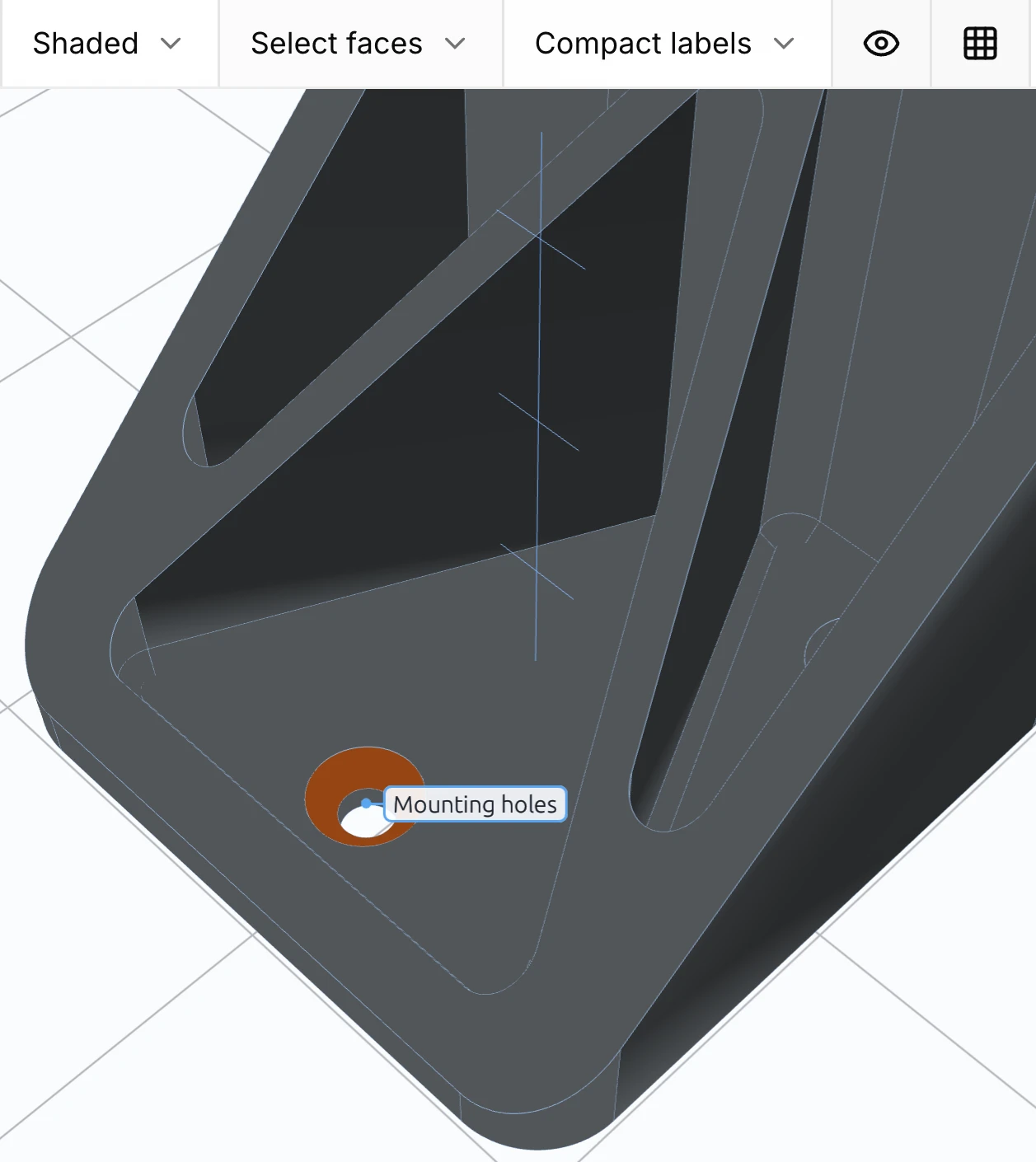
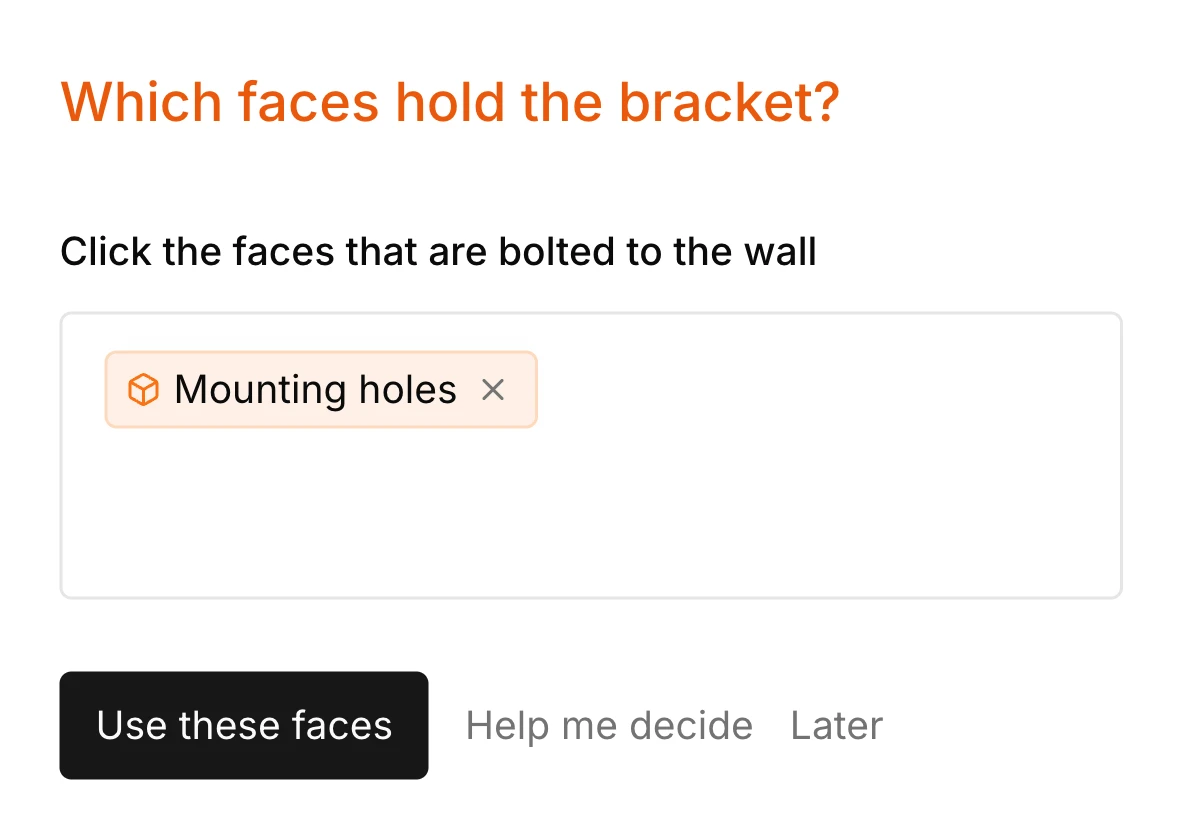
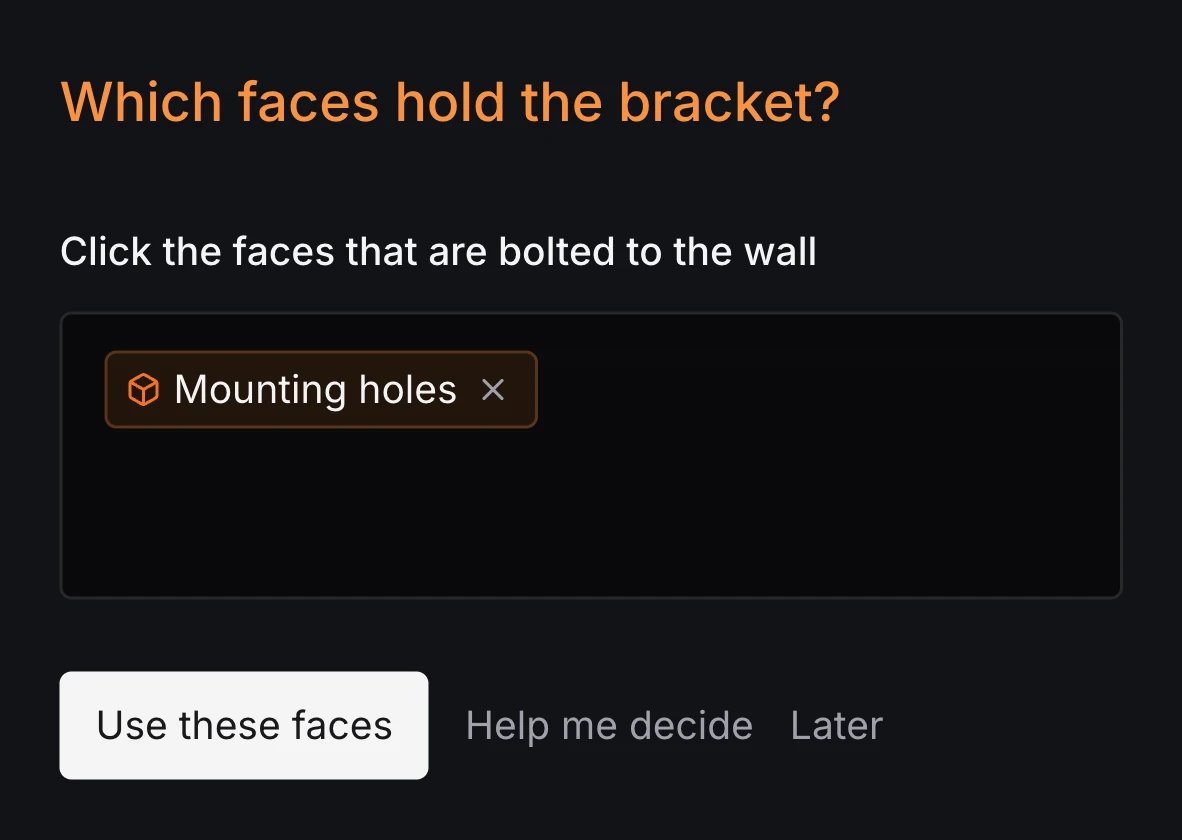
Answer, ask for options, or say it differently
Each question has controls that fit it: a list of choices, a value with a unit, a direction in a coordinate frame, or faces, clicked on the part or chosen from the regions named in the study. Help me decide replaces the question with concrete alternatives and short tradeoffs. Later sets it aside, and it stays listed until you return to it.
The text box under every question takes corrections and detail in plain language, such as the direction a load acts or a goal that isn't in the list. Questions about what to investigate also have an Other entry for a goal in your own words.
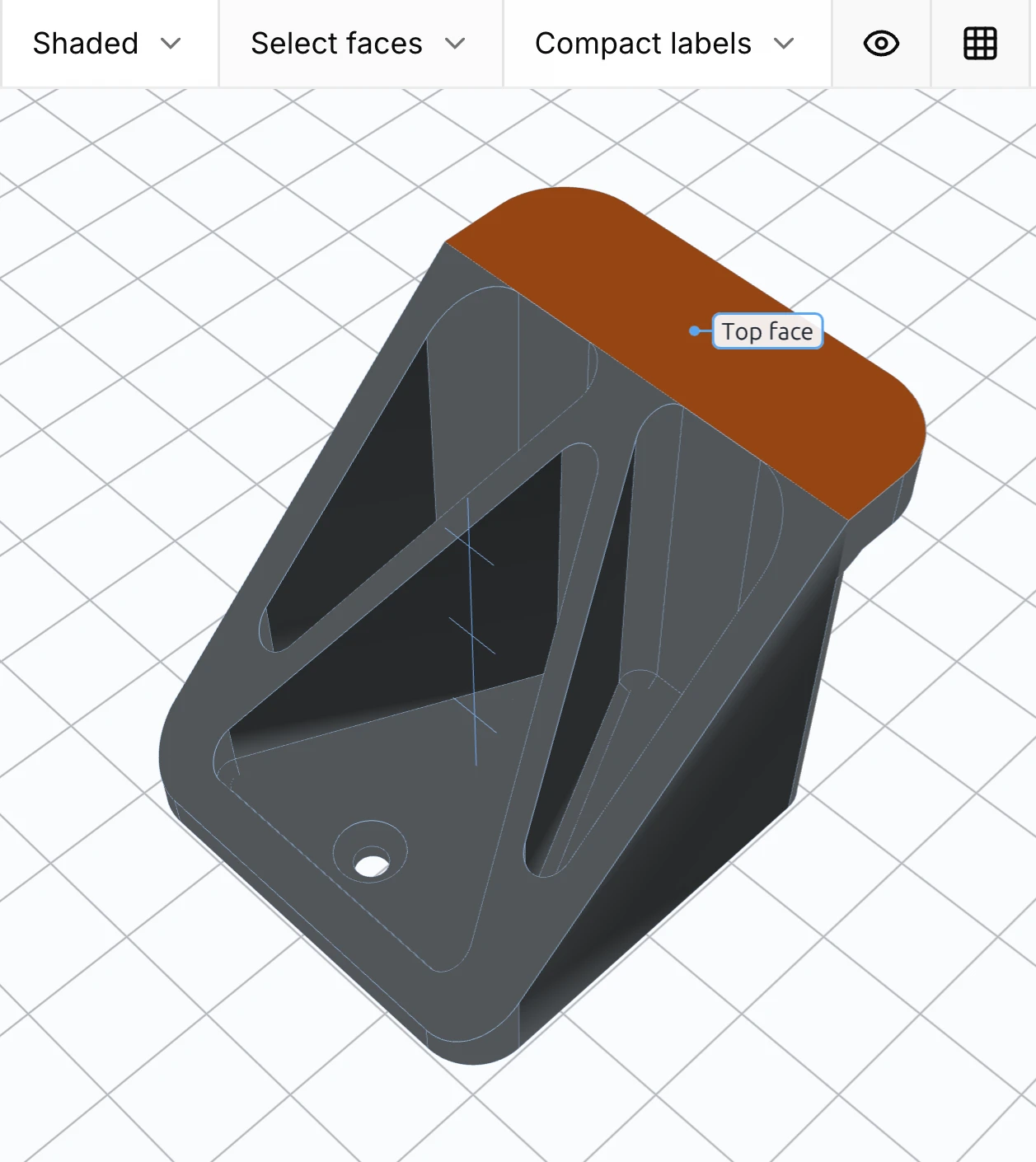
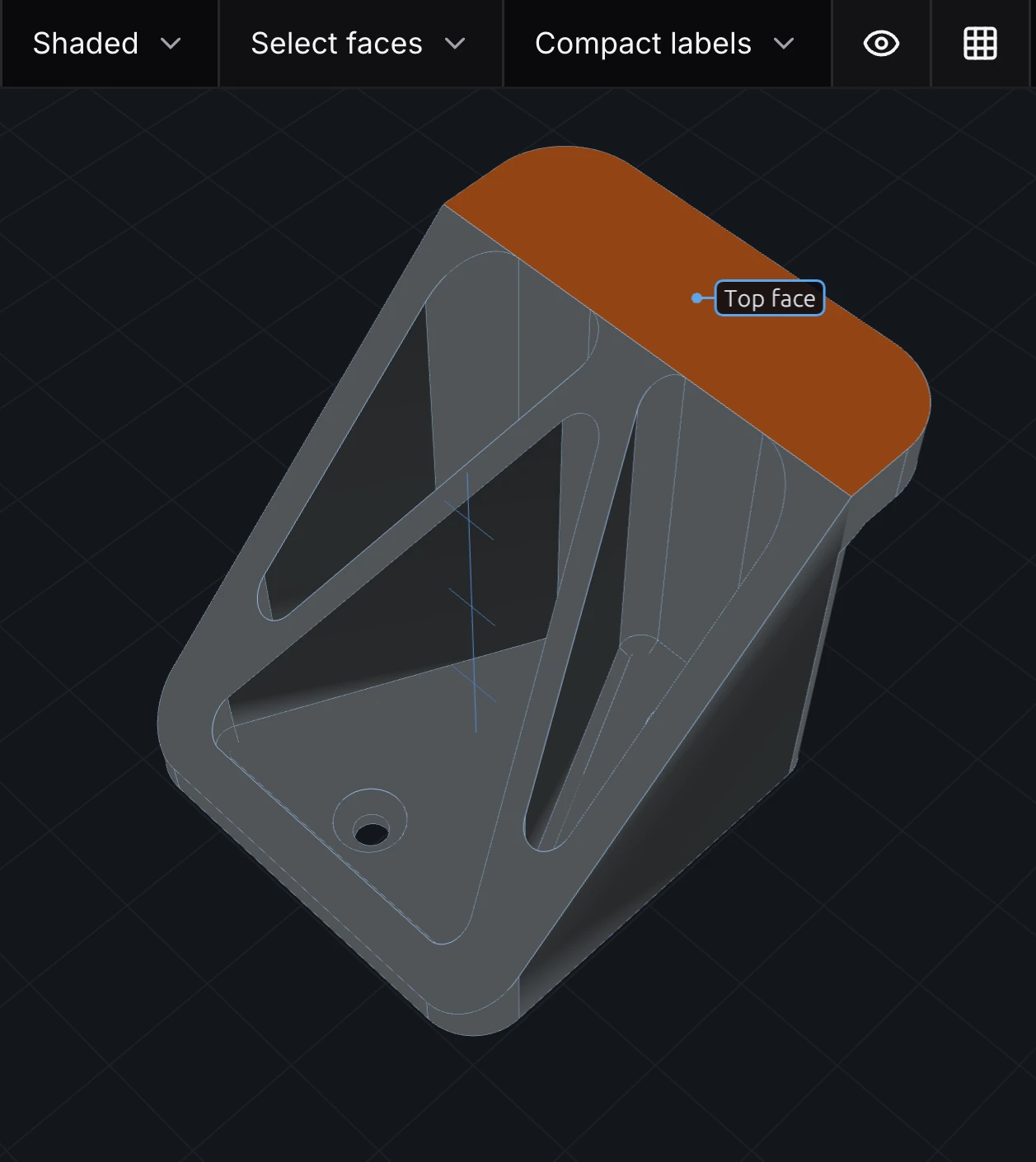
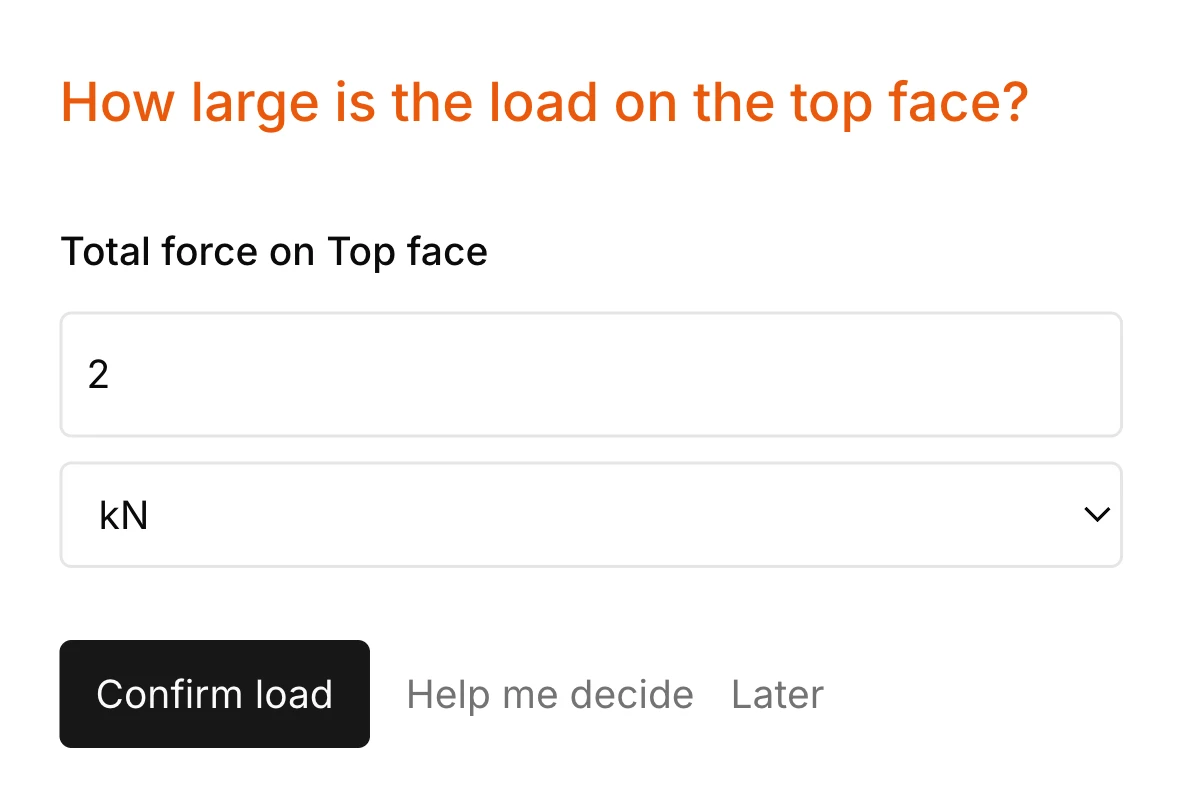
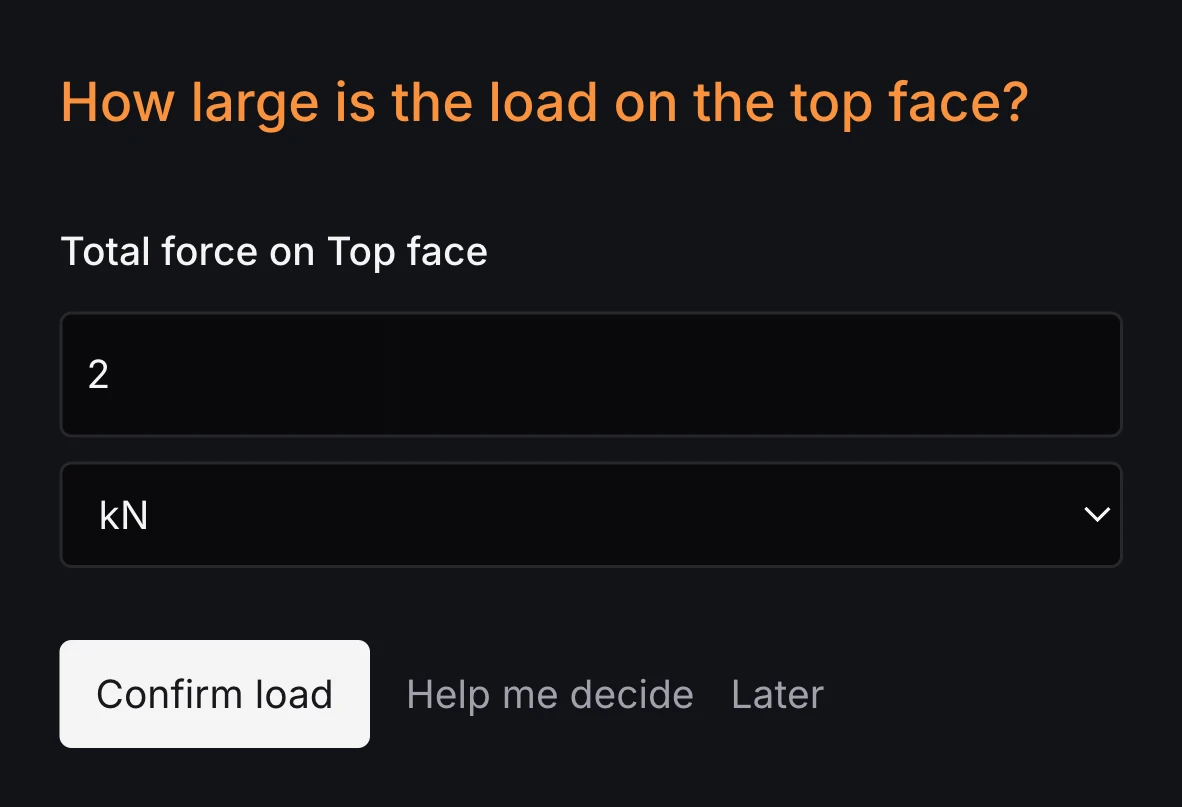
Answers become a study you can read and edit
As setup goes on, the answers are written into a .fea file in the project: the geometry and its named regions, mesh settings, material, supports, loads and the outputs to report. Each write arrives as a change to keep or undo, and the file opens in the editor like any other source.
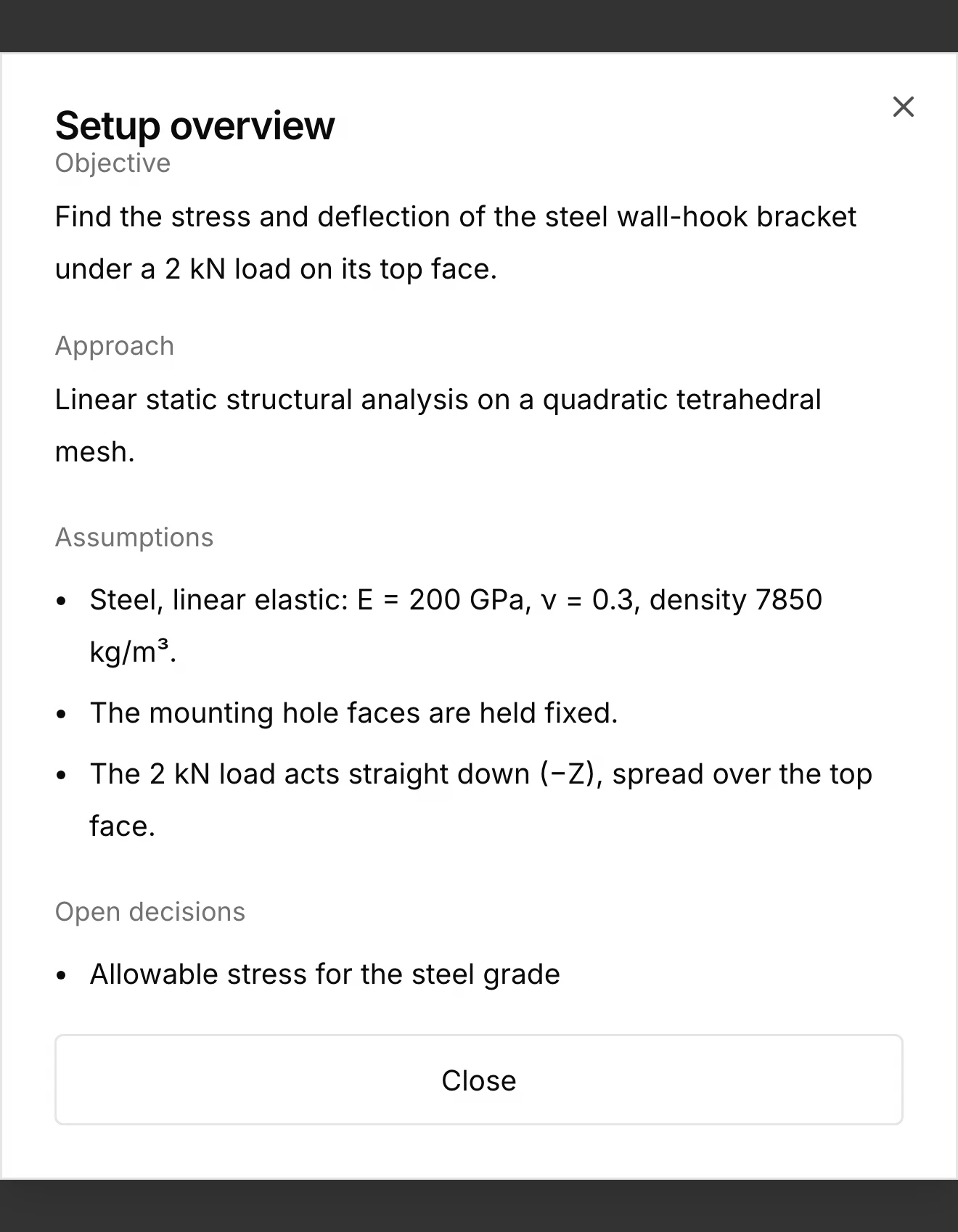
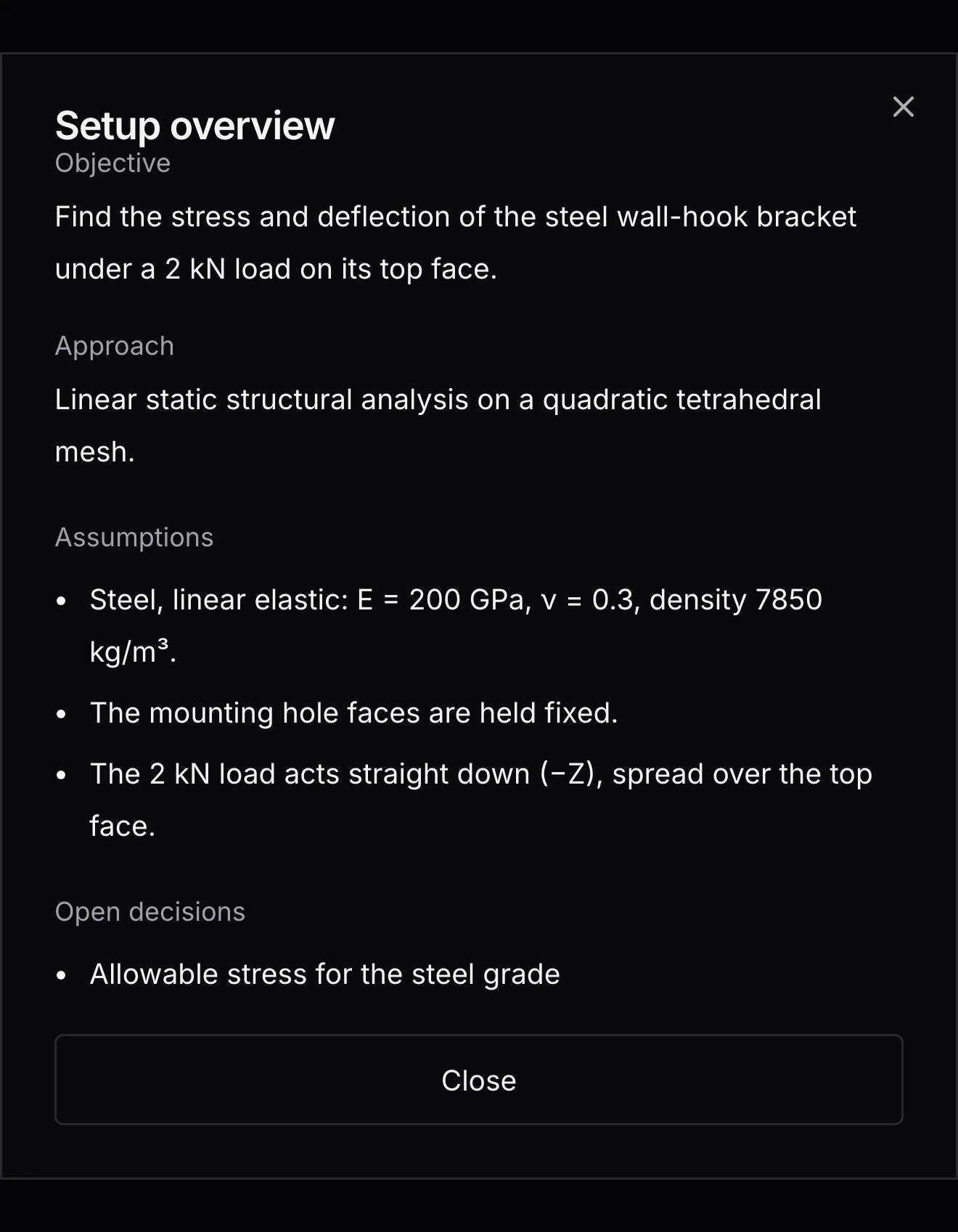
Setup overview shows the current objective, approach, assumptions and the decisions still open, so an assumption such as a held face is visible before anything runs. RunMat checks the file as it changes and lists what is still missing.
geometry bracket {file = "./geometry/bracket.step"units = mmregion body : solid { select name "WallHook_30mm"; expect exactly_one }region hook_seat : face { select name "Hook seat"; expect exactly_one }region mounting_holes : face { select name "Mounting holes"; expect one_or_more }region corner_fillets : face { select name "Corner fillets"; expect one_or_more }}mesh bracket on geometry.bracket {tetrahedra {order = lineartarget_size = 6 mmmaximum_deviation = 0.15 mm}}material steel {mass_density = 7850 kg/m^3elastic {youngs_modulus = 200 GPapoisson_ratio = 0.3}}model loaded_bracket {assign material.steel to geometry.bracket.region.bodyconstraint mounting {structural.fixed { target = geometry.bracket.region.mounting_holes }}load hanging_load {force on geometry.bracket.region.hook_seat = [0, -2, 0] kN}load_case service { include load.hanging_load }}study bracket_static {geometry = geometry.bracketmesh = mesh.bracketmodel = model.loaded_bracketanalysis static { structural static {} }output displacement = analysis.static.field.node.displacementoutput von_mises = analysis.static.field.element.von_mises_stress}
Run it when the setup is complete
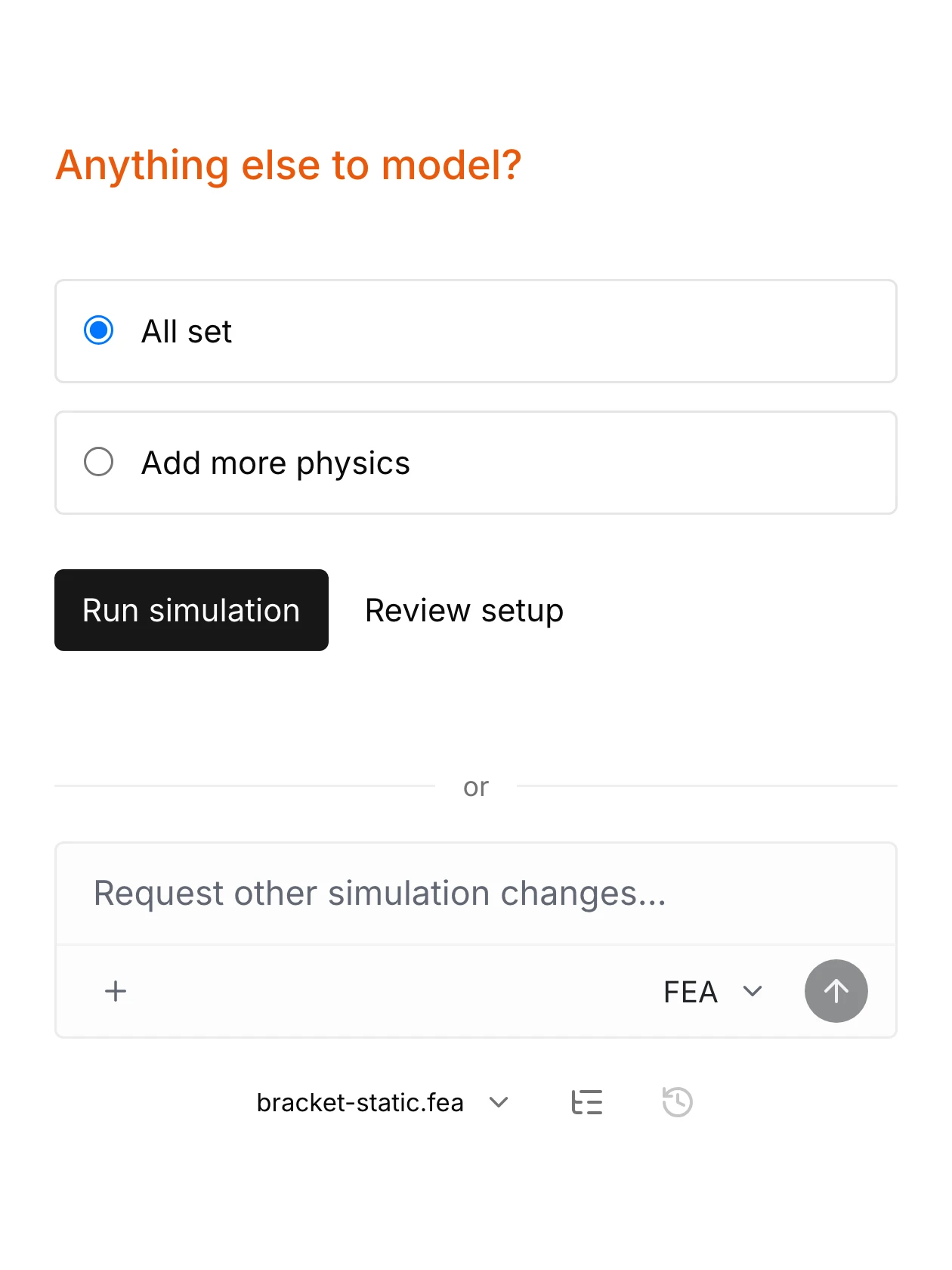
When the checks pass and no question is open, setup asks whether anything else needs modeling. All set leads to Run simulation, which prepares the run and starts it on every available core. Add more physics continues in the same study with the next thing to investigate.
Nothing runs until Run simulation is pressed. The study stays in the project, where it can be run again, edited by hand or copied for the next part.