
Run MATLAB code and simulations from Codex
Connect Codex to RunMat Desktop and it runs MATLAB code and physics simulations in the Project you have open. Each run appears in the app.
Plot the damped radial wave sin(3r)/r on a 120-by-120 grid as a 3D surface.
 Running code in RunMat
Here's the surface: a peak of 3 at the origin, with ripples that fade as they spread out. Drag to rotate it.
When to use it
Use it when the answer has to come from running something: your team's MATLAB code, a large calculation, or a simulation of a part.
- 01
Your MATLAB code
Point Codex at a script or a Project, and it runs the code as written, with more than 2,100 builtins and the full core language and no MATLAB install. When it fails, Codex reads the error, fixes the code and runs it again.
- 02
Math at GPU speed
Array math runs on the GPU and sweeps run in parallel, so one answer can cover 10 million samples or 10,000 design cases.
- 03
Simulations of your parts
Give it your CAD file (STEP, IGES or BREP) and Codex sets up the study: material, loads, supports and mesh. RunMat solves it and shows stress, temperature or mode shapes on the part.
Codex works on the files in the Project open in RunMat Desktop, and each run is saved there, so the next session picks up the same files.
What you can ask for
“Find the first natural frequency of this tuning fork and show the mode shape.”
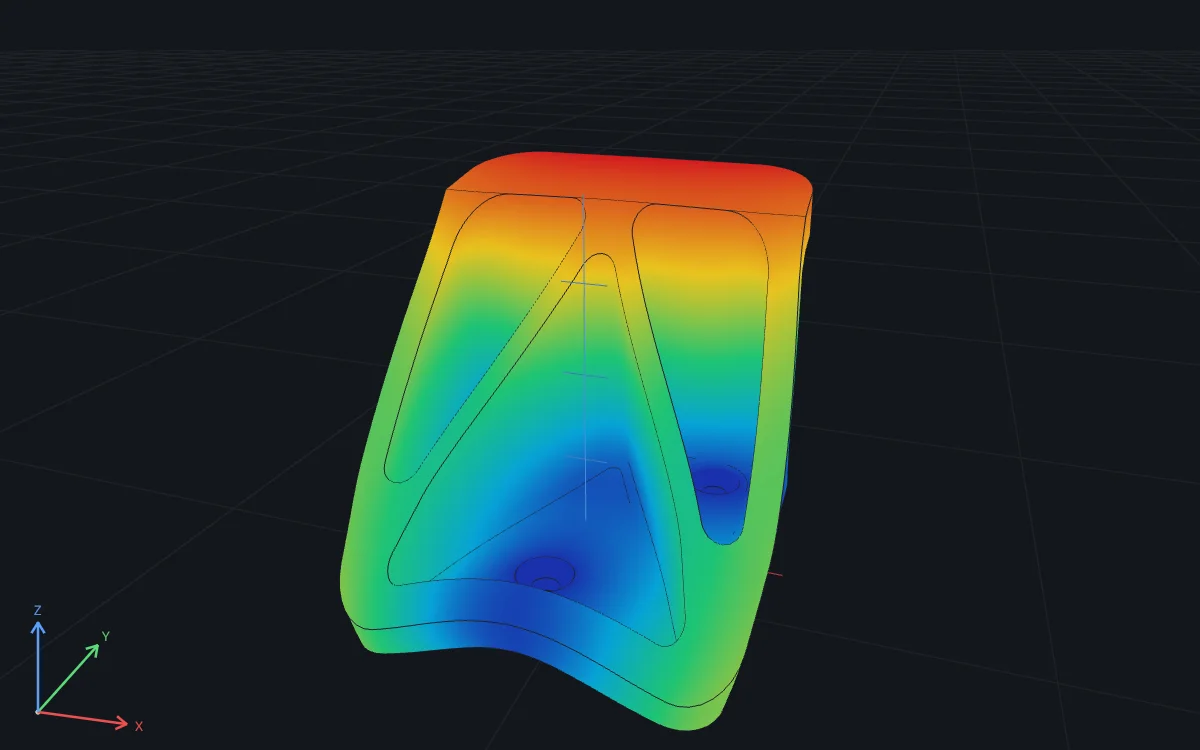
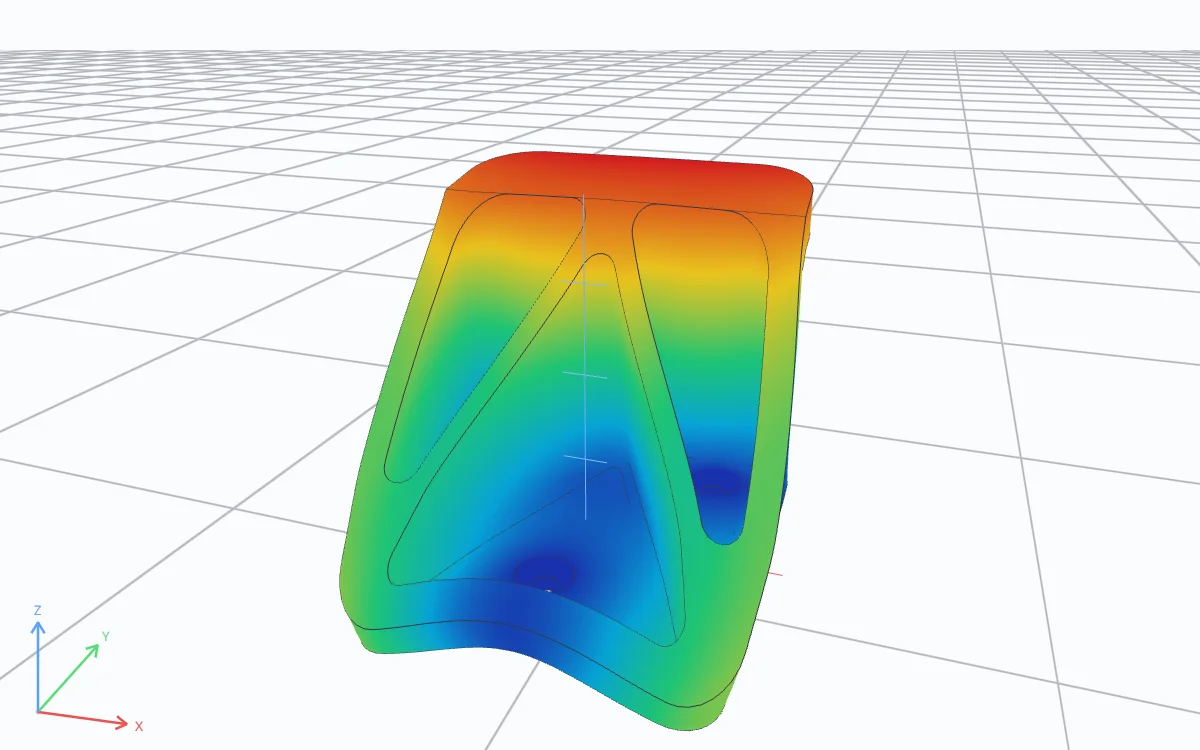
“Here's my steel wall hook. Hang 2 kN from the hook seat with the three mounting holes fixed. What's the maximum deflection, and the mean von Mises stress in the two hook corner fillets?”
“Price this option with 10 million Monte Carlo paths on my GPU and check it against Black-Scholes.”
% 10 million price paths; RunMat runs the array math on the GPUS0 = 100; K = 105; r = 0.03; sigma = 0.2; T = 1;Z = randn(1e7, 1);ST = S0 * exp((r - sigma^2/2)*T + sigma*sqrt(T)*Z);price = exp(-r*T) * mean(max(ST - K, 0));fprintf("Call price: %.2f\n", price);
Call price: 7.13
“Sweep 10,000 combinations of damping and stiffness across all my cores and find the worst case.”
[Z, K] = ndgrid(linspace(0.05, 0.5, 200), ...linspace(10, 500, 50));t = linspace(0, 20, 4001);peak = zeros(size(Z));parfor n = 1:numel(Z)wn = sqrt(K(n)); wd = wn*sqrt(1 - Z(n)^2);peak(n) = max(abs(exp(-Z(n)*wn*t) .* sin(wd*t) / wd));end[pmax, i] = max(peak(:));fprintf("Worst case: %.3f m (zeta %.2f, k %.0f N/m)\n", ...pmax, Z(i), K(i));
Worst case: 0.293 m (zeta 0.05, k 10 N/m)
Connecting Codex
Codex
- 1Install RunMat Desktop, sign in and open your Project.
- 2In Settings › Connections, under On this computer, choose Connect next to Codex. This installs the RunMat plugin.
- 3Start a new Codex session and enter
/mcpto confirm therunmatserver is connected. - 4The first time Codex works in the Project, choose Allow while this project is open or Always allow in Connected agents.
Codex reaches RunMat while RunMat Desktop is open, and runs appear in the app.
Plans and usage
Running code with RunMat is included in the Free plan, with no monthly cap. You can start up to 120 runs an hour, 5 at a time. Installing, signing in, reading files and reopening a plot don't count as runs.
- Works in
- Codex, RunMat Desktop
- Made by
- RunMat
- Price
- Included with RunMat Free
More AI integrations